
Indie game storeFree gamesFun gamesHorror games
Game developmentAssetsComics
SalesBundles
Jobs
TagsGame Engines

KloWorks

14
Posts
2
Topics
78
Followers
17
Following
A member registered Feb 25, 2018 · View creator page →

Creator of

Recent community posts

(2 edits)

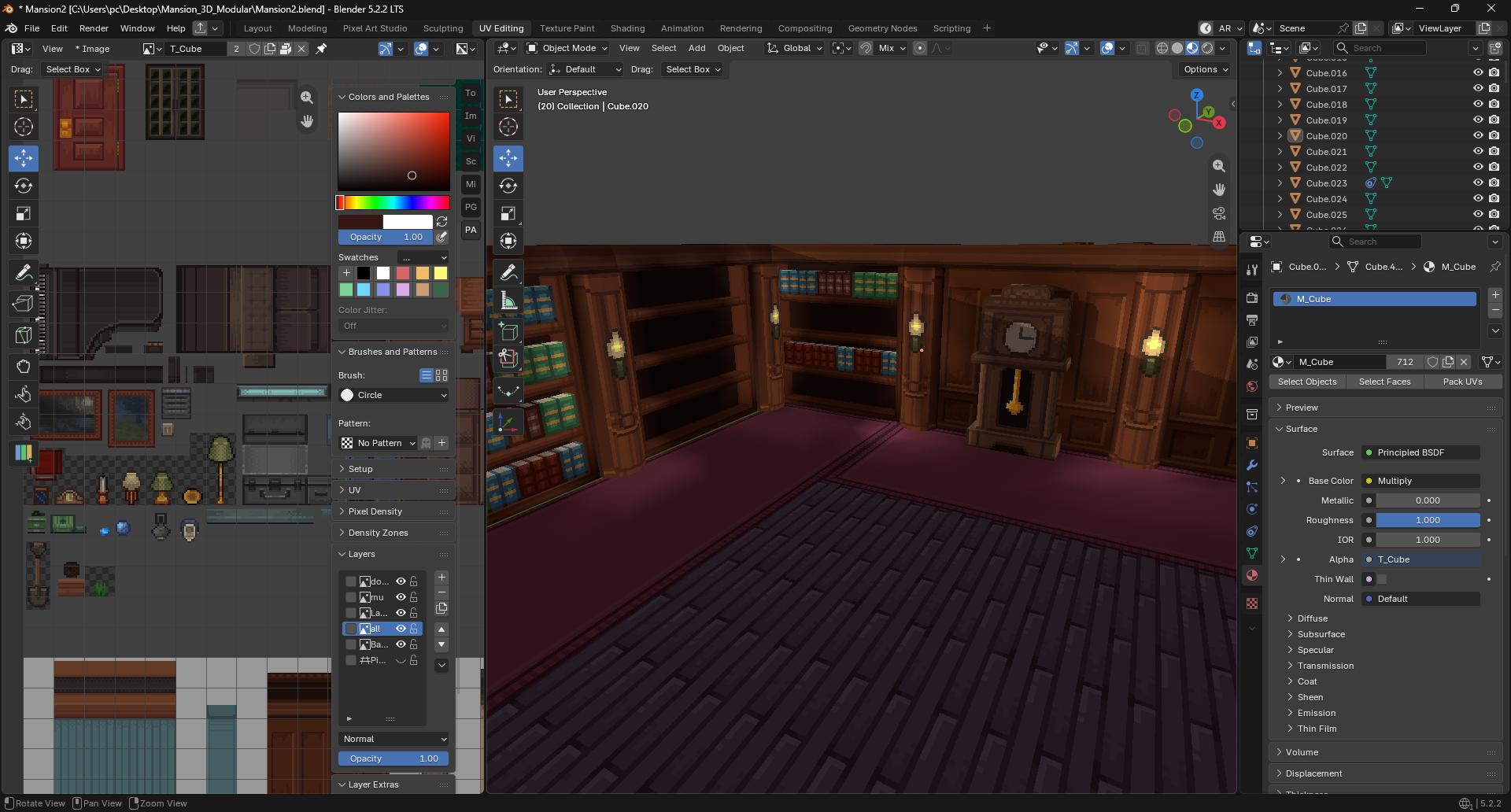
you can change to shaded without any issue or adding other shaders like vertex color etc... its not limited with unlit.

unlit
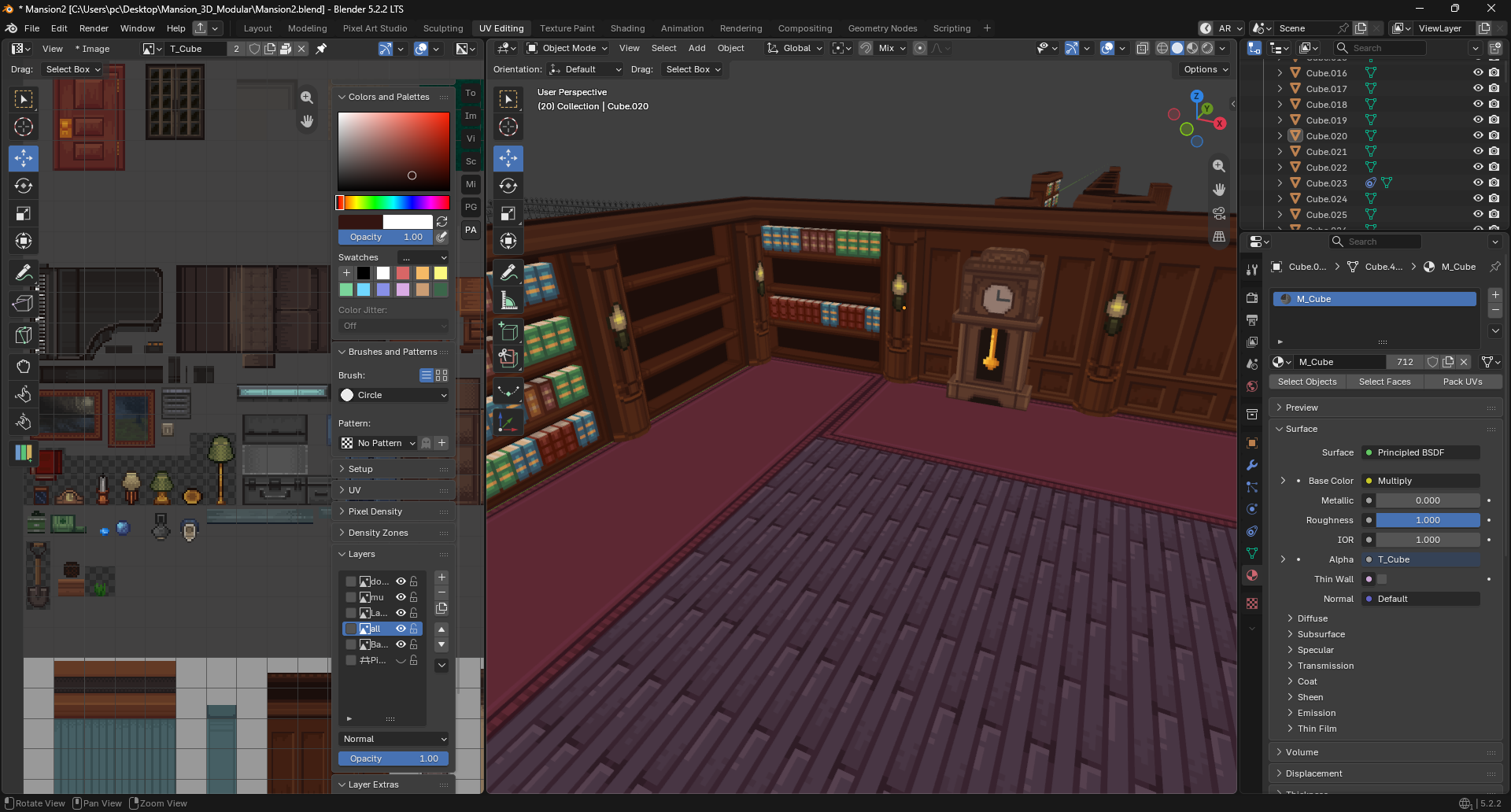


shaded with adding vertex color


(1 edit)

Hi,
its nice we have the filters which mean the support the softbrush or normal brush in V.2
but when I see the padding forced to be enable in linear filter it may cause issue  for artist who rely on 2d and 3d painting. 
I know your goal towards to be fully auto and paint in 3D, but still many artist rely on both 2D and 3D.
I do around 60% 2D and 40% 3D  and sometimes opposite which I love this app more than 3D coat...

Anyway my suggestion is to have option to disable the padding , I have my brush bleed and texture dilation which is enough for me.


Other reason it will make mess during painting some time I paint one part and other UV put it side for later. 
now I need to clean it. 
with  adding option to ignore padding will make painting natural  
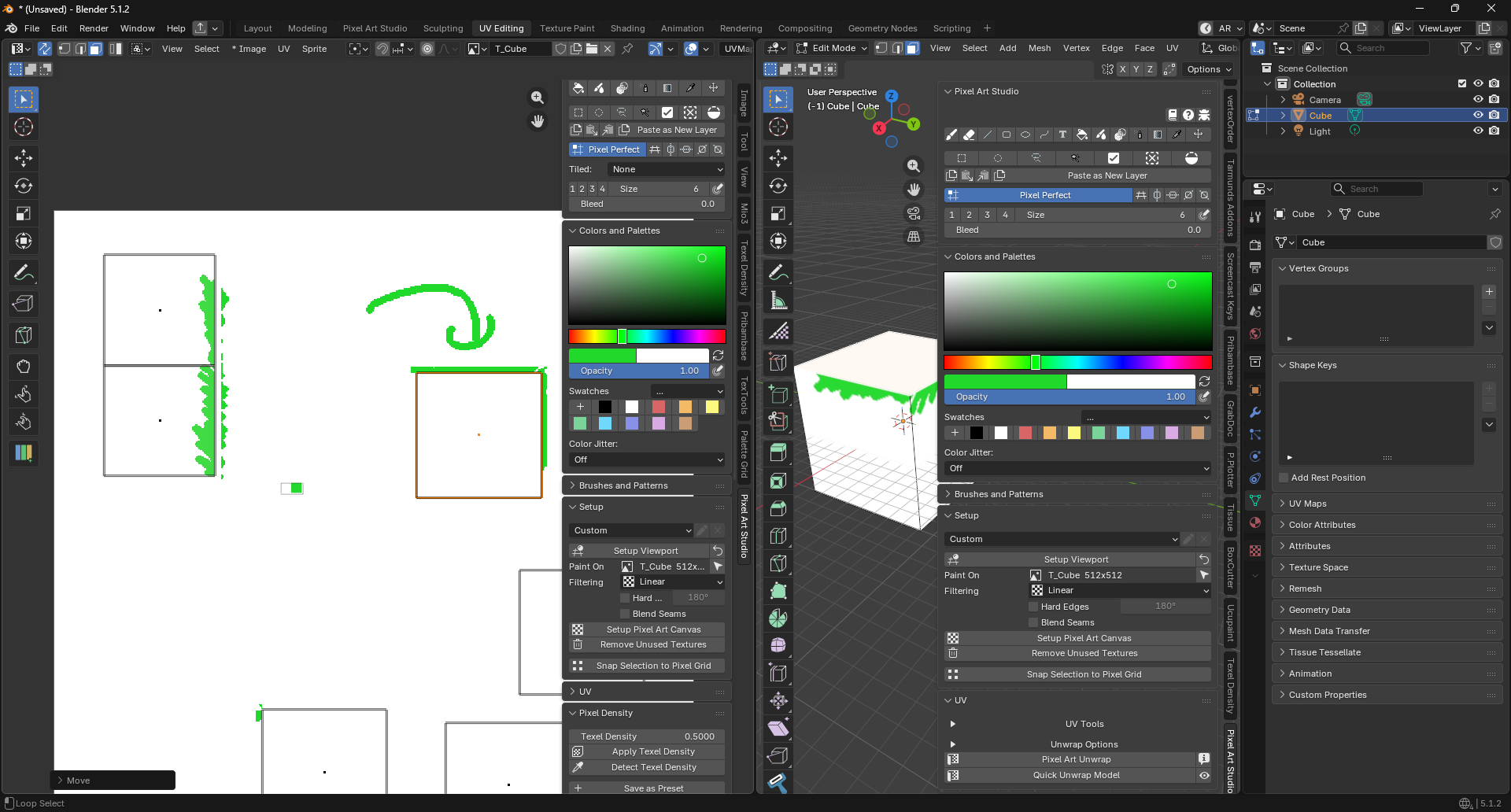

Other issue when bring images it will have forced padding  on it.
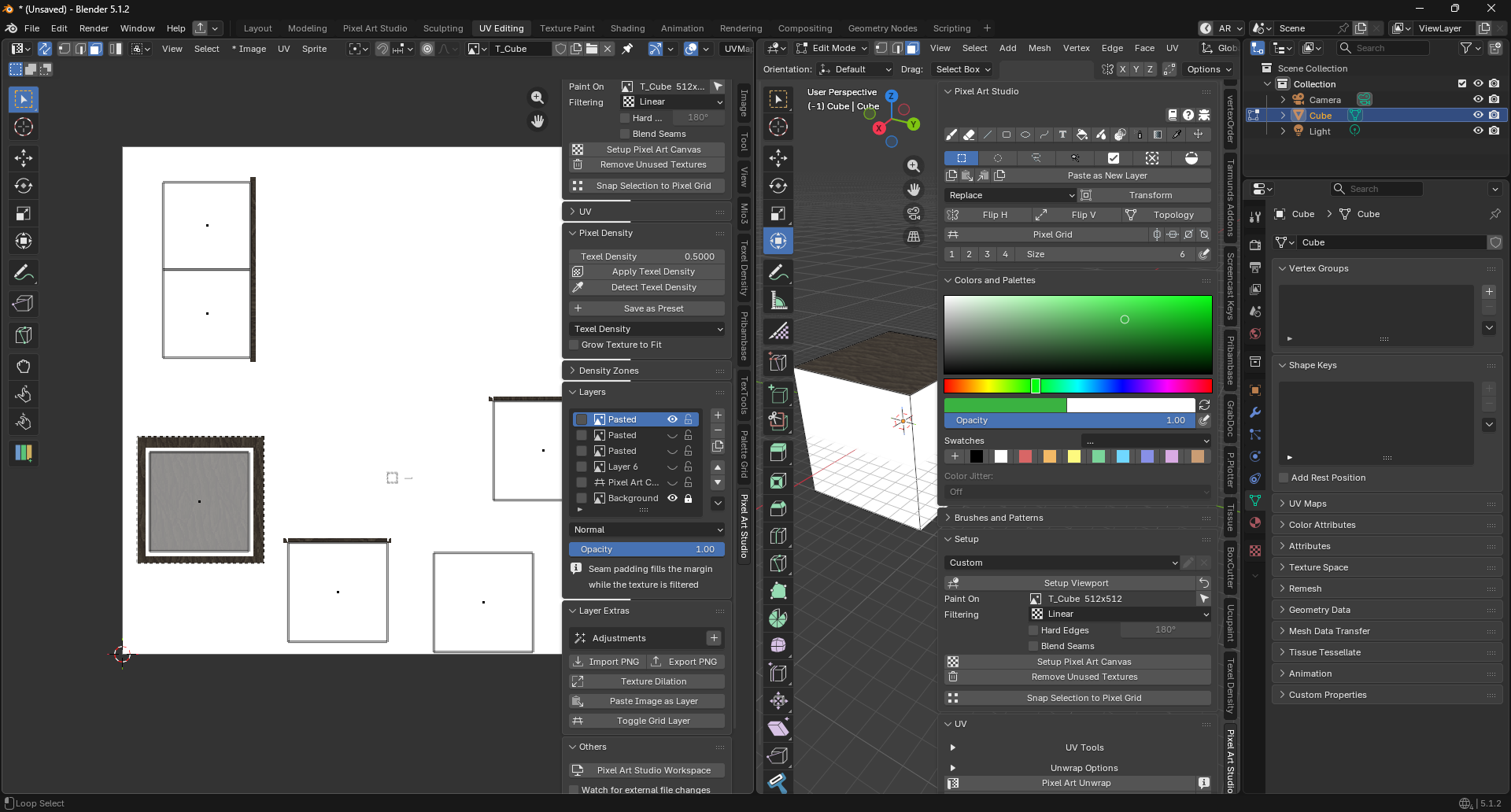

Having the option to disable padding would be perfect, as dealing with many painting tools :D 

thanks

Maybe you can add sticky topic to show our works, tips tutorials etc... 
and not for asking feature or issues.

Trust me, you're going to love it! I've already switched my workflow to rely on this addon.
Previously, I used Aseprite, which was a bit tedious because I had to export the UVs,
paint the colors, and then import everything back.
Now, everything is in one place! its now match as blockbench and even better with tons of features.

For V2, I think it could even compete with 3D-Coat xD
I've decided to make a donation through Ko-fi with every major update like upcoming 1.5 etc... 

I am really happy with this app and I am already using it daily. 

Thank you so much 

(3 edits)

Hi,

The icon preview in 1.3  is a nice addition, especially for new artists. However, as an artist who has been painting for a long time, I find it a bit distracting, lol.
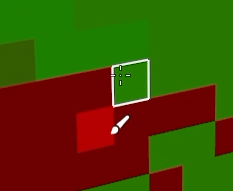

 It would be great to have an option to turn this feature off for those who prefer the original workflow.

---

*with small improvement is welcome for tool icons mouse position :

- Brush icon is already good
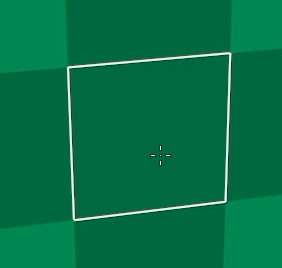

- the new color picker is good one :D
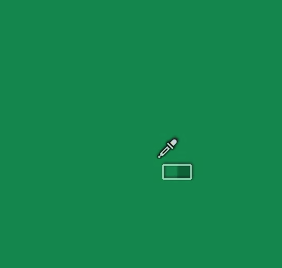

- movement tool also good
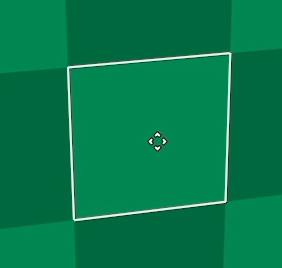

- one missing maybe for selection tool " even if it remain same as brush still ok but its nice to have"
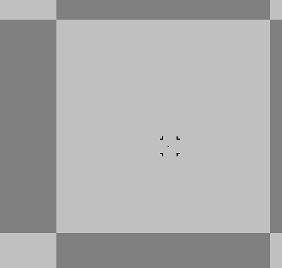

and that should be enough we don't need all tools to have its own icon

The feature is a nice addition, especially for new artists. However, adding an option to turn it off would be good for professional artists.

Hope this helps! You can also ask other artists for their opinions.
(1 edit)

Nice :D I was thinking about this as procedural for layer like gradient noise etc...  
I will give it a try looking forward for 1.3 

(4 edits)

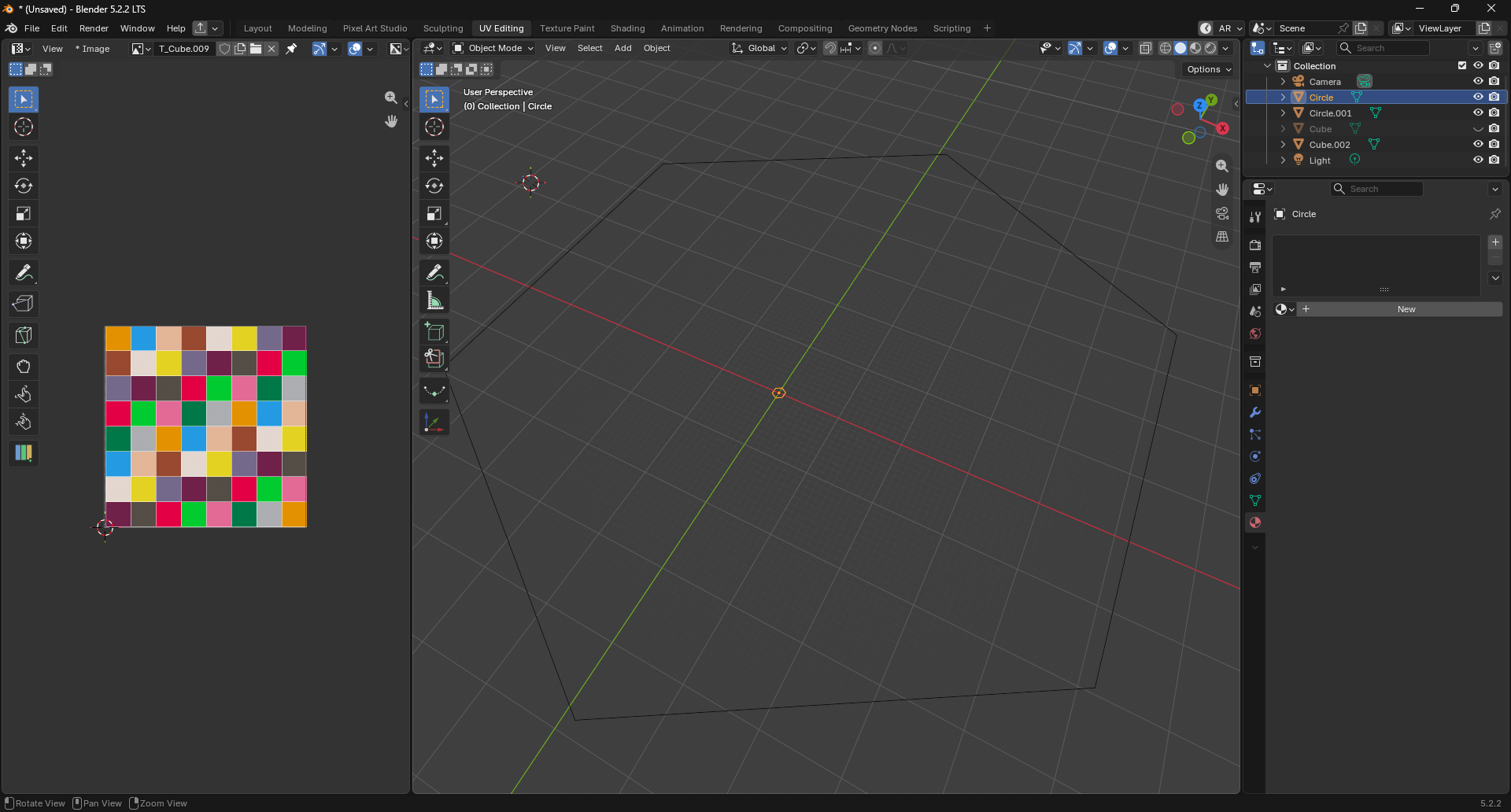
Also, many times when I am in the Layout tab, even when disabling the Pixel Art Studio with ";", it keeps painting and locking me out of deleting objects/moving objects. 

for this case I guess its a bug happen when you open tool in different  tab "UV Editing" and "Layout". I record the video to see how to reproduce it.

I can't upload video here, so I opened a task in github with video 

https://github.com/PardallTools/pixel-art-studio-docs/issues/80

Note for alternative solution press Esc

I notice in your video the radius set to 0.02 which is so tiny.. and that cause the UV to be too small.

just remember the models size will effect the Texel density. 

the different between 0.02 and 1 (image below)

VVV

the different between 0.02 and 1

Thank you I bought both Puck's Pixelizer + Puck's Seamlessifier + Ripper

Hi, There is a bundle to purchase it, do I get the steam key ?, since I heard the development of this app will be focused on steam.if cant get the key then what the benefit purchase it here ? do I still get updates ?

Thanks

Sci-Fi Top Down Pack 

https://kloworks.itch.io/sci-fi-asset-pack

Thank you glad you like it.

Thanks to let me know about this. 
I update the License.
you can do whatever you like as long you don't resell it.