Okay, those have been fixed and my lint is now clean.:) Thank you.

Darken Visuals
Creator of
Recent community posts
tq_t """
{if ec.tide_leak_select()=="sfw"}[er]?{elif ec.tide_leak_select() in ['nsfwa','nsfwb']}He looks familiar...{/elif}{else}Why does this beast feel familiar?{/else}
{if ec.tide_leak_select()=="sfw"}Why is he meeting me here...like this...{elif ec.tide_leak_select() in ['nsfwa','nsfwb']}[er]?{/elif}{else}Is that...?{/else}
"""
It got rid of most of the lints. There things like this lefT:
game/full/scenes/act1/a1_risingrension/a1_artclass.rpy:46 Close text tag ‘{/if}’ does not match an open text tag. (in “{if=ec.tide_leak_select()=="sfw"}Why is he meeting me here…like this…{elif=ec.tide_leak_select() in [‘nsfwa’,‘nsfwb’]}{b}{color=#1ebfff}Eric{/color}{/b}?{/if}{else}Is that…?{/if}”)
the weird part…{if=ec.tide yadayada … I didn’t write {if= (doubled checked in case I did something dumb)..and yet Lint saying I did? It still works as far as I can tell and I can ignore a lot of these lints for ones that are important :)
Ok, I updated to the latest version and need a clarification.
game/common/scenes/dreams/eric_dreams.rpy:53 Close text tag ‘{/if}’ does not match open text tag ‘{else}’. (in “{if=passnude}At least there’s {b}{color=#ffaf7a}Rhia{/color}{/b}.{else}Not sure what that dream was about because that never happened to me.{/if}”) (ignoring the color and bold tags) I have it {if passnude}yaya{else}somethingelse else{/else} as the old behavior was. It still works, but the lint is saying something different happening. I mean, I haven’t release this vn so I can change that to {if}{else}{/if}, and redo the word bubbles or something.:) but trying to understand what happening with this lint.
This extension in 8.4+ will produce this in a Lint:
game/defines/outline_shader.rpy:236 In ATL transform 'outline_transform', the 'color' parameter replaces a Ren'Py built-in name, which may cause problems.
This can be fixed by naming it 'color_'
game/defines/outline_shader.rpy:259 In ATL transform 'glow_outline', the 'color' parameter replaces a Ren'Py built-in name, which may cause problems.
game/defines/outline_shader.rpy:266 In ATL transform 'drop_shadow', the 'color' parameter replaces a Ren'Py built-in name, which may cause problems.
If I recall the Github history, they made some changes to built-in name that this may collide with.
One thing I would recommend is copying and pasting the tl folder anywhere outside of the game folder (so you don’t have to redo them later). Without the TL folder in there, the conditional lint should find the line that is causing the lint issue. Once you correct it, put the tl folder back in, do the translation files because translation ids will be changed even if you change one line. Also, use lint to remove orphaned translations.
It is a long way around, but it might resolve your issue while Feniks works to resolve this particular problem. I couldn’t tell you what mistake I made because it was so long ago, but it either involved a variable not being entered correctly, or a sloppy if statement on my end ;)
In the conditions, try using ’ ’ instead of “ “
"... [producerHomecountry], {if producerHomeContry == 'Japan'}Like most other OPhtori students {else}everything else in your text{/else}"
You technically don’t need to use the {/if} since it will work without it. However, the “ “ may be making it unclear to Ren’Py which the terminating “ is. By using single quotes (you have to use it when [somedict[‘somekey’]] or it will give a syntax error), it is clear to Ren’Py and the code which is the dialogue and which is the text tag.
The best I can guess, Ren’Py is seeing it like this:
"... [producerHomeCountry], {If producerHomeCountry == " (new line) Japan"} {else}Something{/else}"
So, the error is correct that there is no {if} for the {else} because of the double quote for Japan. By changing it to a single quote, it doesn’t interrupt that and Ren’Py sees it as one line, which then will see the {if} for the {else}.
Thank you for the response. Basically, I should run Lint before I run Generate Translations. ;) Once I got rid of the TL folder temporarily, Lint was able to capture the lines that were causing a problem.
Is it possible to just have your Linter just ignore anything in TL folders? Because if it checks through the code and go “Hey, we are having a problem parsing the line”, the moment you fix it, you got to generate a new translation anyways because Renpy will change the translation id and require you to create a new one. :)
jw “{if tempcallb}[tempchar]{else}[rw]{/else}, {if tempcallb}take a search party to find our missing {if len(templist)>1}wolves{else}wolf{/else}{if not tempcallb}secure the premise”
mc_t “”” An eldritch wave crashed into the wards!
Some slipped through...
{if eldbool}But I seemed to be fine{else}Ugh, the headache from that{/else}
“””
Having two issues:
The main one is Lint is crashing Renpy (not when I launch the Game itself, but when I am trying to Lint). I would get an error message of:
While running game code: File “game/defines/inline_conditions.rpy”, line 483, in add_conditional_tags raise Exception(“ERROR: Closing {/else} tag without corresponding {else}”) Exception: ERROR: Closing {/else} tag without corresponding {else}
With a whole bunch of lines without telling me what Rpy file and what line this error was reported from, I searched for {/else} throughout the entire project. I did make some changes to add {/else} where appropriate that I somehow missed, but to no avail. Now if I build and launch a game, not getting this crash.
So I tried to use the lint and the Launcher (tried 8.2.4 and 8.3), which gives this exception. However, the custom.txt gives this line:
Exception when trying to add inline Python linting: cannot import name ‘parse_general_expression_ver1’ from ‘store’ (unknown location)
In my Renpy build section, there is Windows and Linux. I believe Tom have those there in case you only want a Windows build or only want a Linux build. When you open a PC zip, it has both an exe and sh (Windows and Linux executables).
I believe it would work fine on Linux because Tom builds, tests, and builds on a Linux machine. macOS, it is a hit and miss. So likely, you would only need PC to handle both Linux and Windows machines. :)
I actually had it on half-opacity after I was alerted to that. To answer your question, the full is dark enough. One thing you can similar to games with “Brightness Check”. Since label splashscreen is like any other label except it plays first, you can use it to show a screen. Maybe a screenshot with text textbox opacity at 0, 50, 100 (I think it would be 0, 0.5, 1 in Renpy), and each one would set an initial value for players, and they can adjust it later in settings. :)

https://darkenvisuals.itch.io/fireoflife
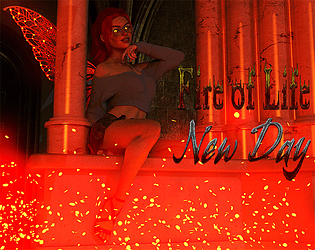
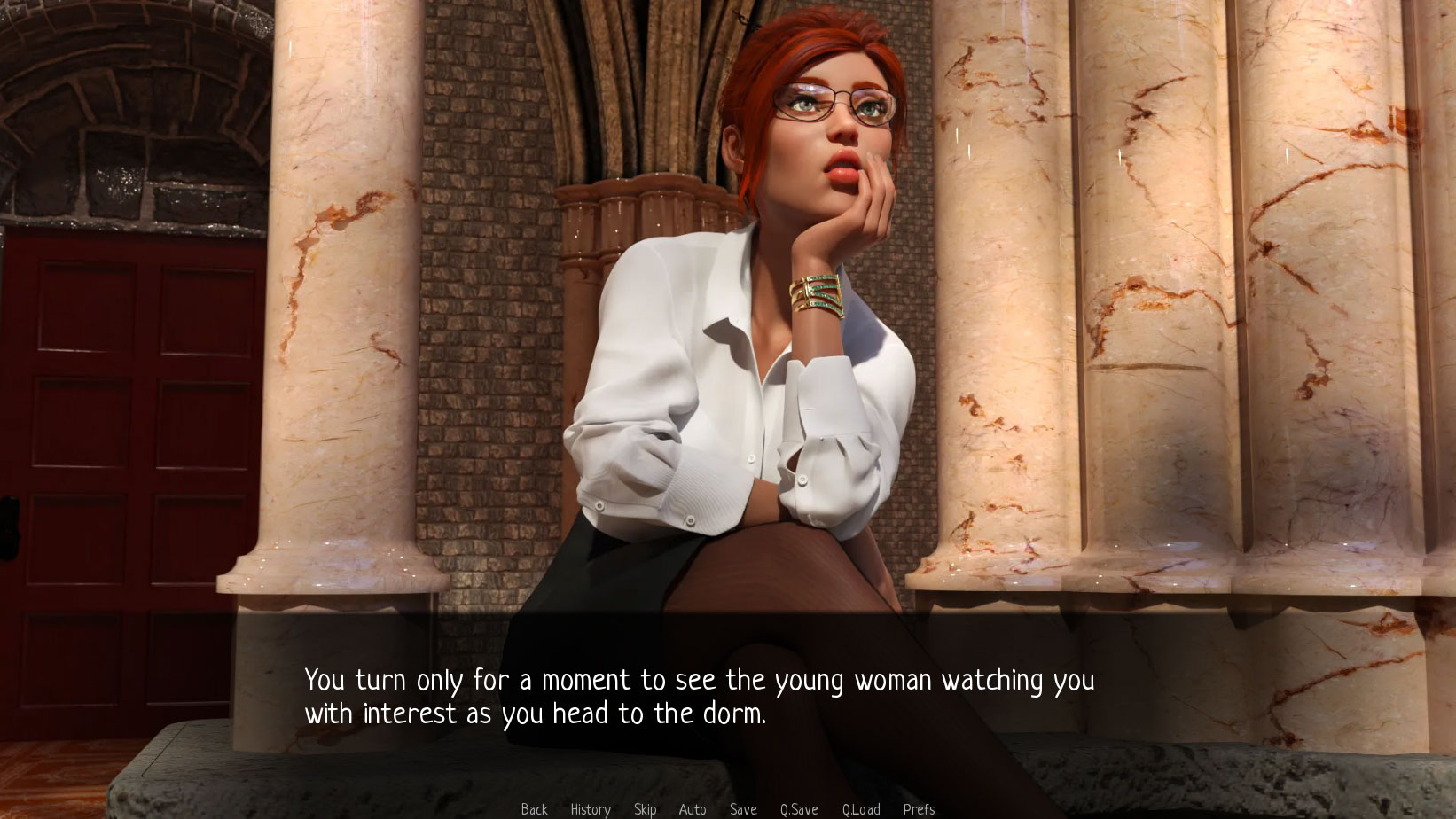
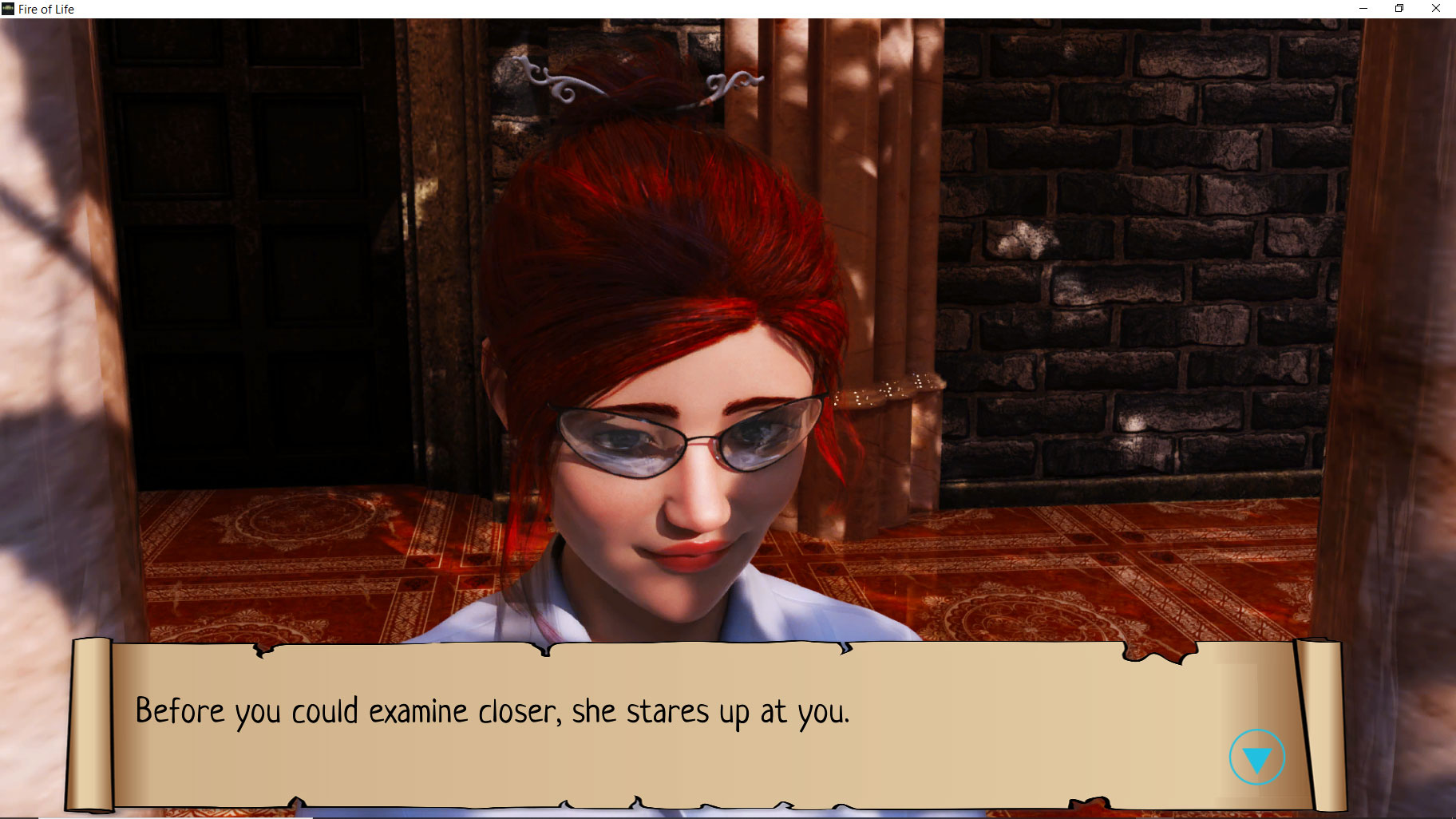
The game follows your adventures entering college when meeting the supernatural for the first time (different types of protagonists' identities available). Soon, your face with a new student who draws you into their mystical eyes! Surviving the semester never seemed more challenging than when you see the literal fire in someone's eyes.
The previous version was a mess, so I converted to Ren'Py to fix some of the issues. Now,

https://darkenvisuals.itch.io/fireoflife
The game follows your adventures entering college when meeting the supernatural for the first time. Strange things have occurred before, but now, you meet someone special who draws you in a way that shouldn't be possible. Surviving the semester never seemed more challenging than when you see the literal fire in someone's eyes.
A demo is available with Chapter 1, and the others are on sale via itch or Patreon. :)