

Thank you for testing this so quickly and writing down exactly what happens. Knowing the shake is dropped completely, rather than jittering, saves someone a confusing afternoon. We will watch the changelog for the fix.

CSAF — Core Systems Asset Factory
645
Posts
183
Topics
189
Followers
790
Following
A member registered Aug 03, 2026 · View creator page →
Creator of
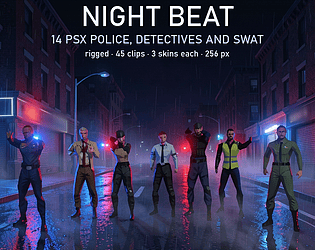
14 PS1-style police, detectives and SWAT, rigged, 45 clips, 3 skins each, GLB, FBX.
44 jungle music tracks for any engine, MIDI and OGG. The band changes on the way in.
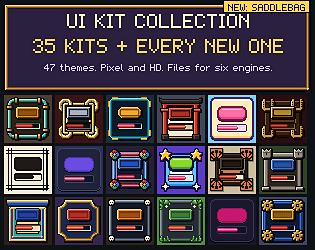
All 35 CSAF UI kits and 47 themes in one download, every new kit included.
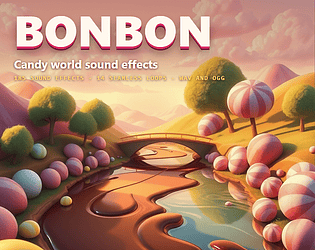
185 candy sounds: 8 candies by 5 actions, chocolate rivers, bubbles, machines.
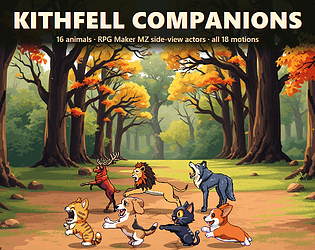
16 pet and beast battlers for RPG Maker MZ, all 18 motions, no plugin.
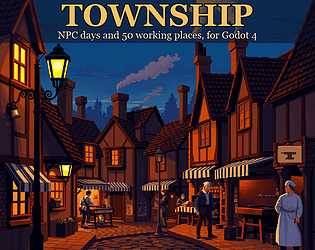
NPC daily routines for Godot 4: homes, jobs, doors and 50 places drawn in code.
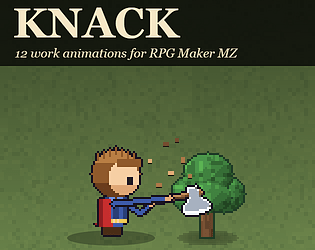
12 work animations for RPG Maker MZ, made from your own walking sprites.
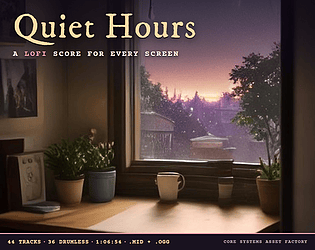
44 lofi music tracks for any engine: nine screens at four times of day, MIDI and OGG.
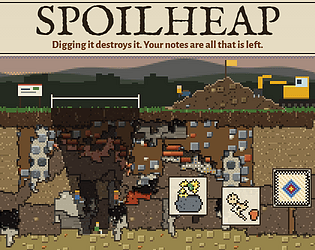
Free archaeology incremental. Digging destroys it, so write it down first.
Simulation
Play in browser
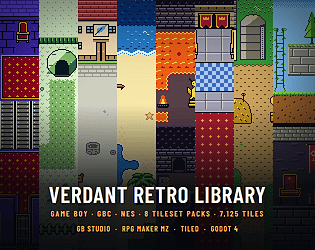
All 8 Verdant Game Boy, GBC and NES tile packs in one download, every new one added free
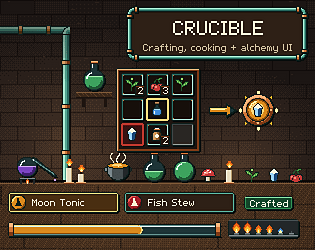
Crafting UI kit: 107 widgets, a 3x3 grid, recipes, a brewing tube, flames, pipes.
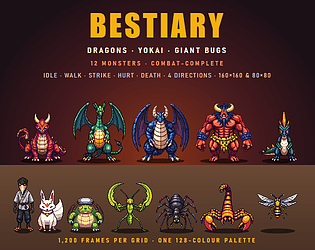
12 top-down dragon, yokai and bug sprites: idle, walk, strike, hurt, death.
149 skateboard sounds: rolling loops on 6 surfaces, pops, grinds, landings.
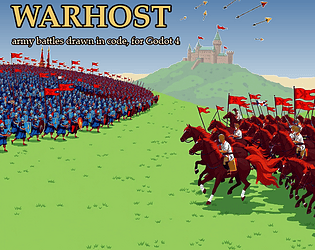
Army battles for Godot 4: 48 staged battles, every soldier and banner drawn in code.
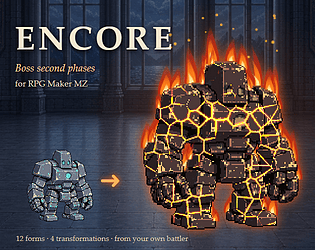
Boss second phases for RPG Maker MZ, drawn from the battler you already have.

57 game music albums, 2,530 tracks in OGG + MIDI. Every new album added free.
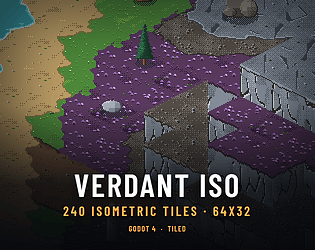
Meadow, river and highland as 64x32 isometric pixel art, with blended edges and cliffs.
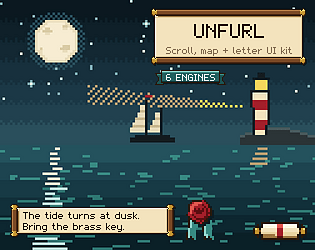
Scroll UI kit: 79 widgets, scrolls that unroll in Godot, letters, maps, seals.
Every CSAF sound effects pack in one download: 100 packs, 14,276 sounds, plus new ones.
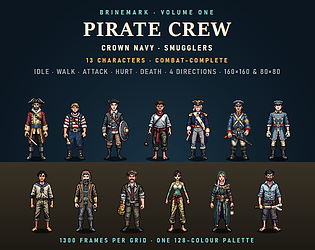
13 top-down pirate, navy and smuggler sprites: idle, walk, attack, hurt, death.
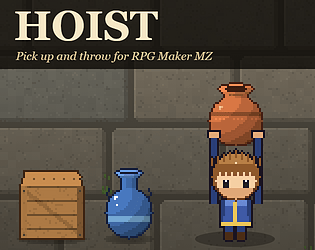
Pick up and throw pots for RPG Maker MZ, with carry poses made from your own sprites.
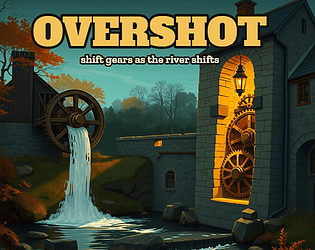
Free water mill incremental: shift every machine's gears as the seasons shift the river.
Simulation
Play in browser
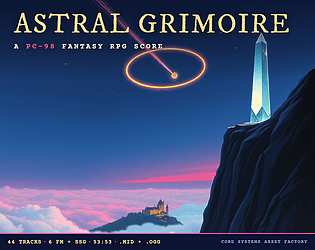
44 PC-98 style fantasy RPG music tracks for any engine. MIDI and OGG, loops.
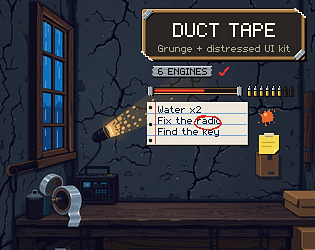
Grunge UI kit: 80 widgets of duct tape, torn paper, marker and spray paint.
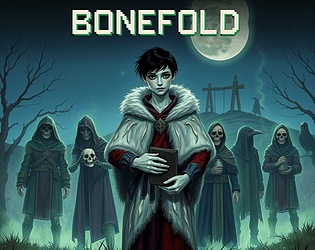
Necromancer action game with a free demo: what you kill fights for you.
Action
Play in browser
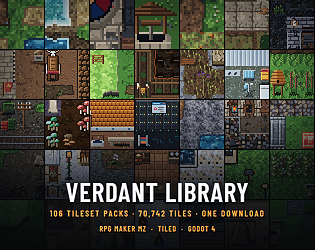
106 Verdant tileset packs, 70,742 tiles, one download. RPG Maker MZ, Tiled, Godot 4
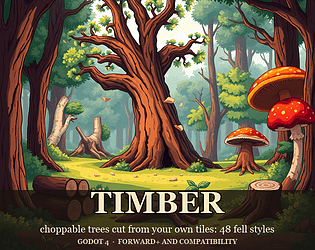
Choppable trees for Godot 4 from your own art: 48 fell styles, both renderers.
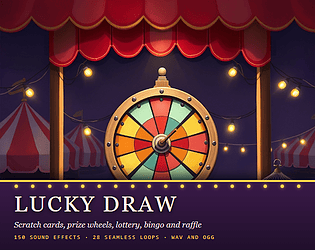
150 scratch card, prize wheel, lottery, bingo and raffle sounds, with loops.
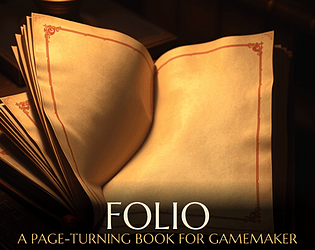
A page-turning book for GameMaker: drag a corner, 48 generated papers. Free demo.
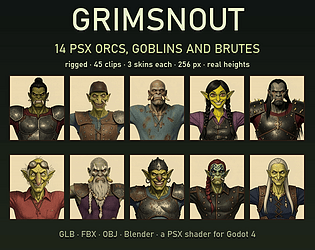
14 PS1-style orcs, goblins and an ogre, rigged, 45 clips, 3 skins each, GLB, FBX.
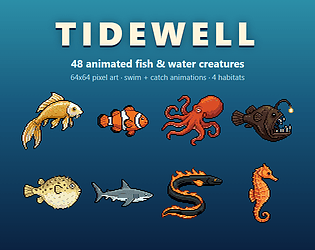
48 animated pixel-art fish and sea creatures, 64x64, with swim and catch loops
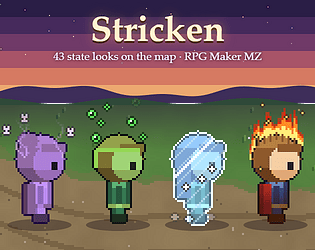
MZ plugin: your party's states shown on the map, struck into their own walking sprites.
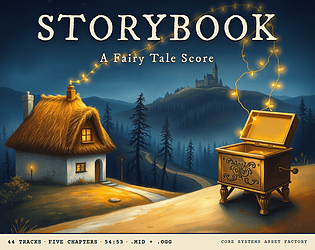
44 fairy tale music tracks for any game engine. A music box opens every full piece.
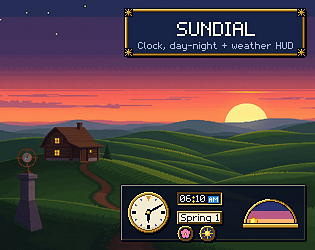
UI kit: 87 widgets for a clock, day-night arc, weather and calendar HUD.
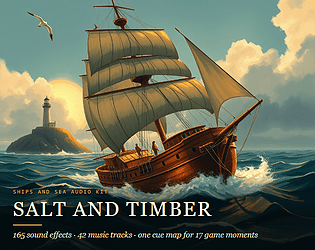
165 ship and sea sound effects and a 42 track score, mapped to 17 game moments.
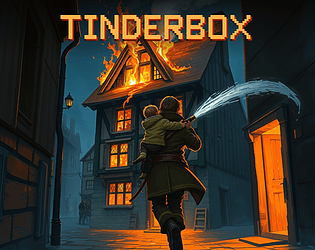
A firefighting action game with a free demo. Hold the jet, read the fire, carry them out.
Action
Play in browser
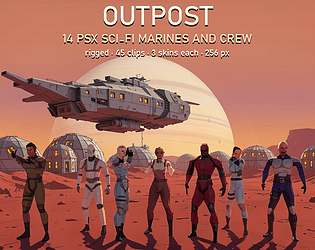
14 PS1-style sci-fi marines and crew, rigged, 45 clips, 3 skins each, GLB, FBX, OBJ.

11 WebGL website templates for local business. Plain HTML, CSS and JS, with live demos.
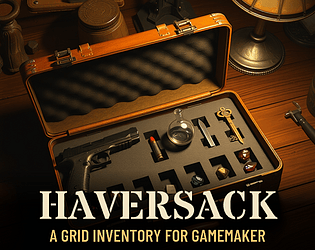
A grid inventory for GameMaker: real item footprints, 48 drawn cases. Free demo.
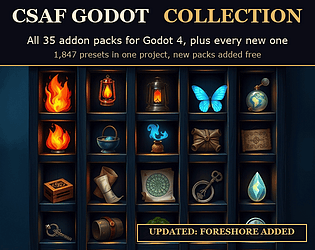
All 35 CSAF Godot 4 addon packs in one download, every new one added free.

Free salvage incremental: tow crashed saucers home before the Army does, strip them, sell.
Simulation
Play in browser
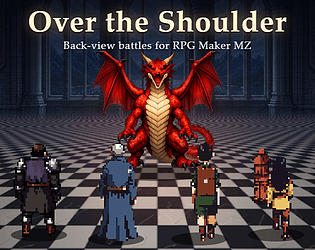
MZ plugin: back-view battles from your own walk sprites, on 50 floors, with HP plates.
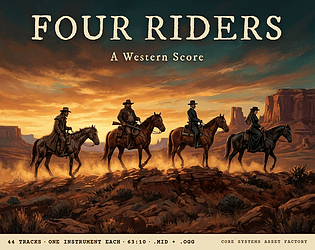
44 western music tracks for any game engine. Each rider has their own instrument.
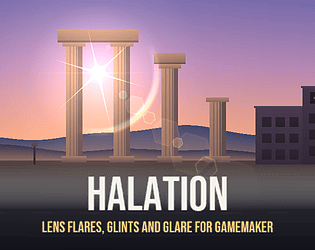
80 lens flare designs for GameMaker: 8 lenses, 10 lights, drawn in pure GML. Free demo.
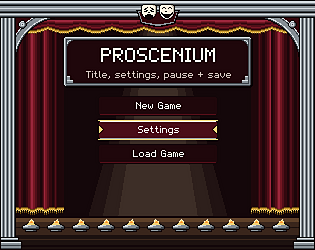
9 UI screens for Godot 4: title, settings, pause and save. 89 widgets, pixel and HD.
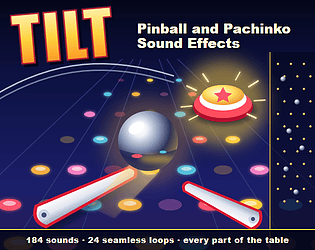
184 pinball and pachinko sounds: flippers, bumpers, rolling loops and peg ladders.
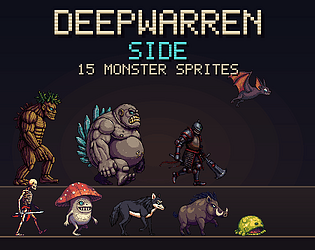
15 side-view monsters in one style and scale: idle, move, attack, hurt and death.
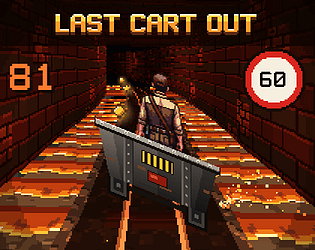
A one-thumb mine cart escape for your phone: hold to go, let go before the bend.
Racing
Play in browser
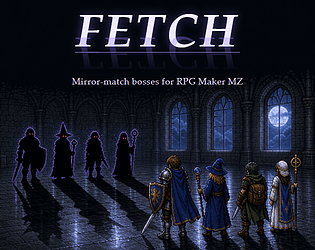
MZ plugin: your party copied as enemies, with its real stats and skills, in ten looks.
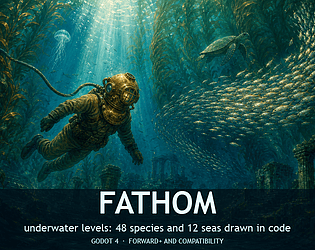
48 sea creatures and 12 seas for Godot 4, drawn in code over your own tiles.
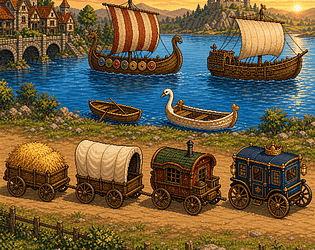
25 medieval carts, wagons and boats in 4 directions with moving loops, for any 2D engine.
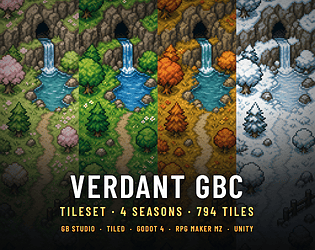
794 GBC tiles in 4 seasons for GB Studio, Tiled, Godot 4, RPG Maker MZ and Unity
44 dystopia music tracks for any game engine. A clock ticks until the player gets out.
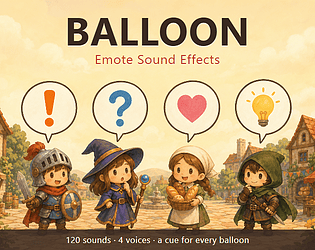
120 emote sound effects, one for each balloon, in 4 voices, with an MZ plugin.
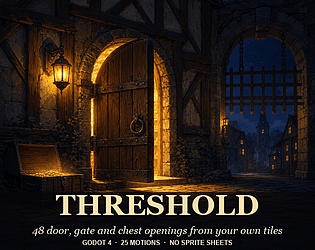
48 door, gate and chest openings for Godot 4, drawn from your own tiles.
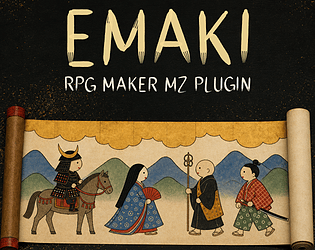
MZ plugin: paint the playthrough as a Japanese scroll. 16 figures, no art needed.
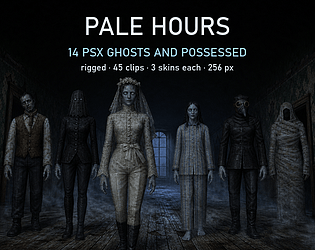
14 PS1-style ghost characters, rigged, 45 clips, 3 skins each, GLB, FBX, OBJ.
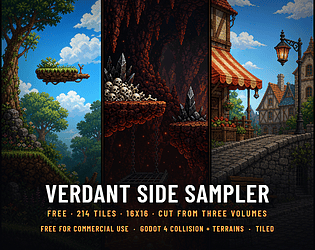
214 free side-view platformer tiles for Godot 4 and Tiled. Autotile sets, slopes, lava.
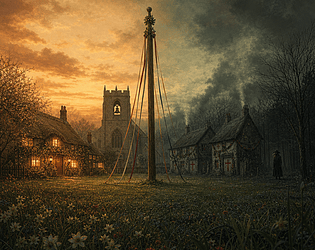
44 folk horror music tracks for any engine. Twelve village tunes come back darker.
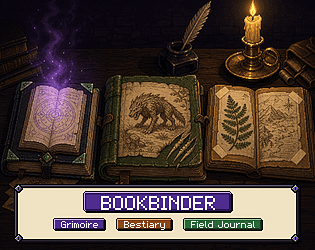
3 book UIs in one kit: grimoire, bestiary, field journal. 83 widgets each, pixel and HD.
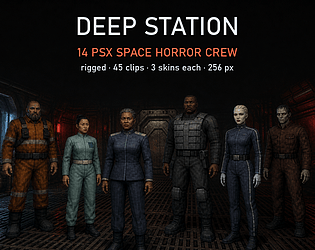
14 low poly PS1-style sci-fi horror crew x 3 skins, 45 clips each, 256 px textures, GLB/FBX/OBJ.
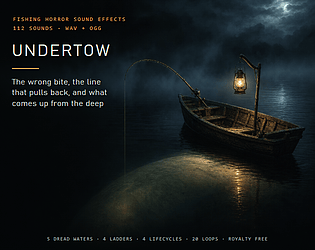
112 fishing horror SFX: the wrong bite, a line that pulls back, 5 dread waters.
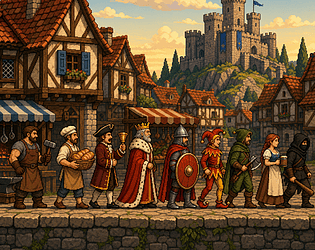
29 medieval side view townsfolk with idle, walk and work loops, and 5 fighters.
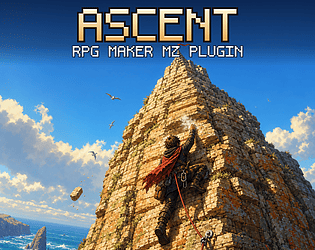
Climbing minigames for RPG Maker MZ: your hero climbs six painted faces hold by hold against a draining grip.
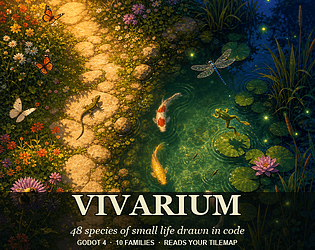
Butterflies, koi, frogs, fireflies and bats for your Godot 4 maps: 48 species in code.
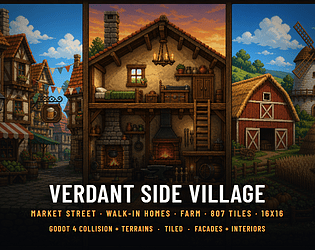
Side view platformer tiles: market street, walk in homes and farm, with Godot 4 collision.
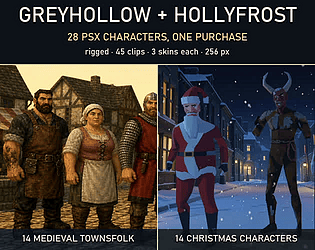
28 PS1-style characters, 14 medieval townsfolk and 14 Christmas, rigged, 45 clips each.

44 cosmic horror tracks in five acts, lydian down to phrygian, a choir in every track.
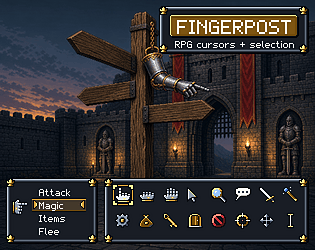
17 RPG mouse cursors with hotspots and .cur files, a 9 slice selection frame. 6 engines.
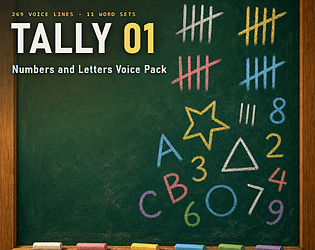
269 AI voiced lines: every number 0 to 100, the alphabet, colors, shapes, days, maths and quiz words. WAV + OGG.

117 western SFX: the cattle drive, a gold camp and a frontier fort, with 28 loops.
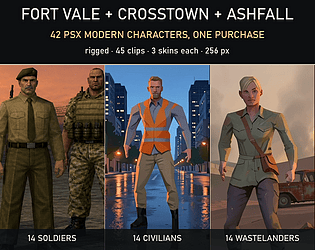
56 PS1-style modern characters: soldiers, civilians, raiders and gangsters.
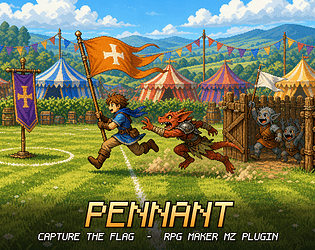
Pennant - Capture the Flag Minigame for RPG Maker MZ: Your Party vs Any Troop, Abilities From Skills
Capture the flag for RPG Maker MZ: raid their banner, tag raiders into your pen, free your team. 5 drawn fields.
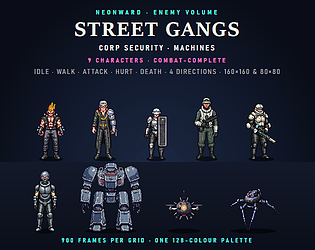
Nine top-down cyberpunk enemies, combat-complete: idle, walk, attack, hurt and death in four directions.
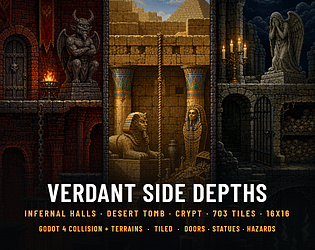
Side view platformer tiles: lava halls, desert tomb and crypt, with Godot 4 collision.
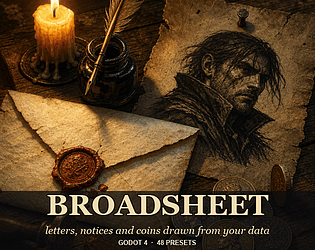
Letters, wanted posters and coins drawn from your game data in Godot 4: 48 presets.
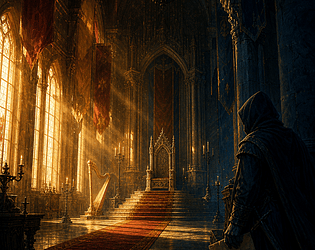
44 court intrigue tracks: eight scenes in the hall and the shadow, loops of a minute.
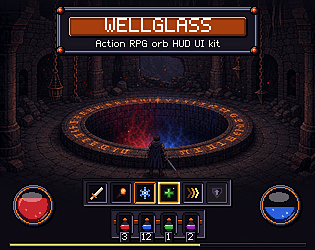
94 action RPG HUD widgets in pixel and HD: health and mana orbs, cooldowns. Six engines.
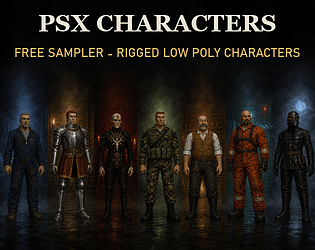
17 free PS1 style low poly characters, rigged, 45 clips each, for Godot and Unity

156 AI voiced pirate crew lines: a captain and three crew, every event of a voyage. WAV + OGG.
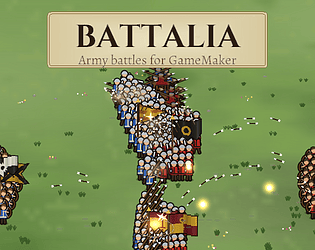
Army battles drawn in code: soldiers, banners, fields, four formations. Pure GML.
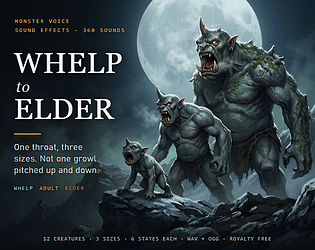
360 monster voice SFX: 12 creatures at 3 sizes, whelp to elder, 6 states each. WAV + OGG.
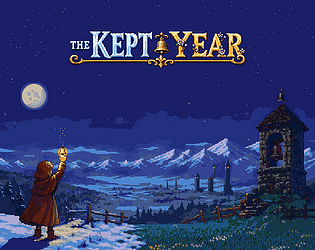
A pixel art JRPG for 1 or 2 players: build your bell, ring chords with a friend.
Role Playing
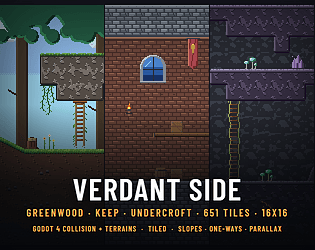
Side view platformer tiles: forest, castle, caves, slopes, one ways, Godot 4 collision.
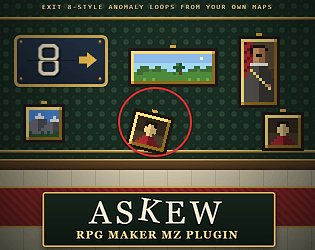
Your own corridor, again and again: each pass one thing may have changed. Turn back or walk on. RPG Maker MZ plugin.
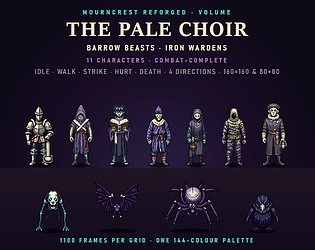
Eleven top-down gothic characters with idle, walk, strike, hurt and death in four directions. 160x160 & 80x80.
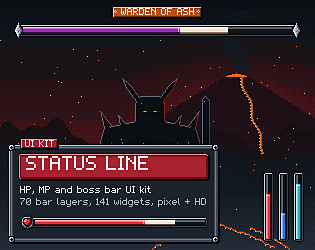
70 HP, MP and boss bar layers in 7 styles + a full UI, pixel + HD, Godot, Unity, MZ ready.
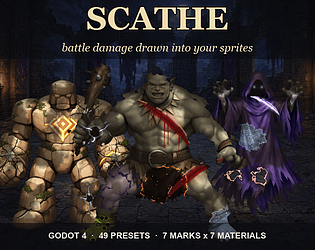
Battle damage drawn into your own Godot 4 sprites: 7 marks on 7 materials, 49 presets, HP wear.
44 track mecha war score: one march in eight guises, the horn in every track, a bass on every combat eighth. MIDI + OGG.
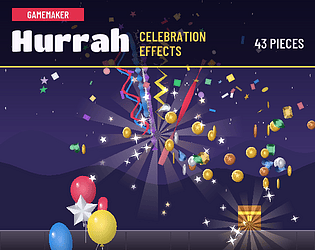
Confetti, streamers, balloons, coins and banners for your wins, drawn in code. Pure GML.

126 slot machine sound effects: reel stops, 5 win tiers, coin cascades, bonus wheel. Free demo.

48 paid games for $14.99: every paid game in the CSAF games line, plus each new one on launch day.
Action
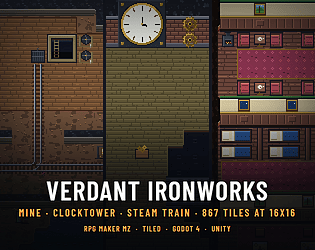
A mine with rails and a gold seam, a clocktower with turning gears, a steam train. 16x16, MZ, Tiled, Godot, Unity
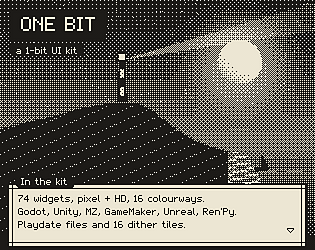
74 two-colour UI widgets, pixel + HD, 16 colourways, 16 dither tiles, Playdate files.
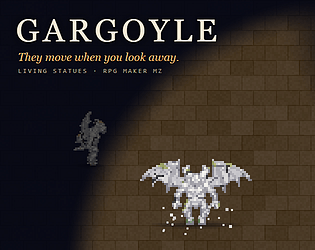
Stone statues of your own monsters that move only while nobody is looking, a new pose every glance. RPG Maker MZ.
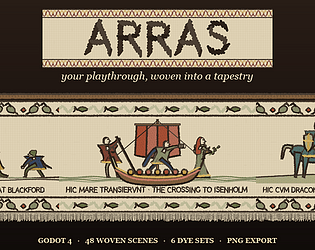
48 woven scenes for Godot 4: your playthrough as a Bayeux style tapestry, drawn in code.
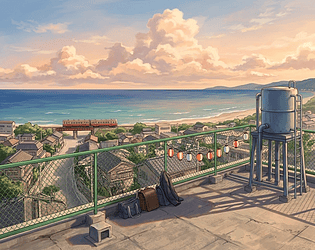
44 track slice of life visual novel score: six tunes in major and minor, the piano in every track. MIDI + OGG, loops.
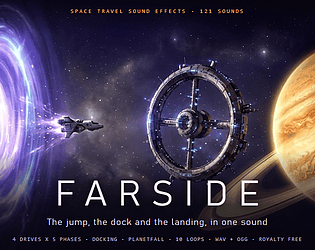
121 space SFX: 4 jump drives x 5 phases, docking, planetfall, thrusters, hull impacts, 10 loops. WAV + OGG.
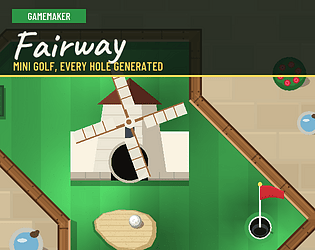
Generated mini golf holes: six themes, windmills, AI rivals, a par set by play. Pure GML.
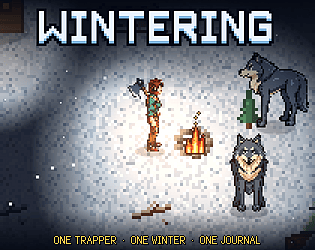
Survive one winter on the taiga: stay warm, fed and lit. The journal outlives you.
Survival
Play in browser
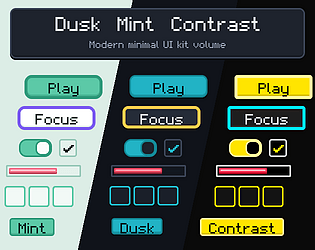
Three minimal UI themes, 58 widgets each: dark mode, pastel, high contrast. Pixel + HD, six engines.
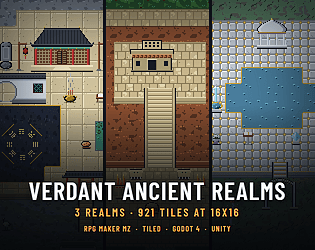
Three ancient realms at 16x16: a sect mountain, jungle temple, elven terraces. 4 engines.
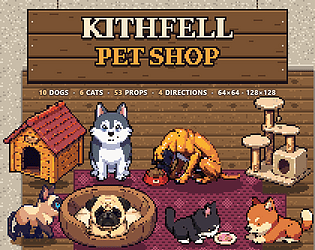
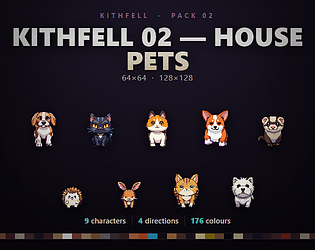
10 dog and 6 cat breeds that walk, lie down, sleep and eat in 4 directions, plus 53 props.
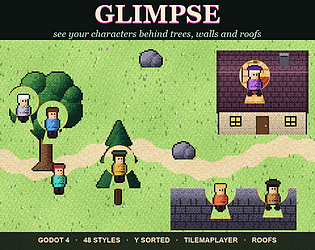
48 occlusion styles for Godot 4: see characters behind trees, walls and roofs.
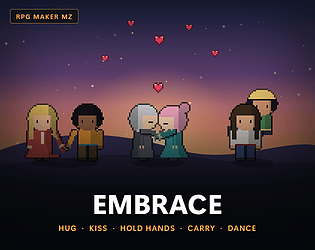
9 pair poses for RPG Maker MZ, made from your own sprites: hugs, kisses, hand holding.
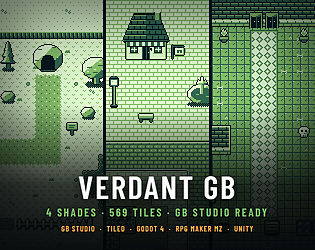
Overworld, town and dungeon in the four GB Studio shades, each scene under 192 tiles.
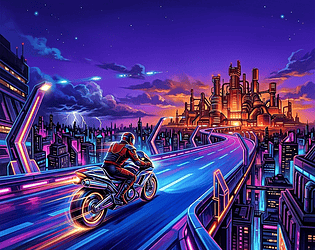
44 track 16 bit action game score written to the Mega Drive channel budget: 5 FM voices + DAC drums. MIDI + OGG, loops.
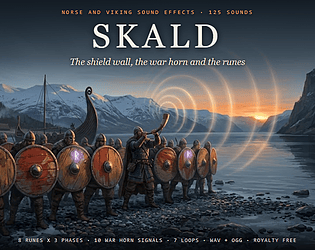
125 viking SFX: shield wall, war horn signals, 8 runes in 3 phases, a raid and a feast.
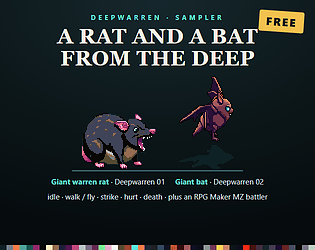
Free giant rat and giant bat sprites: 4 directions, walk or fly, strike, hurt and death.
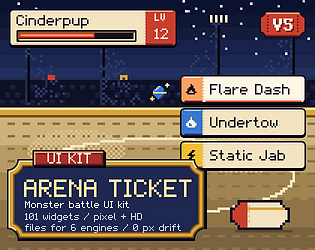
101 monster battle UI widgets in pixel and HD: name plates, move tickets. Six engines.
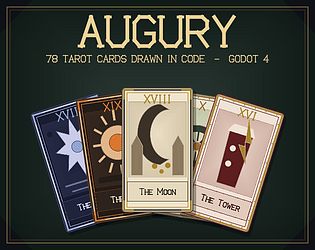
All 78 tarot cards drawn at runtime in Godot 4: eight deck styles, spreads, PNG export.
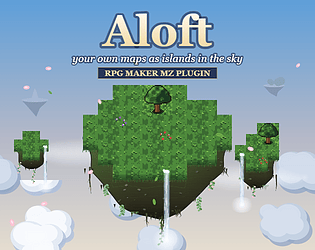
Your maps become islands in the sky: rock cut from your own edge tiles, a sea of clouds below. Five dressings.
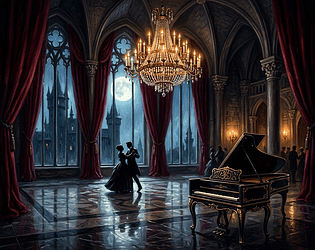
44 track gothic vampire castle score: 16 real waltzes, a harpsichord in every track. MIDI + OGG, loop tagged.
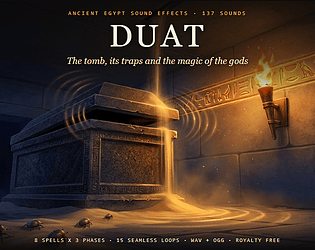
137 Ancient Egypt SFX: tomb traps, spells of the gods, scarabs and mummies, bronze weapons, 5 loops. WAV + OGG.
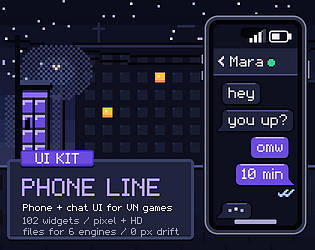
102 phone and chat UI widgets for visual novels, pixel + HD: bubbles, ticks. Six engines.
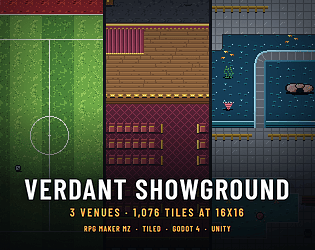
Three town venues at 16x16: sports grounds, a theatre and big top, an aquarium. 4 engines.
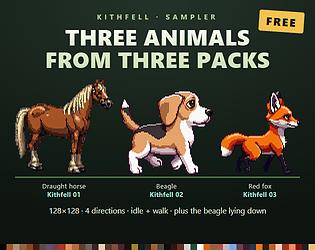
Free horse, beagle and fox sprites from the Kithfell packs: 4 directions, idle and walk.
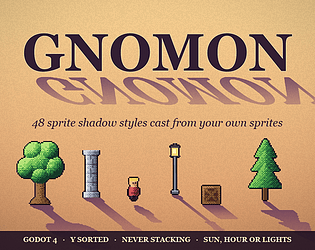
48 2D sprite shadow styles for Godot 4, cast from your own sprites, y sorted, never stacking.
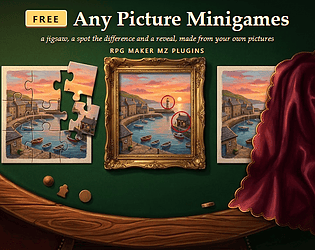
Three free RPG Maker MZ minigames from any picture: a 9 piece jigsaw, spot 3 differences, cut a veil away.
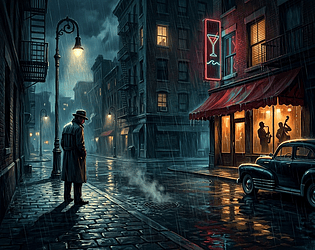
44 track noir detective score: seventh chords on every chord, a walking bass, real swing in the club. MIDI + OGG.
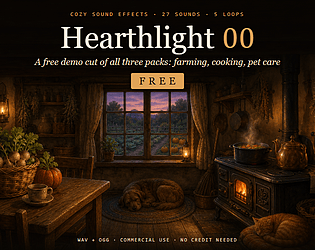
Free demo cut of three cozy SFX packs: 27 farming, cooking and pet sounds. WAV and OGG.
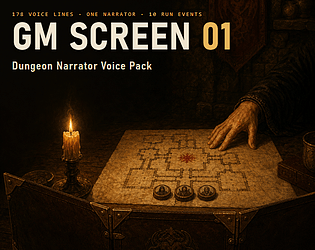
178 AI voiced dungeon narrator lines in ten run events: traps, loot, boss, death, table calls. WAV + OGG.
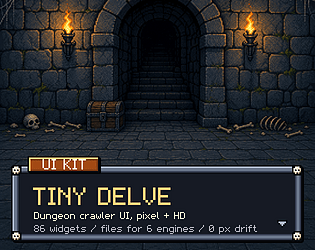
86 dungeon crawler UI widgets, pixel + HD: skull frames, minimap rooms, torch. 6 engines.
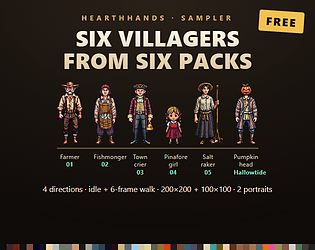
Six free villager sprites from six Hearthhands packs: 4 directions, idle and walk.
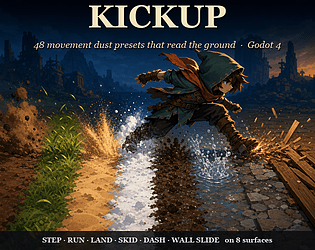
48 surface aware 2D movement dust presets for Godot 4: steps, landings, skids, dashes on 8 grounds.
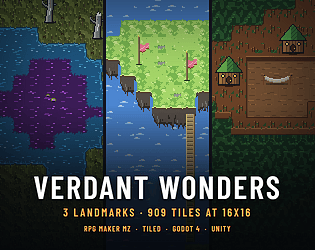
Three fantasy landmarks at 16x16: a poison fen, sky isles, a great tree. 4 engines.
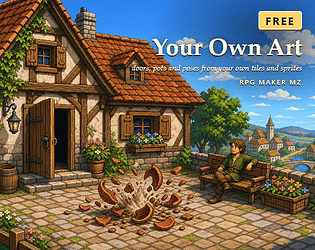
Three free RPG Maker MZ plugins: a door that opens from your tile, a pot that breaks, a pose from your own sheet.
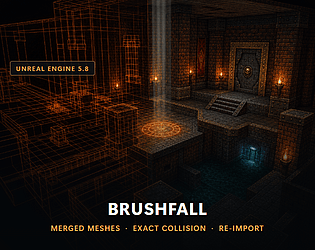
Import TrenchBroom and Quake .map levels into UE5: merged meshes, exact brush collision, lights, and re-import.
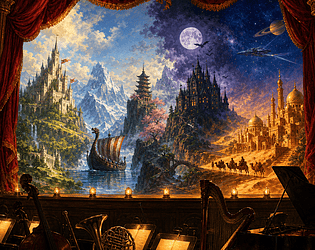
68 free game music tracks with loop points and MIDI, two from each of 34 albums.
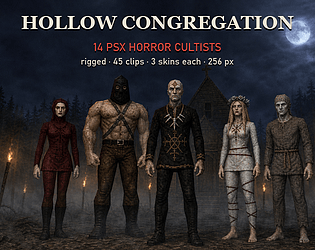
28 PS1-style horror characters, 14 cultists and 14 asylum staff and patients, rigged.
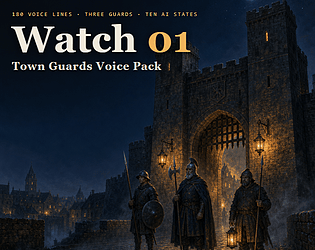
180 AI voiced lines for town guards: three guards, every stealth state from idle to alarm. WAV + OGG.
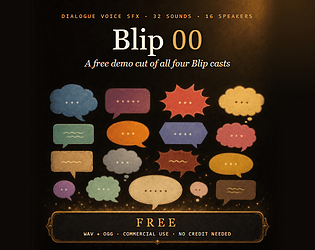
Free: 32 dialogue blips from 16 speakers in the four Blip casts. WAV and OGG.
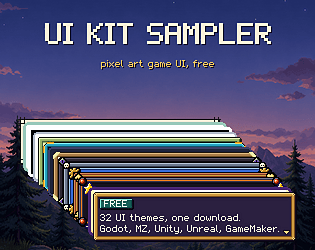
32 free pixel UI themes: dialogue box, buttons, HP bar. Godot, MZ, Unity, Unreal, GM.
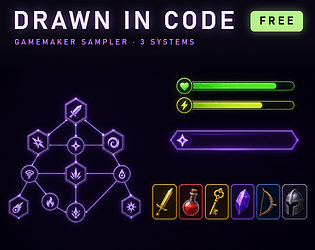
Free GameMaker sampler: a skill tree, item icons and spring UI, all drawn by GML.
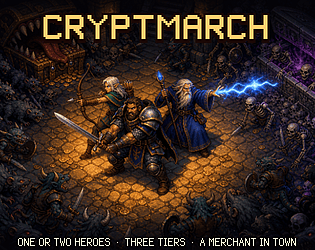
A dungeon crawl for one or two, with levels, a town merchant and three tiers. Free demo.
Action
Play in browser
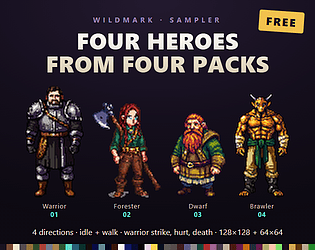
4 free fantasy hero sprites for top down RPGs, one from each paid Wildmark pack.
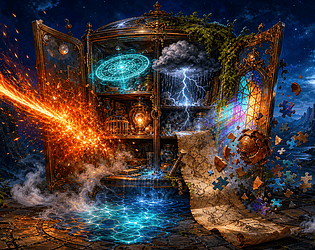
132 free MIT presets for Godot 4, 11 addons: VFX, magic circles, weather, water, fog.
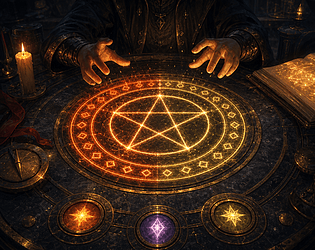
Players combine the spells they know into new ones, set the power and name them. Each spell draws its own magic circle.
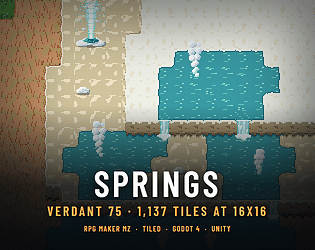
Hot springs at 16x16: travertine terraces that pour tier to tier, a geyser, mud pots, a bath yard. MZ, Tiled, Godot
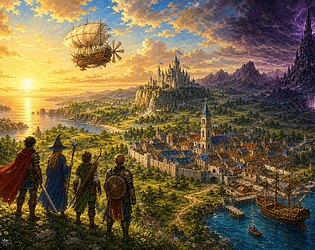
Every default BGM and ME of a new RPG Maker MZ project, re-scored in one JRPG voice under MZ's own file names.
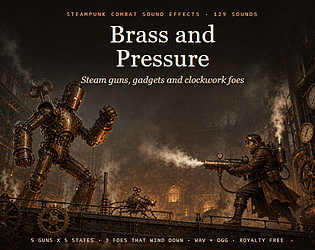
129 steampunk combat SFX: steam and air guns, gadgets, clockwork foes that wind down, brass UI. WAV + OGG.
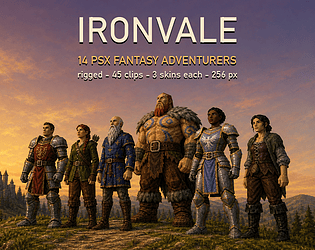
14 PSX fantasy characters, 3 skins and 45 clips each. GLB, FBX, OBJ, free sampler.
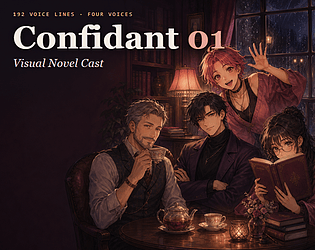
192 AI voiced lines for visual novels: four characters on one reaction set, with Ren'Py steps. WAV + OGG.
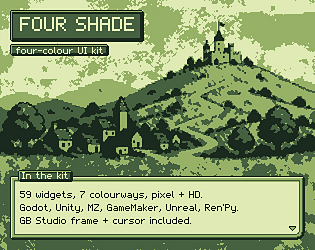
59 four-colour UI widgets, pixel + HD, 7 colourways, GB Studio frame. Godot, Unity, MZ and more.
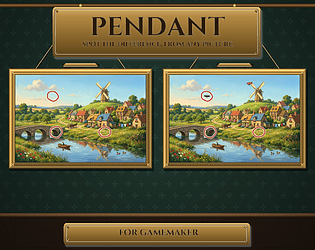
Any sprite becomes a spot the difference puzzle in a drawn gilt gallery. Pure GML.
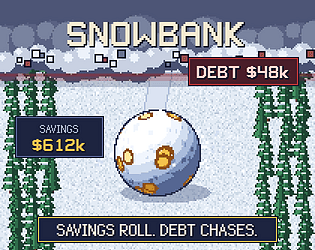
Roll your savings downhill and outrun the debt avalanche. One working life, 22 to 67.
Action
Play in browser
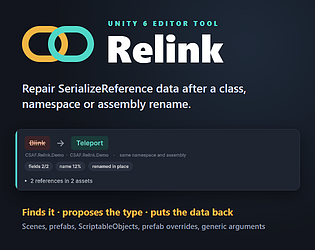
Finds SerializeReference data that lost its type after a rename, proposes the class, and puts it back. Unity 6.
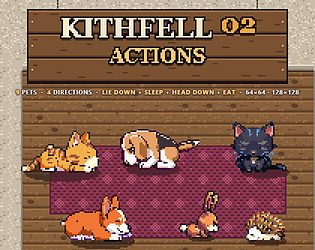
9 pet sprites lie down, sleep and eat in 4 directions, at 128 and 64 px. Free sample.
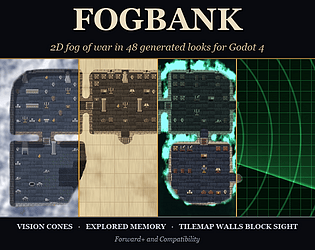
2D fog of war for Godot 4 in 48 looks: walls block sight, vision cones, explored memory.
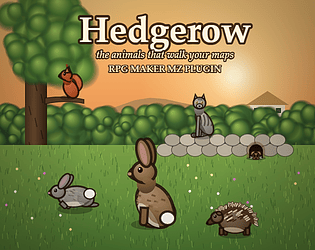
Animals that walk your maps, drawn in code and placed by your own tiles. Each one flees the party its own way.
44 track roguelike score. 12 cues ship as four stacking stems: ground, drums, motion, theme. MIDI + OGG.
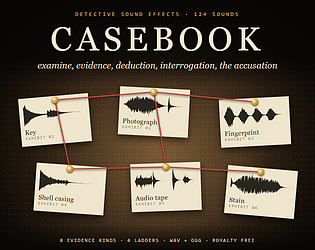
124 detective and mystery SFX: evidence by kind, corkboard, deduction, interrogation, accusation. WAV + OGG.
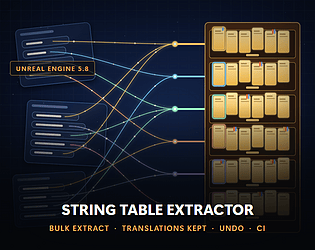
Moves the text typed into UE5 widgets, Blueprints and Data Tables into a String Table in one pass. Translations kept.
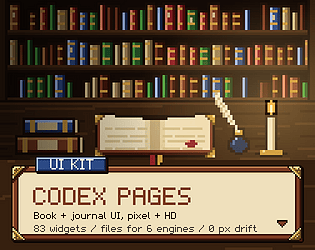
83 book and journal UI widgets in pixel and HD: pages, page turns, ribbons, quest log, six engines.
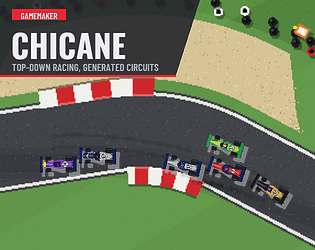
Generated circuits, AI drivers, positions, laps, anti cut gates and a race HUD. Pure GML.
Bake each room prefab once; every copy you spawn at runtime keeps its baked lighting. Unity 6 editor tool.
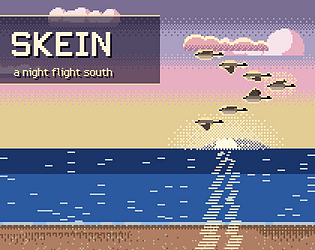
Lead a skein of geese south through one night. Hold the line, and hand over the lead before the front bird tires.
Action
Play in browser
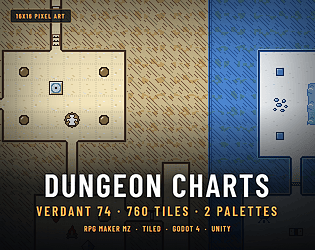
A 16x16 dungeon map tileset: autotiled rooms, caves, doors, stairs, symbols. Two palettes.
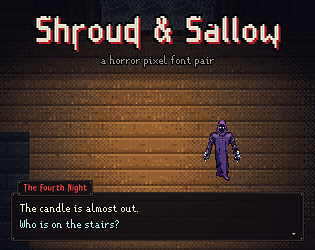
Two original horror pixel fonts: a readable dialogue face and a dripping title face, 197 characters each, .fnt + .ttf.
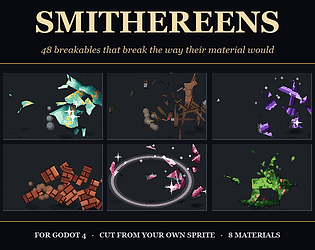
48 2D breakables for Godot 4 cut from your own sprite: sherds, planks, ice, glass.
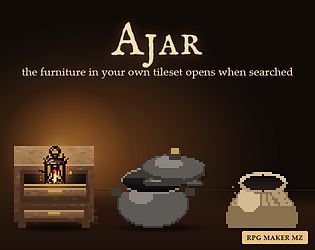
RPG Maker MZ plugin: drawers, barrels, jars and sacks in your tileset open when searched.
Tell us what asset, plugin or tool your game needs. We read every request and answer on the board when one ships.
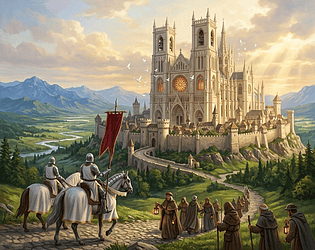
44 track sacred fantasy score: choir in every track, every loop closes on an Amen cadence. MIDI + OGG.
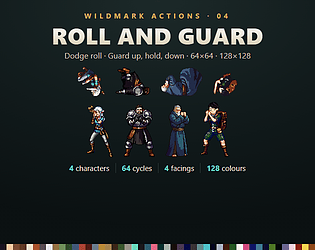
A dodge roll and a block (up, hold, down) for the Wildmark 01 party in all 4 facings. 64 cycles, 128px + 64px.
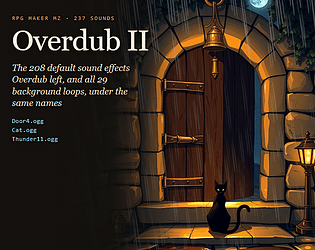
208 MZ default sound effects plus all 29 BGS loops, voiced again under the same names.
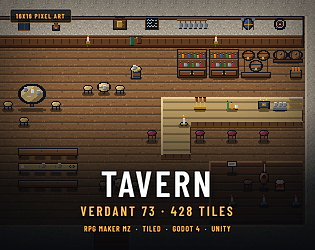
A 16x16 tavern and inn: a bar that turns any corner, booths, a bard stage. 4 engines.
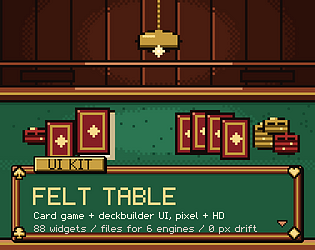
88 card game UI widgets, pixel + HD: card frames, piles, energy, end turn. Six engines.
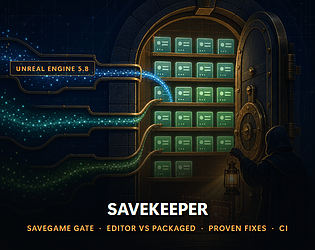
Finds every saved value a new UE5 build silently drops, writes the CoreRedirects fix and proves it by reloading.
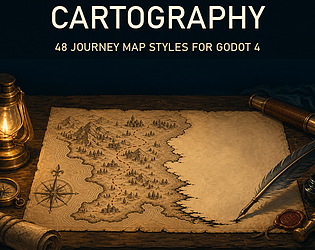
A Godot 4 map that draws itself as the player explores: 48 styles and PNG export.
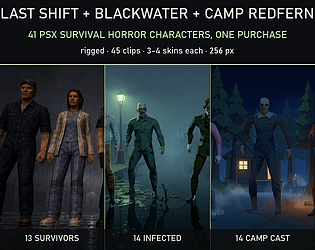
41 PS1-style survival horror characters: survivors, infected and a summer camp cast.
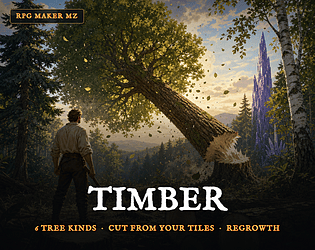
Tree cutting plugin for RPG Maker MZ: 6 kinds of tree fall from your own tileset, then regrow.

44 track winter fantasy score: one theme, heard frozen at the start of every full piece. Glass voices, MIDI + OGG.
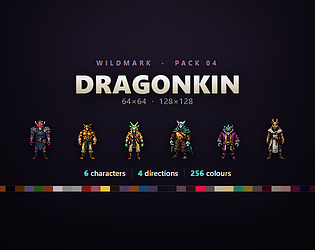
Six dragonborn adventurers for the Wildmark party: idle and walk in four directions, at 128x128 and 64x64.

660 climbing SFX: 12 holds, 6 actions, 3 weights, 3 takes, 12 loops. WAV and OGG.
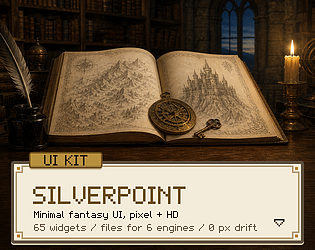
65 minimal fantasy UI widgets, pixel + HD: vellum panels, bookplate corners, six engines.
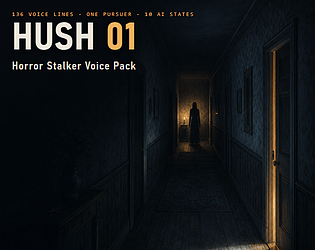
136 AI voiced horror stalker lines in ten AI states: search, chase, near miss, caught. WAV + OGG.
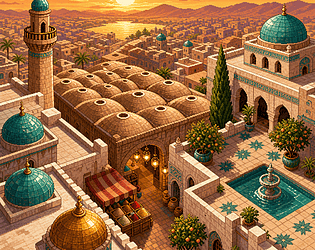
Verdant 72 — Domes: Arabian City Tileset with Domes, Minarets, Covered Bazaar & Palace Court [16x16]
A domed desert city at 16x16: domes, minarets, a covered bazaar, a palace court. For RPG Maker MZ, Tiled, Godot, Unity
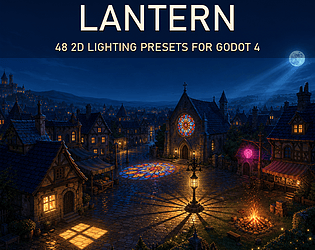
48 2D lighting presets for Godot 4: window light, flames, a day night sky, following dark.
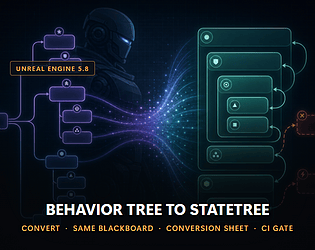
Convert UE5 Behavior Trees into StateTrees that run on the same Blackboard. Nodes it cannot convert are named.
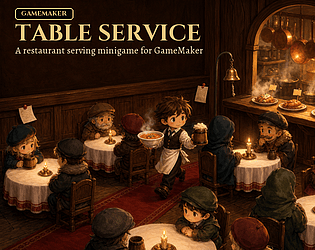
Customers drawn from a seed, dishes drawn from their names, candles that burn with patience. A serving shift in GML.
Bruises, scorch, frost and torn cloth drawn into your own heroes' faces and battlers as HP falls, kept until they rest.
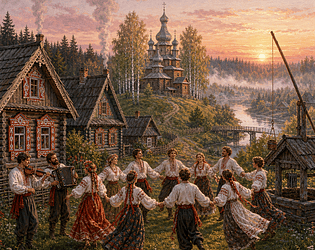
44 track Slavic folk village score in Lydian and Ukrainian Dorian, a drone under every tune. MIDI + OGG.
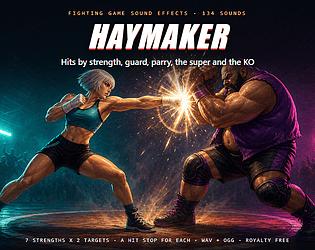
134 fighting game SFX: hits on 7 strengths, hit stops, guard, parry, throws, super, combo counter, KO. WAV + OGG.
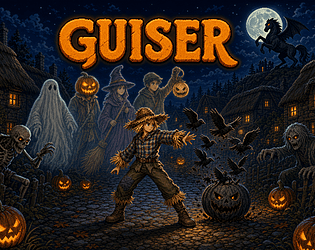
A Halloween action adventure. One village, one night, and every costume you find is a new power.
Action
Play in browser

Generates NavMesh links where your agents can jump up, drop down or leap a gap. Unity 6 AI Navigation.
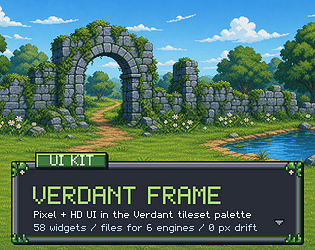
58 UI widgets in the Verdant tileset palette, pixel + HD: mossy stone frames. Six engines.
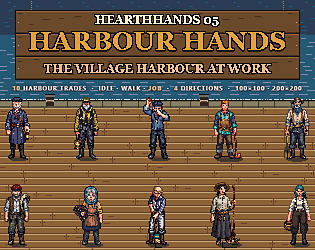
The village harbour at work: ten dock and quay trades. Idle and walk in four directions, and the trade itself.
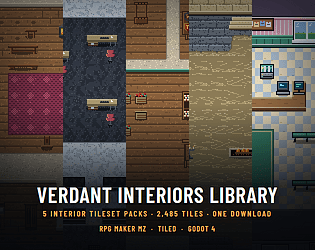
All 5 Verdant interior tile packs in one download, every new one added free
147 AI voiced casual game lines: a five tier praise ladder, combo counts, level flow, rewards. WAV + OGG.
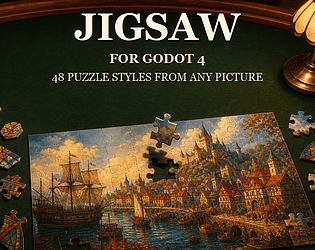
Any picture becomes a playable jigsaw in Godot 4: 48 puzzle styles, mouse, touch, pad.

Playable slot machines with exact payback: 80 drawn symbols and 3 cabinets. Pure GML.
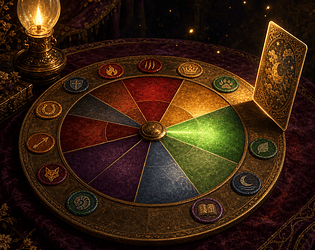
A personality quiz with no right answers that sorts the player into your own classes, heroes or houses.
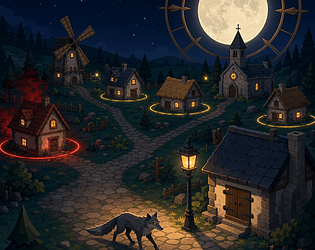
Werewolf-proof the village before the full moon: fit the wards, hold the night, seal the town.
Simulation
Play in browser

44 track samurai score in hirajoshi and ryo. Shrines, castles, duels, a taiko on every fight. MIDI + OGG.
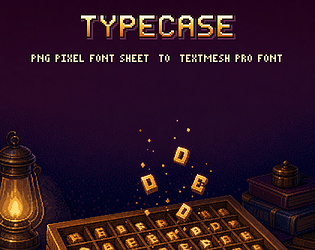
Pixel font tool for Unity 6: 3 ways to turn a PNG sheet into a TextMesh Pro font, colours kept.
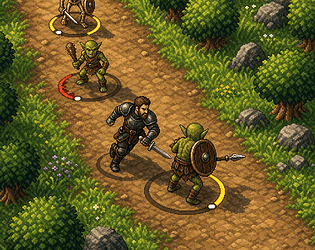
An action RPG with no attack button. Steer into monsters from the side to cut them.
Action
Play in browser
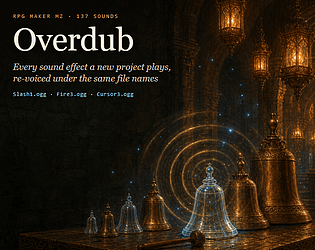
137 sound effects named like RPG Maker MZ defaults. Copy one folder, no plugin. Free demo.
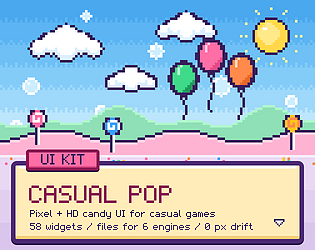
58 candy UI widgets in pixel and HD: thick ink outlines, gloss shine. Godot + 5 more.
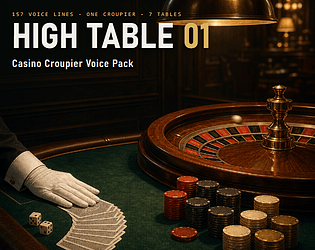
157 AI voiced croupier lines: every roulette result and colour, poker, blackjack, craps, baccarat, slots. WAV + OGG.
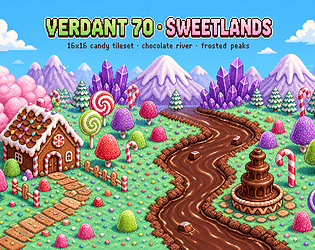
A candy world at 16x16: candyfloss, a flowing chocolate river and frosted peaks. For RPG Maker MZ, Tiled, Godot, Unity.
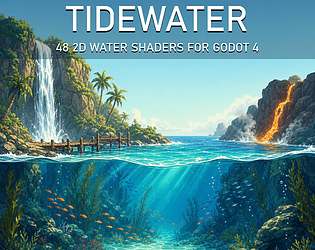
48 2D water shaders for Godot 4: lakes, side on pools, waterfalls, underwater. Free 12 preset lite.
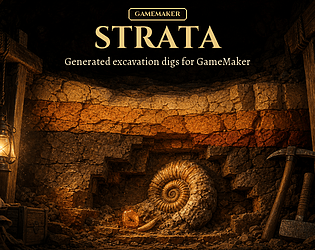
Dig fossils, relics and ore out of a generated rock face before it gives way. 16 finds, 8 rocks, pure GML.
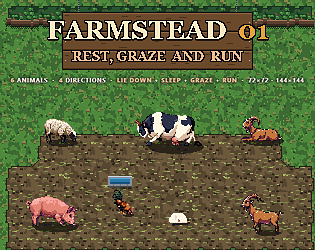
The Farmstead 01 livestock lie down, sleep, graze and run in four directions.

Renamed a socket or bone? Find every Blueprint, notify and physics body still on the old name, and fix them at once.
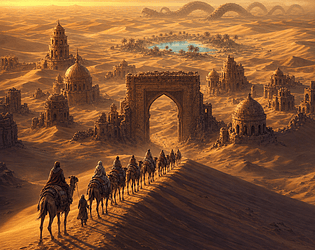
44 track desert fantasy score in Hijaz and harmonic minor. Caravans, bazaars, buried cities, a sand wyrm. MIDI + OGG.
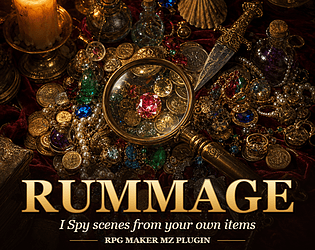
RPG Maker MZ plugin: I Spy scenes from your own items on 8 drawn surfaces, plus crowds.
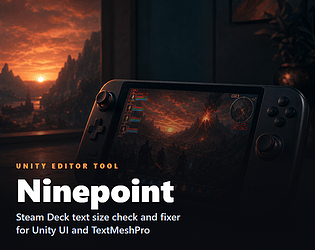
Finds every Unity UI and TextMeshPro label under 9 px on a Steam Deck and raises it, with preview and Undo.
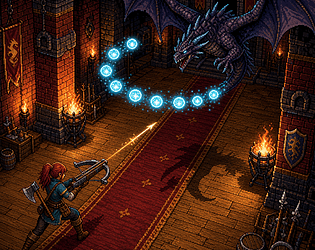
A twin stick dungeon crawler for Windows: 27 rooms, 5 wardens, 4 seals. Free browser demo.
Action
Play in browser
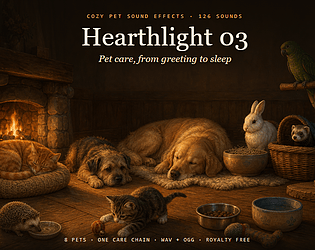
126 cozy pet SFX: 8 pets, each greet, ask, eat, drink, petted, play, groom, sleep loop, plus toys and home. WAV + OGG.
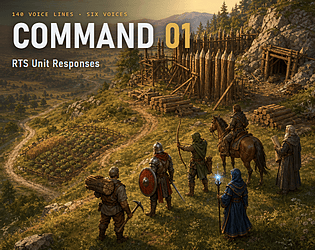
140 AI voiced lines for RTS games: five unit types on one bark set plus an advisor with base alerts. WAV + OGG.
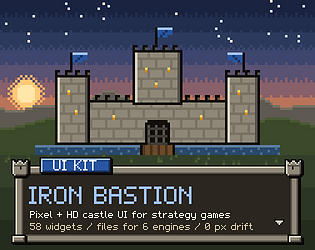
58 castle UI widgets in pixel and HD: stone walls with turrets, banners. Godot + 5 more.
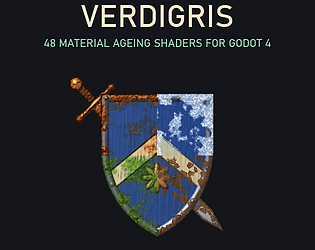
48 material ageing shaders for Godot 4: rust, frost, moss, peeling paint. One age slider grows each.
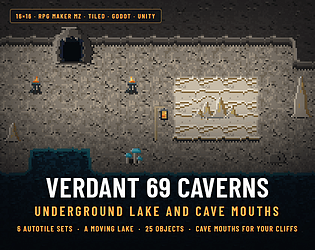
A limestone cave at 16x16: walls, a moving underground lake and cave mouths. For RPG Maker MZ, Tiled, Godot and Unity.
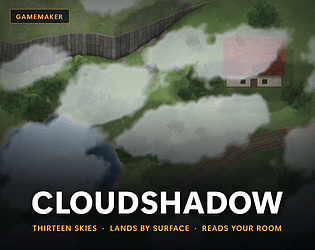
GameMaker package: 13 cloud skies drawn over your own rooms, with shadows that land by surface.
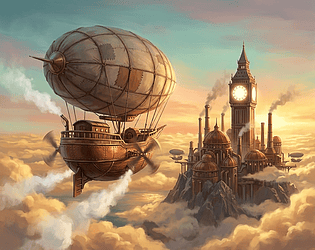
44 track steampunk game score: the airship, a clockwork city, the vault, sky battles, two bosses and cues. MIDI + OGG.
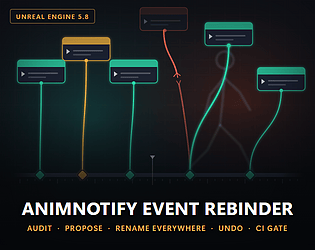
Renamed a notify? Find the Anim Blueprint events that stopped firing, and rename it everywhere at once. Undoable.
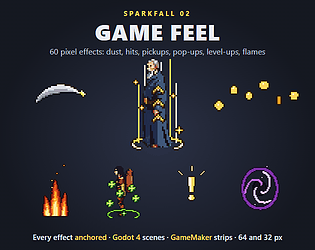
60 pixel game-feel effects: dust, hits, pickups, pop-ups, level-ups, flames. Godot 4 scenes, GameMaker strips.
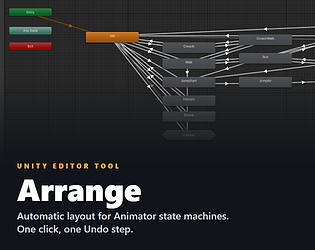
Automatic layout for Unity Animator state machines. See the crossings counted, then arrange in one Undo step.
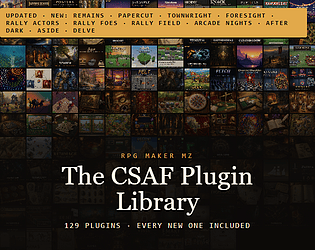
129 RPG Maker MZ plugins in one download, plus every new one on launch day.
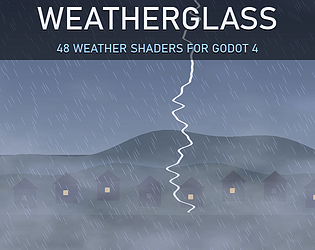
48 weather shaders for Godot 4: rain, snow, fog, aurora and lightning, blended or stacked.
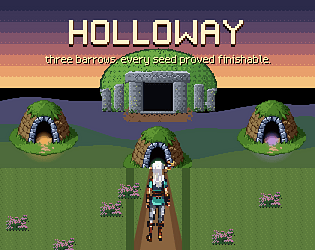
A top-down adventure on a hand-built highland. Three barrows, reshuffled every game, every seed proved finishable.
Adventure
Play in browser
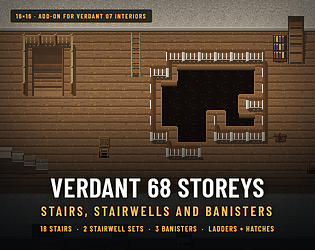
Stairs, stairwells, banisters, ladders, trapdoors and a cellar for Verdant 07 Interiors. 16x16, four engines.
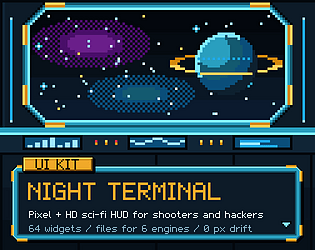
64 sci-fi HUD widgets in pixel and HD: chamfered cyan frames, gauges. Godot + 5 more.
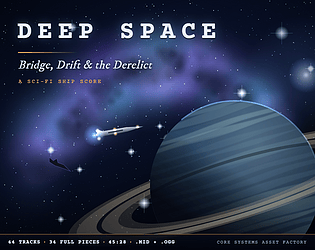
44 track science fiction game score: bridge, station, drift, the derelict, ship battles, bosses and cues. MIDI + OGG.
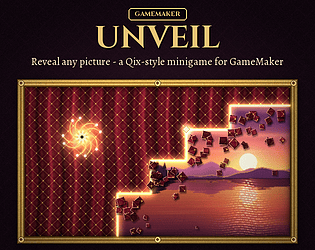
Cut lines into a generated veil until your picture is revealed. Eight veil materials, creatures and sparks. Pure GML.
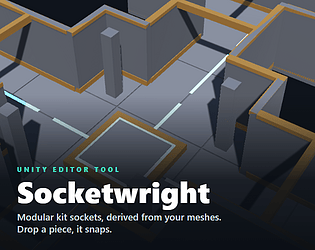
Derives connection sockets from your modular kit's meshes. Drop a piece near another and it snaps into place.
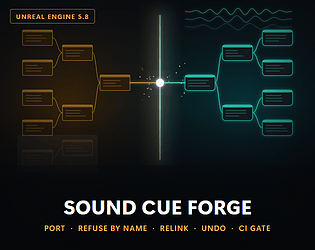
UE5 plugin: port Sound Cues to MetaSounds and relink every reference. One command undo.
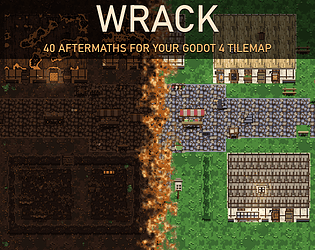
Burn, ruin, flood or overgrow your own Godot 4 TileMapLayer. 40 live aftermath recipes, both renderers.
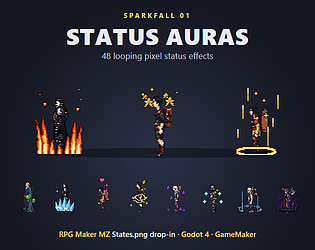
48 looping pixel status effects: MZ States.png, Godot 4 SpriteFrames, GameMaker strips.
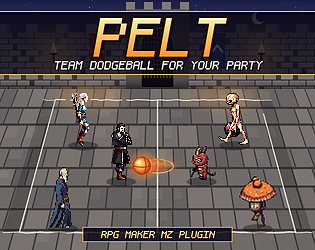
Pelt - Team Dodgeball Minigame for RPG Maker MZ: Your Party vs Any Troop, Special Throws From Skills
Team dodgeball plugin for RPG Maker MZ: 5 drawn courts, your battlers, specials from skills.
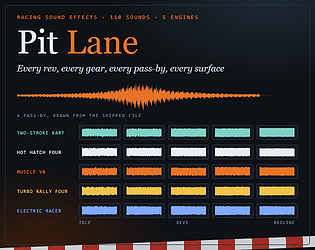
110 racing sound effects, WAV and OGG: five engines with rev ladders, and a free demo.
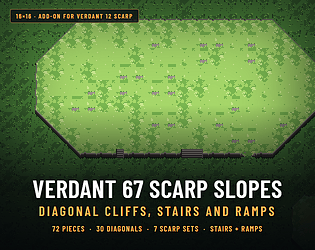
Diagonal cliffs, cliff stairs and ramps for Verdant 12 Scarp at 16x16. Tiled, Godot, Unity, RPG Maker MZ.
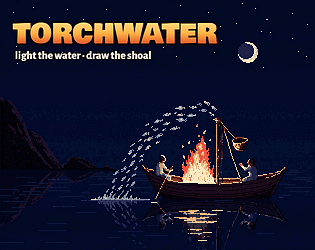
Light the water, draw the shoal, land the season: a fire-fishing incremental.
Simulation
Play in browser
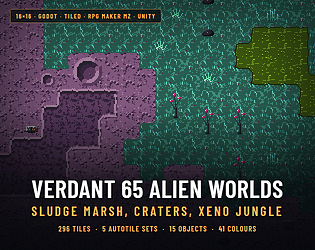
An alien planet at 16x16: sludge marsh, cratered plain, xeno jungle and a crashed ship. MZ, Tiled, Godot, Unity.
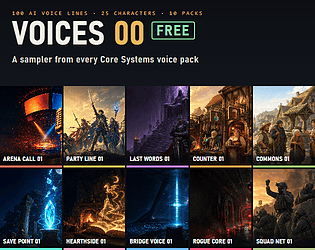
100 free AI voice lines by 25 characters from 10 voice packs: announcer, heroes, villains, NPCs, sci-fi. WAV + OGG.
58 cozy farming UI widgets in pixel and HD: wood frames, cream panels. Godot + 5 more.
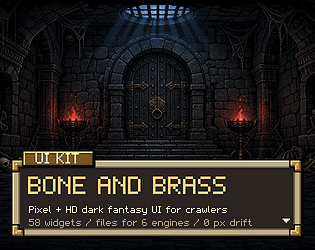
58 dark fantasy UI widgets in pixel and HD for Godot, Unity and 4 more engines. Free demo.
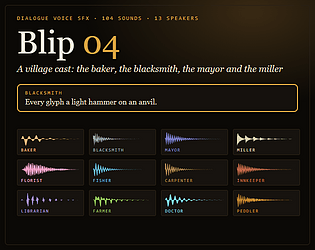
104 dialogue blips: 13 village speakers for cozy, farming and RPG games, none an earlier Blip voice. Same cues.
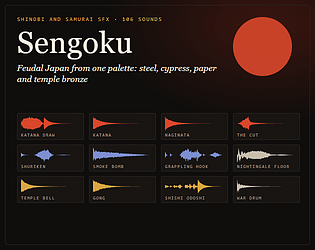
106 feudal Japan SFX from one palette: katana, shinobi kit, castle, shrine, war camp. Ladders, loops. WAV + OGG.
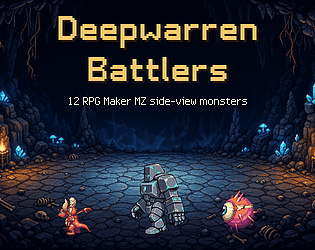
The 12 Deepwarren 01 monsters as RPG Maker MZ battlers: all 18 side-view motions plus enemy images.
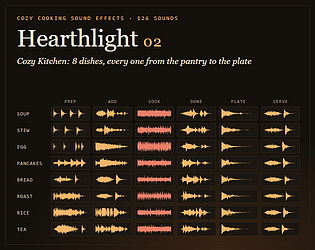
126 cozy cooking SFX: 8 dishes, each prep, add, cook loop, done, plate, serve, plus kitchen and cafe. WAV + OGG.
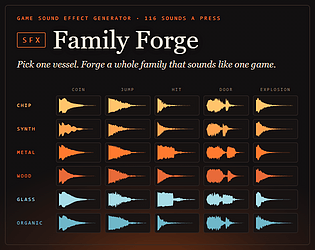
One click forges 116 matching sound effects for Godot, Unity or GameMaker. Free demo.
Run in browser

44 track wuxia music pack on five notes: duels, roads, bosses, cues. MIDI + OGG.
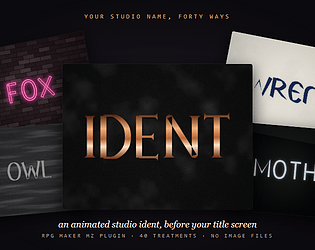
Your studio name as an animated ident before the title screen: forty treatments, skippable, no images. RPG Maker MZ.
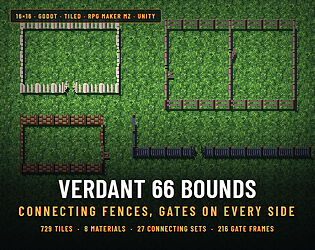
Connecting fences for 16x16 maps: 8 materials, every junction, and a gate on both axes in four states.
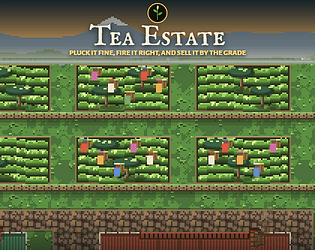
Free tea estate incremental, an auction every 6 days: pluck it fine and sell it by grade
Simulation
Play in browser
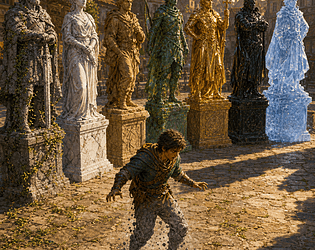
RPG Maker MZ plugin: your own sprites struck into statues in 7 materials, plus live petrify.
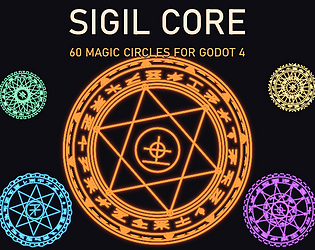
60 procedural magic circles for Godot 4 that cast, hold and break, in six schools.
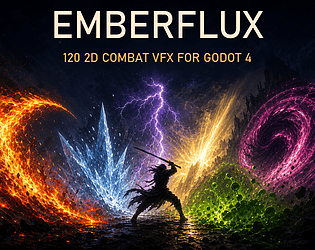
120 2D combat VFX for Godot 4 in six elements, with a free 12 preset lite to try first.
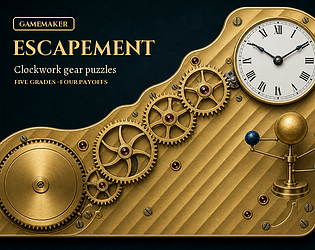
Gear-train puzzles generated from a seed: wheels that must fit, a pawl that holds, odd loops that jam. Pure GML.
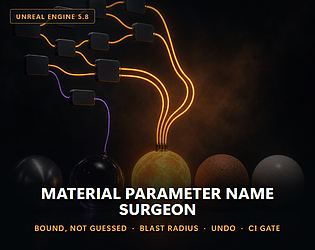
Renamed a material or collection parameter? Carry every Blueprint call still on the old name. Undoable, CI gate.
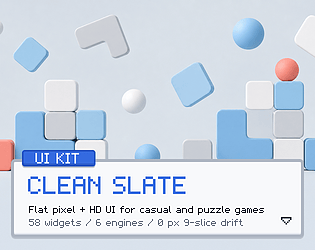
58 flat, light UI widgets in pixel and HD for casual games. Free sampler, six engine formats.
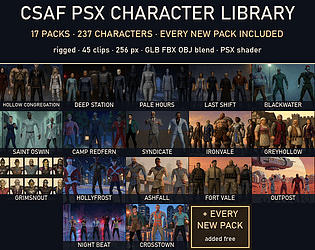
17 PSX character packs, 237 rigged 3D characters. Every new pack added free.
58 pixel and HD RPG UI widgets: dialogue box, menus, bars. Godot, Unity, MZ + 3 more.
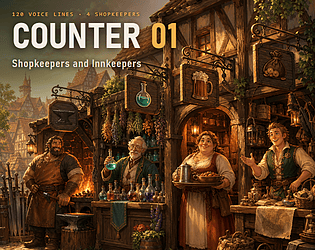
120 AI voiced lines by four fantasy shopkeepers: greet, browse, buy, sell, not enough gold, rumours. WAV + OGG.
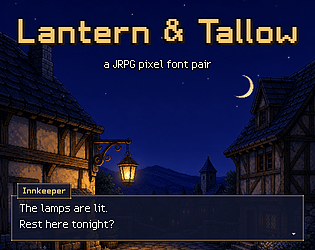
2 original pixel fonts for JRPG screens, 197 characters each. PNG, .fnt and .ttf.
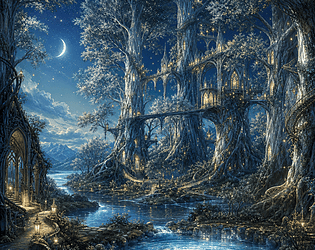
44 track elven fantasy score in two modes: canopy city, deep wood, high court, the old war. MIDI + looping OGG.

103 ball sports sounds, WAV and OGG: crowd, hit, shot clock and bounce ladders. Free demo.
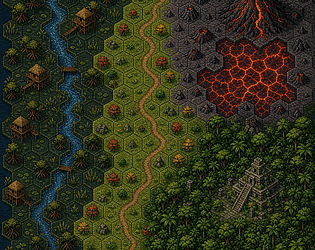
416 pixel art hex tiles at 32x32: ash, lava, jungle, swamp, every edge. Godot, Tiled.
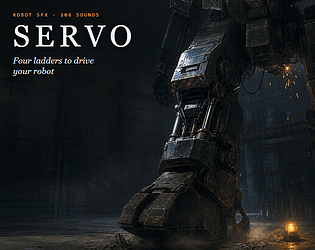
106 robot SFX: four ladders (footsteps by weight, power, alert, damage) plus servos, sparks and sensors. WAV + OGG.
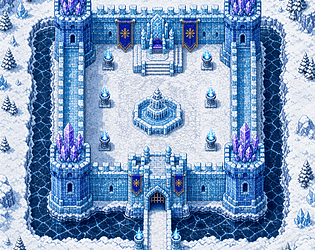
587 ice castle tiles at 16x16 for RPG Maker MZ, Tiled, Godot and Unity, 21 objects.
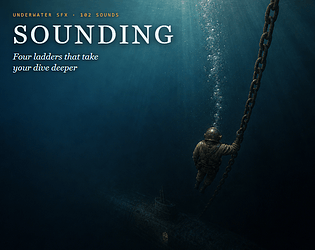
102 underwater SFX: four ladders (depth, sonar, breathing, hull) plus diving gear, a submarine and a wreck. WAV + OGG.
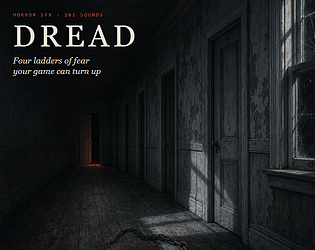
101 horror SFX: four ladders (dread beds, heartbeat, riser, scare) plus an old house at night. WAV + OGG.

Every boat drains 12 ML from the summit. A free canal company game where water is money.
Simulation
Play in browser
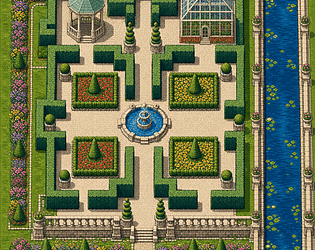
A formal palace garden at 16x16: hedge maze, parterres, topiary, a lily canal. RPG Maker MZ, Tiled, Godot, Unity.
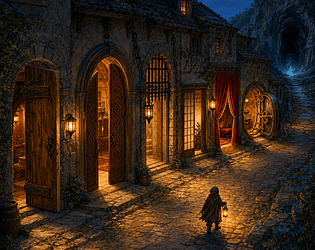
Door plugin for RPG Maker MZ: 8 kinds of opening drawn from your own tiles. Free lite version.
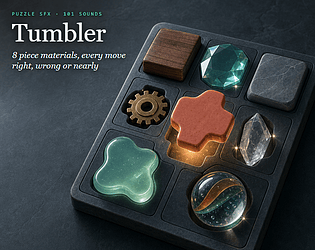
101 puzzle SFX: 8 piece materials, each select, place, correct, wrong, nearly and undo, plus matches. WAV + OGG.
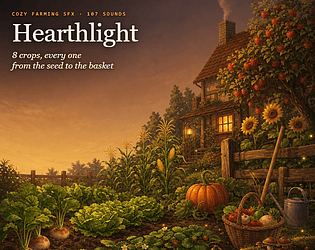
107 cozy farming sound effects: 8 crops from seed to basket, tools and home. Free demo.
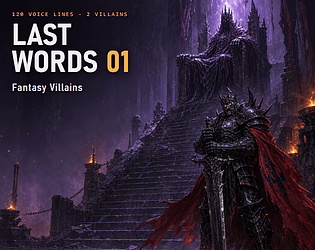
120 AI voiced lines for two fantasy villains: boss intro, taunts, phase change, low health, defeat. WAV + OGG.
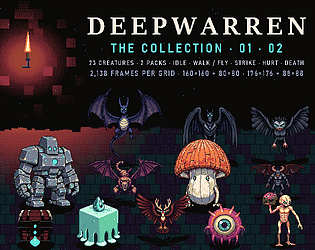
Both Deepwarren packs: 23 dungeon monsters, walking and flying, with strike, hurt and death, 4 directions.
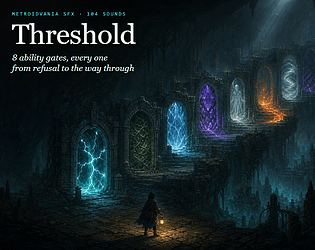
104 metroidvania SFX: 8 ability gates, each idle, refuse, hint, unlock and open, plus abilities and map. WAV + OGG.
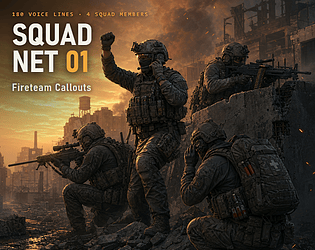
180 AI voiced squad callouts, four soldiers: contact, cover, reload, grenade, man down, extraction. WAV + OGG.
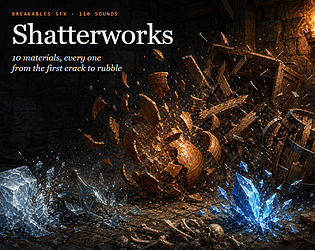
110 breakable SFX: 10 materials, each with stress, crack, light / medium / heavy break and settle. WAV + OGG.
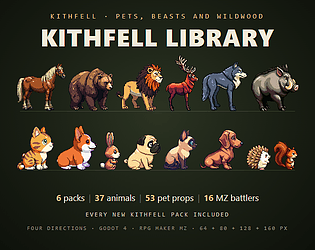
6 animal sprite packs in one download: pets, beasts and wildlife, every new one added
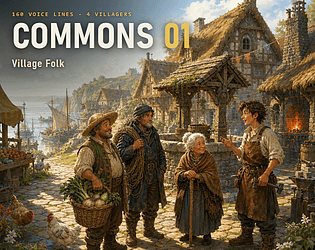
160 AI voiced lines by four villagers: greetings, weather, rumours, quest hooks, festivals, alarm. WAV + OGG.
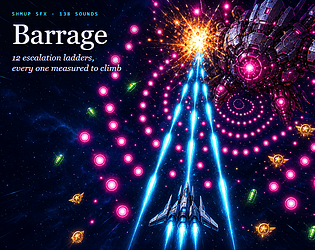
138 shmup and bullet hell sound effects, WAV and OGG, with a 21 sound free demo.
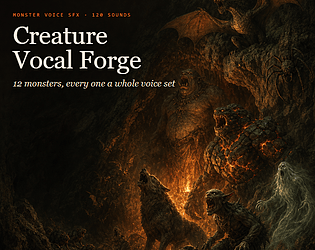
120 monster voice sound effects: 12 creatures, 6 states each. WAV + OGG, free demo.
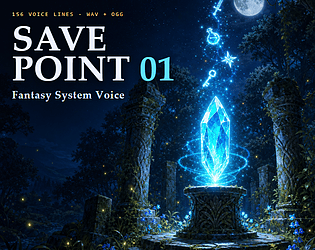
156 AI voiced fantasy system lines: game saved, level up, quests, loot, battle calls, menus. WAV + OGG.
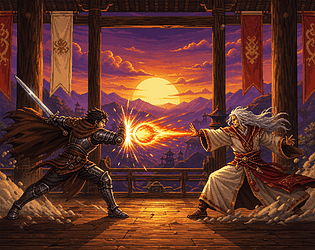
RPG Maker MZ plugin: a 1v1 fighting game for your own actors, 5 arenas, specials from their skills.
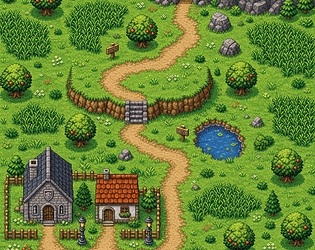
490 16x16 tiles for monster tamer routes. Tall grass, ledges, pond, cave, route town.
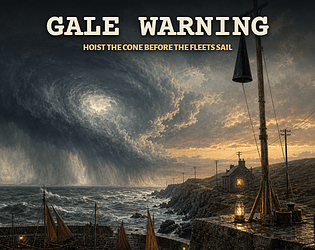
Free forecasting game set in 1861: hoist the gale cone before the fleets of 11 ports sail
Simulation
Play in browser
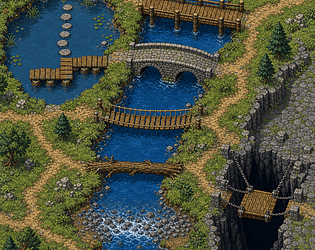
644 bridge, ford and stepping stone tiles at 16x16 for RPG Maker MZ, Godot and Tiled.
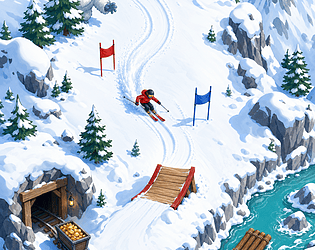
5 downhill minigame modes for RPG Maker MZ: ski, board, sled, mine cart or raft.
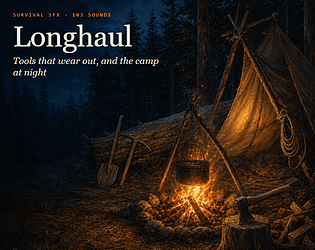
103 survival SFX: tools at fresh, worn and failing, breaks, the campfire, gathering, crafting, meters. WAV + OGG.
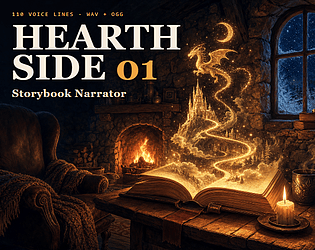
110 AI voiced storyteller lines: openings, chapter one to thirty, quest and lore narration, endings. WAV + OGG.
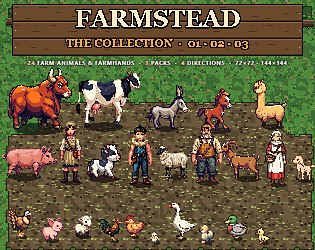
All three Farmstead packs: 24 farm animals and farmhands, 4 directions, walk, graze and flap, 144 and 72 px.
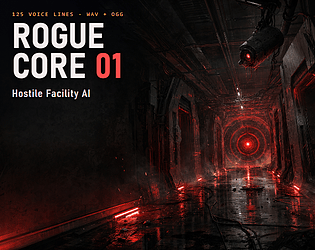
125 AI voiced lines for a hostile facility AI: watching, lockdowns, taunts, bargaining, failing. WAV + OGG, subtitles.
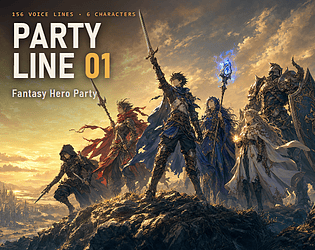
156 AI voiced lines for a six hero RPG party: attacks, specials, hurt, victory, level up. WAV + OGG, subtitles.
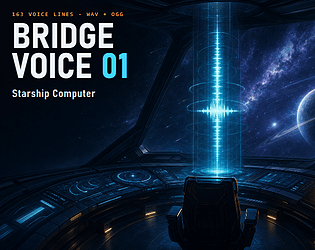
163 AI voiced starship computer lines, calm and alert: docking, jumps, damage, alarms. WAV + OGG, subtitle manifest.

178 AI voiced announcer lines for fighting and arcade games: rounds, KOs, combos, winners. WAV + OGG, subtitle manifest.
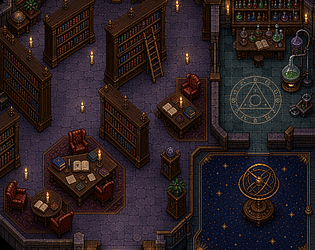
A wizard school library at 16x16: bookcases any height, an alchemy hall, an observatory. MZ, Tiled, Godot, Unity.
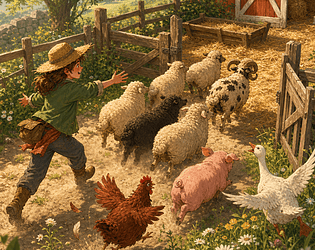
Herding minigame plugin for RPG Maker MZ: 89 drawn animals on your own map, pen them by the bell.
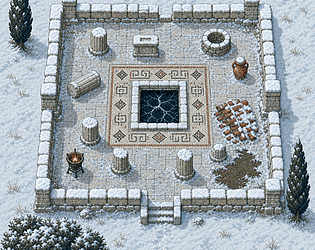
Verdant 23 Ruins under snow, tile for tile at 16x16: frozen cistern, snowy colonnade. MZ, Tiled, Godot, Unity.
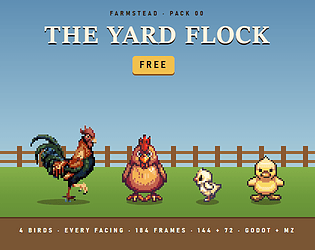
4 free farm bird sprites: rooster, hen, chick, duckling. Godot and RPG Maker MZ ready.

152 cloth, armour and gear movement sounds in WAV and OGG for any engine. Free demo.
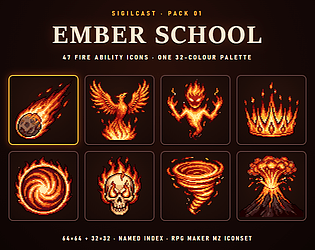
47 fire spell and ability icons at 64x64 and 32x32, one 32-colour palette, a named index and MZ IconSet rows.
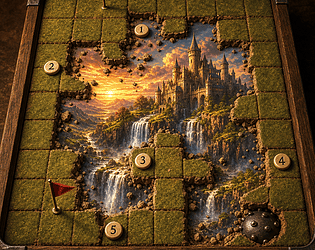
Minesweeper over your own picture for RPG Maker MZ: four drawn grounds, every field solvable without a guess.
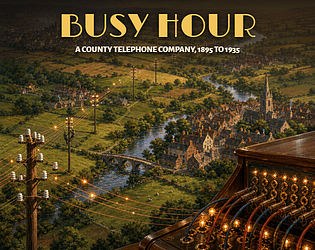
1895 to 1935: wire 8 towns into a county telephone company in a free browser incremental.
Simulation
Play in browser
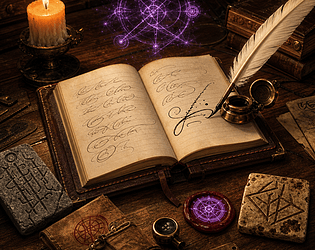
Replaces MZ's name screen: names signed, carved, stamped, typed or traced as sigils, plus forgiving riddle answers.
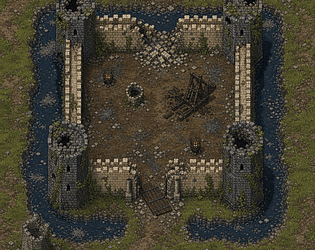
616 16x16 tiles: Verdant 13's castle after the siege, tile for tile.
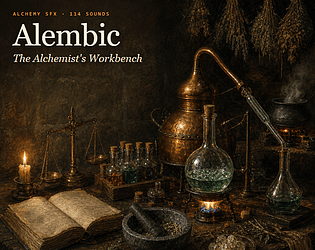
114 alchemy sound effects: pours by viscosity, a brew by heat, glassware, mortar, burner, reactions. WAV + OGG.
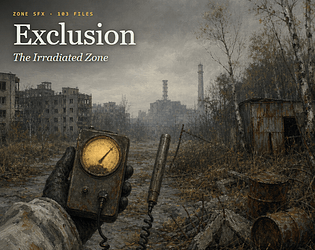
103 post apocalyptic sound effects: a Geiger counter by dose, hazmat kit, rust and scrap, radio, zone beds. WAV + OGG.
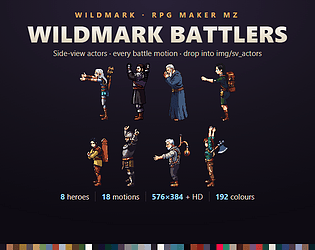
8 side-view battlers for RPG Maker MZ with all 18 battle motions, at 64 and 128 px.
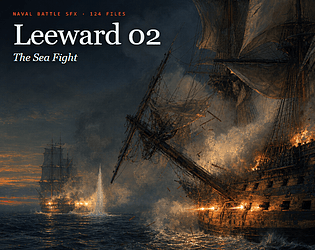
124 naval battle sound effects: incoming shot, hull hits, splinters, fire aboard, boarding, sinking. WAV + OGG.
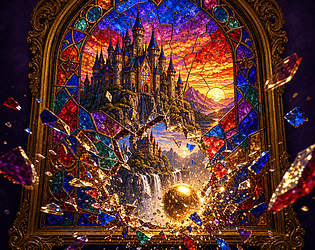
Brick breaker minigame for RPG Maker MZ: 4 stained glass panes cut from your own picture.
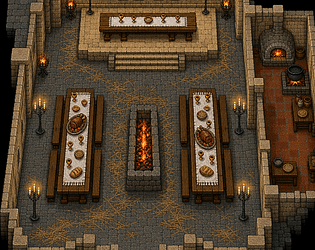
326 castle keep tiles at 16x16 for RPG Maker MZ, Tiled, Godot and Unity.

Age-of-sail ship duels for RPG Maker MZ: drawn ships, fire on the roll, and every hit drawn into the hull.
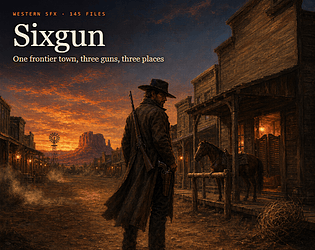
145 western sound effects: guns, horses, saloon, dynamite. WAV + OGG, free demo.
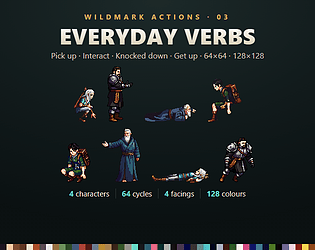
Wildmark Actions 03: Everyday Verbs — pick up, interact, knockdown & get up, 128x128 & 64x64 sprites
64 action cycles for 4 Wildmark heroes: pick up, interact, knockdown, get up, 4 facings.
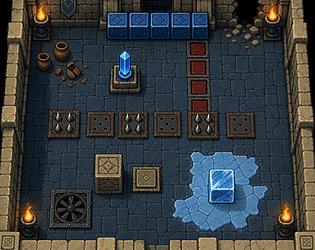
185 dungeon puzzle tiles at 16x16: switches, plates, spikes, walls. 4 engines.
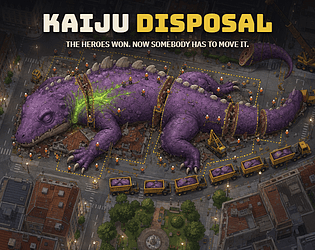
Kaiju clean-up incremental with 12 contracts, plus 36 more free games in one window.
Simulation
Play in browser
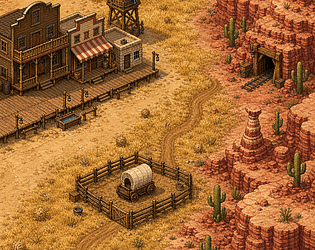
Wild West tileset: boomtown, prairie, red canyon. For RPG Maker MZ, Tiled, Godot, Unity.
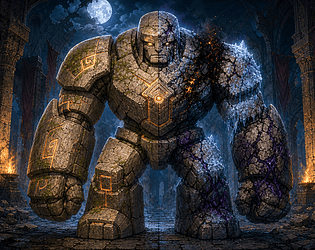
RPG Maker MZ plugin: battle damage drawn into your own enemy art by element, material and HP.
103 stealth sound effects: detection ladder, distractions, lockpicking, cameras, lasers, alarms, takedowns. WAV + OGG.

109 steam railway sound effects: locomotive at six speeds, whistles, carriage, station, signal box. WAV + OGG.
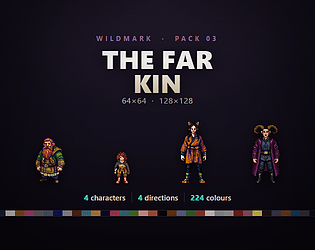
4 fantasy hero sprites: dwarf, halfling, cat monk, warlock. Idle and walk, 4 directions.
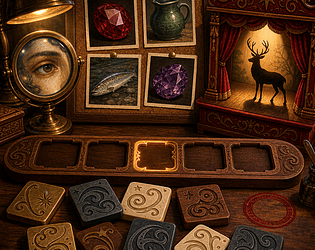
Silhouettes, close-ups, mosaics and picture boards made from your own icons, battlers and faces. Spell the answer.
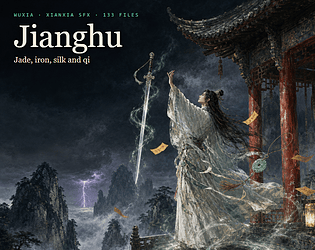
133 wuxia and xianxia sound effects: Five Phases, cultivation, flying sword. WAV + OGG.
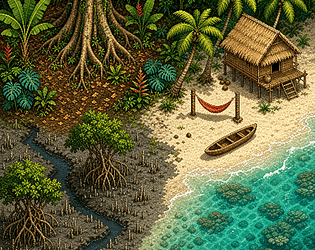
633 16x16 tiles: jungle, mangrove and a lagoon beach with moving surf, in 7 autotile sets.
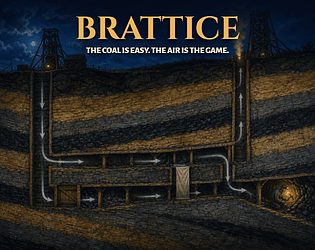
A free 1850s colliery incremental: cut roads, work the faces, and steer the air past them.
Simulation
Play in browser
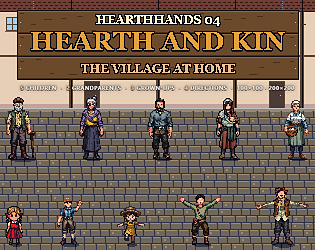
Ten villagers at home: children, grandparents, a household. Idle, walk and a move each, 4 directions. 200px + 100px.
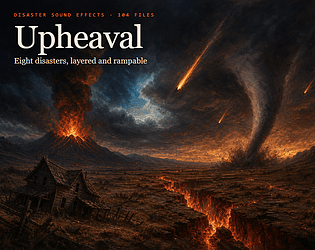
104 natural disaster sound effects: 8 disasters as layered, rampable loops with warnings and accents. WAV + OGG.
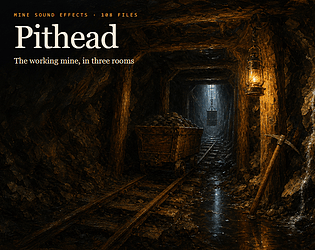
108 mine sound effects: pick strikes by rock hardness, minecart, winch, cave-in and three rooms. WAV + OGG.
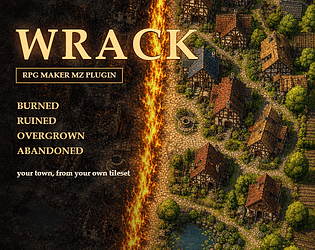
RPG Maker MZ plugin: your town burned, ruined, overgrown or abandoned, from your own tiles.
10 dialogue sound packs in one download: text blips, typewriters, emotes, effort voices.
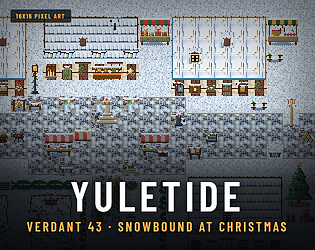
Verdant 43 Snowbound dressed for Christmas: wreaths, lights, gifts and a town tree. Needs Snowbound for the ground.
44 track casual game score in one bright voice: menus, 8 levels with hurry up twins, shop, combos. MIDI + OGG.
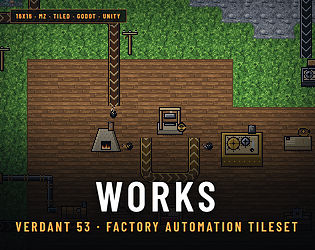
2,490 16x16 tiles for a factory: animated belts, inserter arms, machines and ore fields.
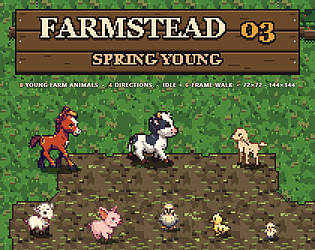
8 young farm animal sprites, 4 directions, idle and walk. 144 and 72 px, MZ ready.
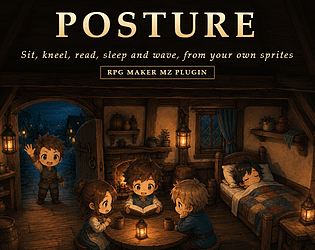
RPG Maker MZ plugin: 9 poses made from your walking sheets. Sit, kneel, sleep, wave, cheer.
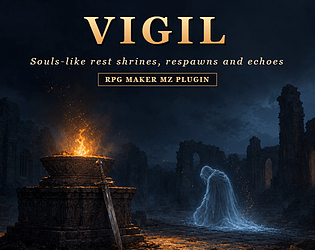
Souls style rest shrines for RPG Maker MZ: 5 shrine forms, an altar, respawning foes.
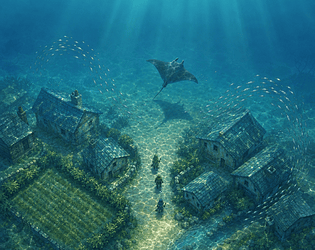
48 sea creatures, caustics and light shafts: an RPG Maker MZ plugin for underwater maps.
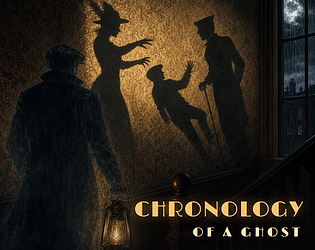
A noir shadow mystery: carry a lantern, read 13 answers off the wall. Free in the browser.
Puzzle
Play in browser
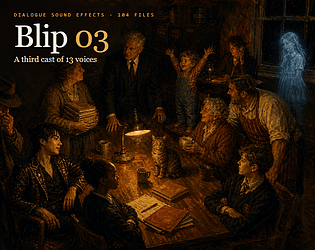
104 dialogue blips: 13 new speakers for school, modern and cozy games, none a Blip 01 or 02 voice. Same cues.
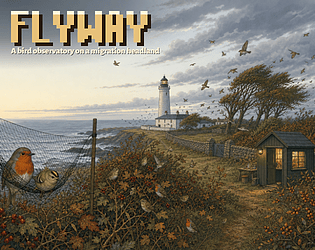
Run a bird observatory: 44 species, mist nets and the wind. A free browser game.
Simulation
Play in browser
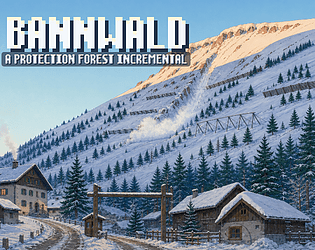
Free browser game on a 20 by 10 slope: hold the snow above a village and grow its forest
Simulation
Play in browser
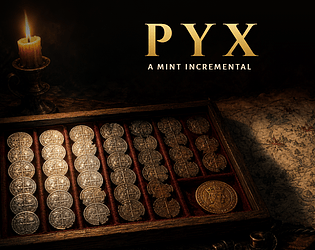
Free mint incremental, a 40 year reign: thin the silver, then face the trial of the pyx
Simulation
Play in browser
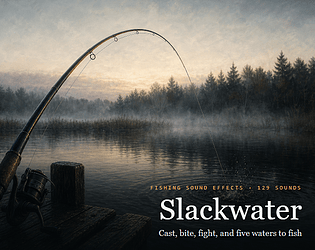
129 fishing sound effects on 5 waters. WAV + OGG for any engine, free demo.
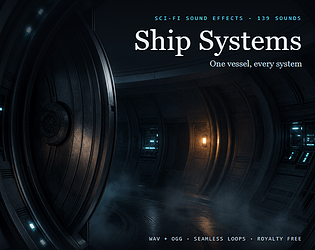
139 sci-fi sound effects for one spaceship. WAV + OGG for any engine, free demo.
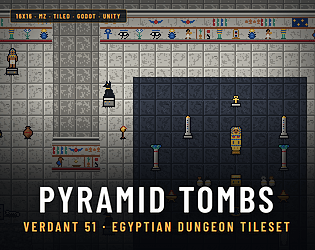
An Egyptian tomb at 16x16: painted wall bands, a burial chamber and sand traps. For MZ, Tiled, Godot and Unity.
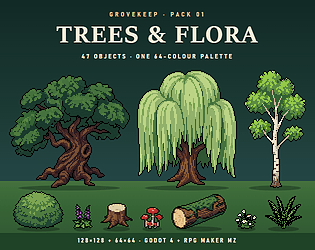
47 trees, shrubs, flowers, fungi and logs for Godot 4 and RPG Maker MZ, 128 and 64 px
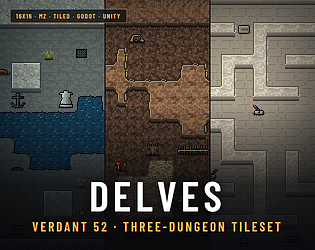
493 dungeon tiles, 16x16, for RPG Maker MZ, Tiled, Godot and Unity: halls, warren, maze.
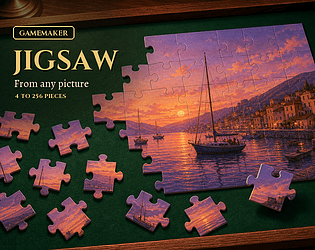
Cut any sprite, background or surface into a 4 to 256 piece jigsaw on a drawn table. Every cut is generated.
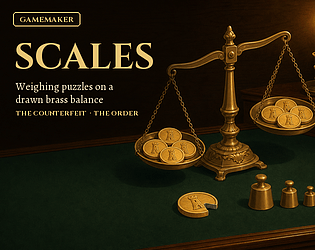
Find the false coin in the fewest weighings, or weigh out an order. A counterfeiter who answers back. All drawn.
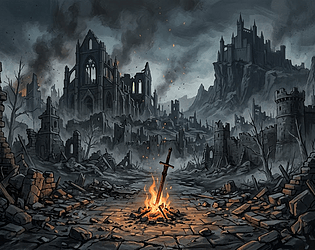
44 track soulslike music pack, OGG and MIDI, loops tagged. Two full tracks free.
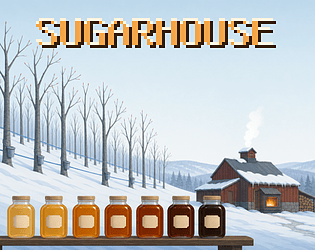
A free maple sugaring incremental where the weather is the clock. Tap, boil, jar the run.
Simulation
Play in browser
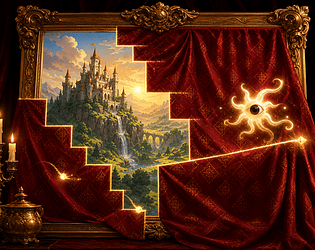
Qix style minigame plugin for RPG Maker MZ: claim the board to reveal your picture. Free lite.
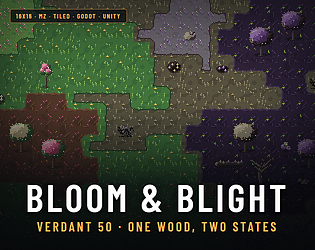
An enchanted wood in two states, tile for tile: blossom groves and their blighted twins. For MZ, Tiled, Godot and Unity.
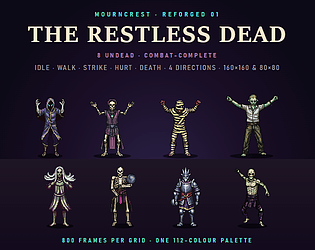
8 undead sprites, 800 frames per grid at 160 and 80 px. RPG Maker MZ + Godot 4 files.
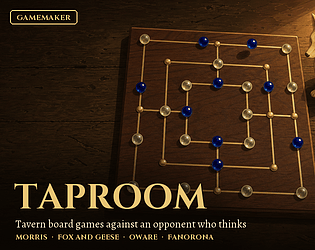
4 tavern board games for GameMaker, against an AI at five strengths. Every board drawn.
Typing battles for RPG Maker MZ: foes carry your own skill, enemy and item names.

Quiz show plugin for RPG Maker MZ: 6 drawn stages, 392 questions from the stock database alone.
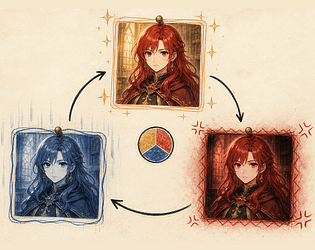
9 emotion states for RPG Maker MZ battles, drawn over your own portraits and enemies.
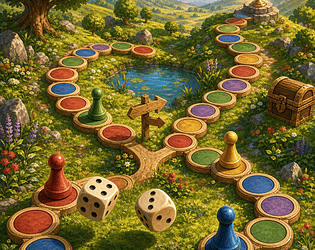
A dice board game for your RPG: 6 landscapes, 11 spaces, forks and up to 3 rivals.
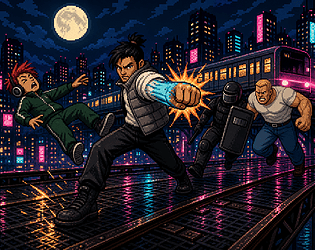
Free browser beat 'em up: 7 stations, a 6 slot combo you draft, a boss in 3 phases.
Action
Play in browser
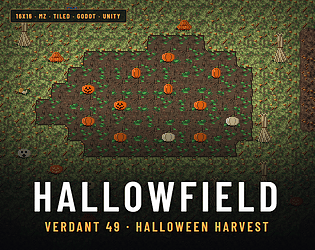
Halloween tiles: pumpkin beds, flickering jack-o'-lanterns, a bubbling witch's cauldron. For MZ, Tiled, Godot and Unity.
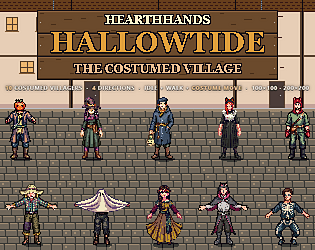
10 Halloween villager sprites for RPG Maker MZ and Godot, one free in our sampler.
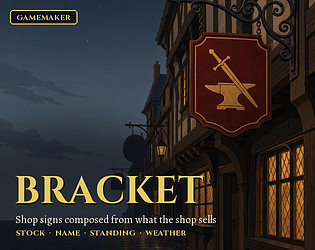
Every shop hangs its own sign: board, bracket, trade mark and weathering read from what it sells. Pure GML.

Class trial debates for RPG Maker MZ: 8 entrances, 7 paths and a gun full of evidence.

Dodge battle plugin for RPG Maker MZ: 7 patterns, 18 drawn forms, read from your database.
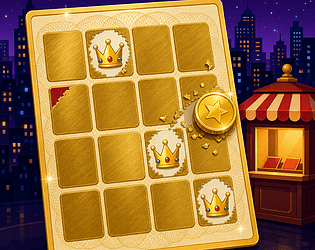
Free browser game with 5 scratch card tiers. Rub the foil with a coin that wears down.
Simulation
Play in browser

Year 3000. Guide tours through a museum of our junk, invent its history, and keep your story straight.
Simulation
Play in browser
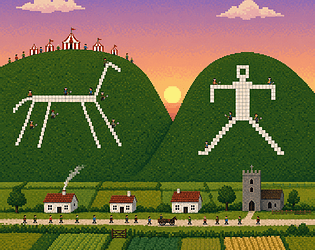
Free chalk hill incremental, fair every 4th summer: keep the horse white, then cut yours
Simulation
Play in browser
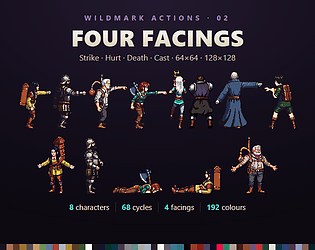
68 strike, hurt, death and cast cycles for 8 Wildmark characters. 64 and 128 px PNG.
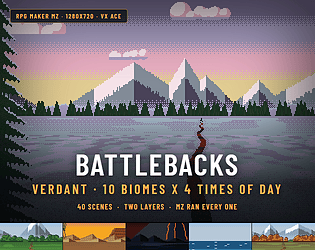
40 pixel battle backgrounds for RPG Maker MZ and VX Ace: 10 biomes at 4 times of day.
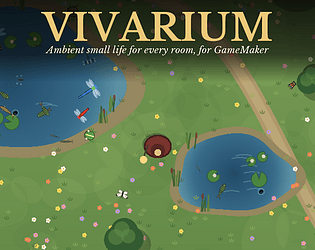
Butterflies, fireflies, dragonflies, frogs and fish placed in your rooms by habitat and time of day. Pure GML.
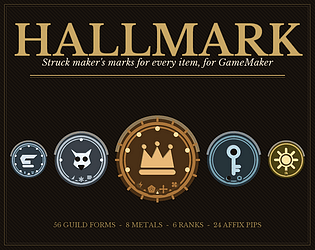
Every item your loot rolls strikes its own maker's mark: 56 guild forms, 8 metals, 6 ranks, 24 pips. Pure GML.

Free fireworks yard incremental with 19 upgrades: roll the stars, fill the shells, fire
Play in browser
650 dialogue sounds in 10 voices that talk in made up syllables. WAV + OGG, free demo.
Renamed a MetaSound input? Carry every Blueprint setter and component default still on the old name. Undoable, CI gate.
44 track Halloween score. Every bass note tiptoes. Pumpkin patch, haunted house, crypt, boss. MIDI + OGG.
Spot the difference plugin for RPG Maker MZ and MV: any picture, 1 to 12 generated differences.
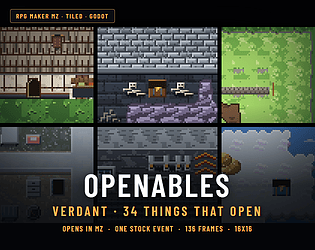
34 16x16 doors, chests, gates and hatches that open in RPG Maker MZ with one stock event.
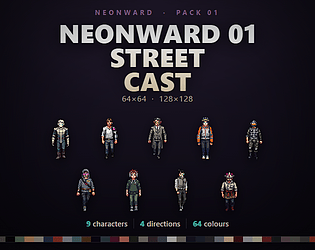
9 cyberpunk street characters, 252 frames per grid at 128 and 64 px. RPG Maker MZ + Godot 4.
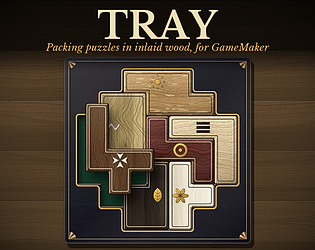
Packing puzzles in inlaid wood: every tray generated, every one solvable, graded by its solver. Pure GML.
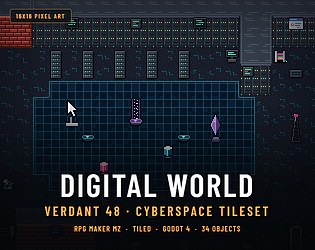
389 cyberspace tiles at 16x16 for RPG Maker MZ, Tiled and Godot, with 34 objects.
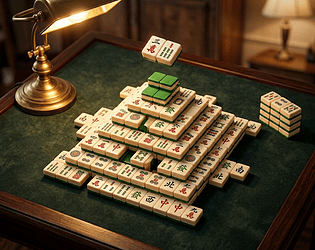
Mahjong solitaire for RPG Maker MZ and MV: 42 drawn tiles in 5 sets, every deal clears.
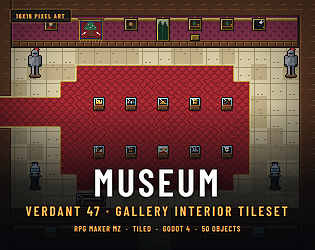
354 museum interior tiles at 16x16 for RPG Maker MZ, Tiled and Godot, 50 exhibits.
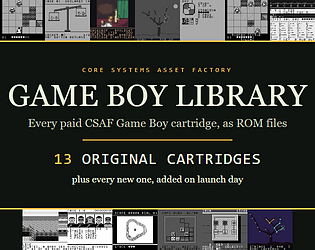
13 original Game Boy games as ROMs, plus every new CSAF cartridge on its launch day.
Puzzle
Play in browser
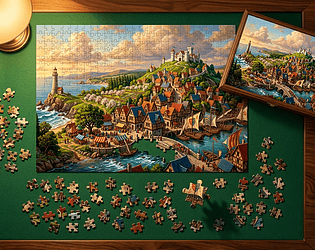
RPG Maker MZ and MV plugin: any picture becomes a jigsaw of 4 to 256 pieces. Free lite cut.
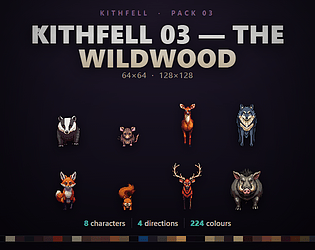
8 woodland animals for top down games. Idle, walk and forage at 128 and 64 px.
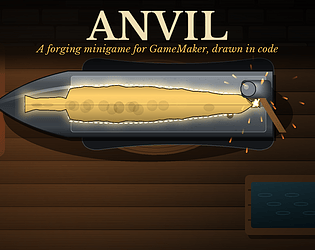
GameMaker forging minigame in pure GML: 6 weapon families, 5 metals, 4 quality grades.
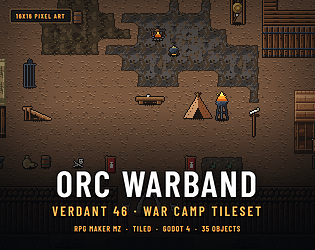
An orc war camp in 16x16: palisade, stockade, war huts, 35 objects. RPG Maker MZ A2/A3/A4, Tiled + Godot.
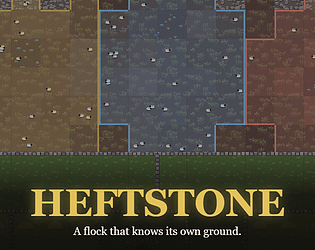
Free hill farm incremental with 3 fell hefts, drystone walls and sheep that know the fell
Play in browser
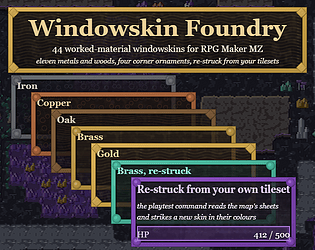
44 windowskins for RPG Maker MZ in 11 worked materials, re-struck from your own tileset's colours.
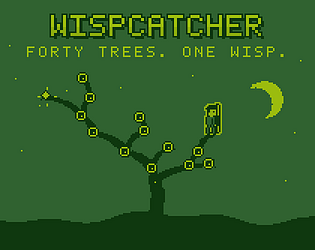
A wisp hops one fork every night. Each dawn you look at one fork. Catch it in the proved fewest dawns.
Puzzle
Play in browser
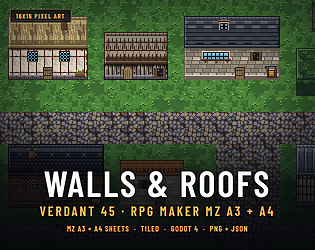
RPG Maker MZ A3 and A4 pages: 16 roofs, 16 walls, 24 wall tops, 24 faces, 16x16.
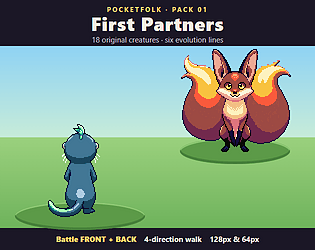
18 creatures in 6 evolution lines for monster tamers. Battle front, back and walk.
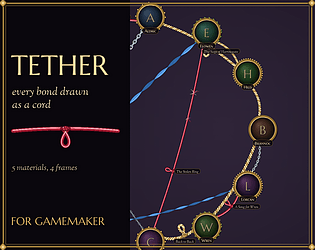
A relationship chart where every bond is a cord: silk, rope, chain, wire or ribbon, frayed, knotted. Pure GML.
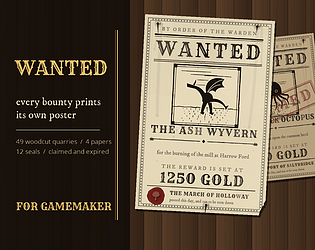
Every bounty prints its own wanted poster, generated: woodcut quarry, wood type, wax seal, aged paper. Pure GML.
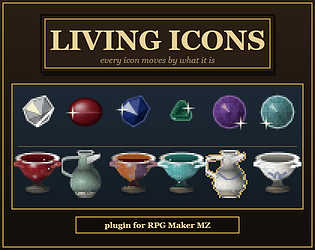
Every icon in your menus moves by what it is: blades glint, gems twinkle, potions bubble, fire flickers. No frames.
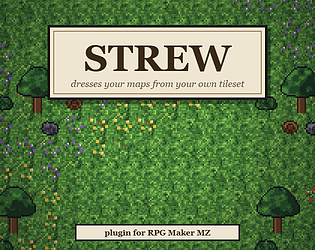
One keypress dresses your RPG Maker MZ maps: flower drifts, rocks, floor variants.
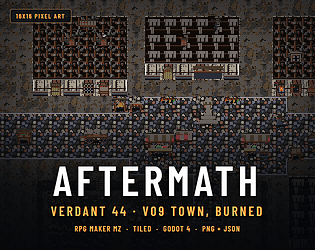
Verdant 09 Town sacked and burned, tile for tile: 510 tiles at the same positions, so a map burns. MZ, Tiled, Godot.
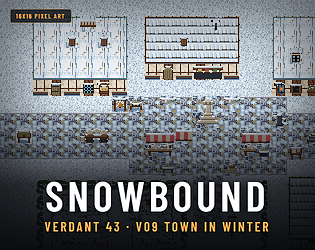
Verdant 09 Town under snow, tile for tile: 510 tiles at the same positions, so a map swaps to winter. MZ, Tiled, Godot.
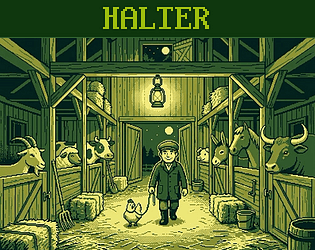
Lead the night byre's beasts into their own stalls. Each trade costs both beasts' weights, and the least is proved.
Puzzle
Play in browser
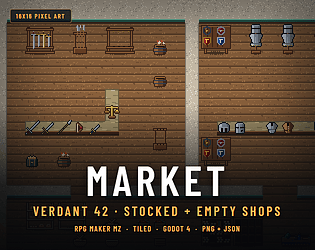
Fantasy shop interiors: 12 fixtures each stocked and empty, 31 wares, 444 tiles for MZ, Tiled, Godot.
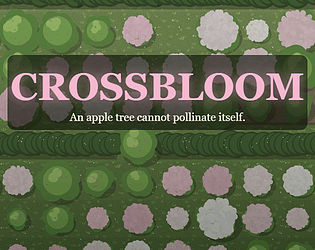
Free orchard incremental with 9 apple varieties: plant each tree beside a partner in bloom
Simulation
Play in browser
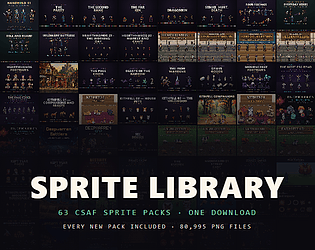
63 pixel art sprite packs in one download, every new pack added free
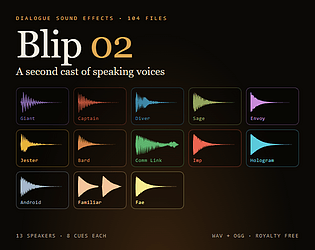
104 dialogue blips in 13 sci fi and fantasy voices. WAV + OGG for any engine, free demo.
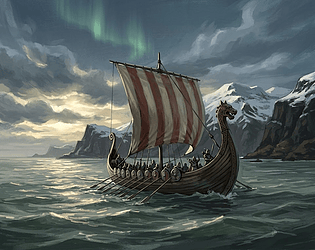
44 track Norse saga score. Every track stands on its tonic drone. Longhall, longship, barrow, battle. MIDI + OGG.
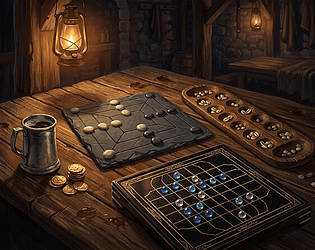
4 tavern board games vs NPCs for RPG Maker MZ: Morris, Oware, Fanorona, Fox and Geese.
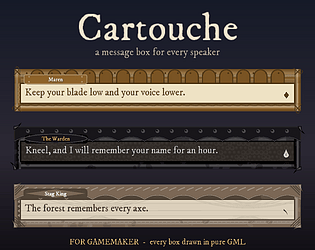
Generated dialogue boxes for GameMaker: 40 materials, 26 corners, one box per speaker.
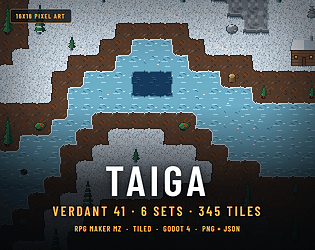
16x16 taiga tileset: 345 tiles, 6 autotile sets. MZ, Tiled, Godot, Unity and GameMaker.
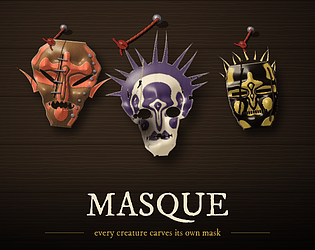
Every enemy and character in your game carves its own lit, painted mask, and the player fills a rack. Pure GML.
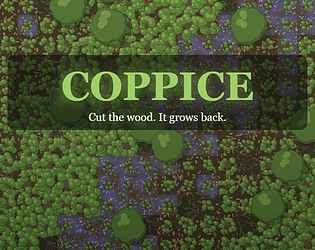
A woodland incremental: cut hazel in rotation, keep every age standing. Free.
Simulation
Play in browser
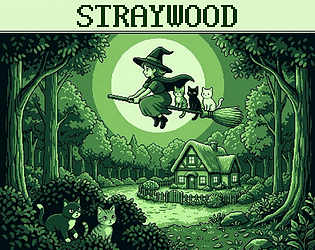
Carry lost kittens home, three on the broom: 40 woods, each with a proved par. Free demo.
Puzzle
Play in browser
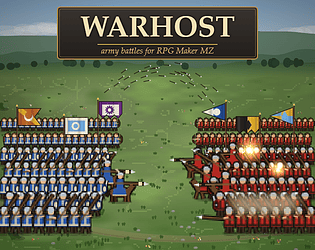
Army battle plugin for RPG Maker MZ and MV: 5 drawn troop types, 4 formations, no image files.
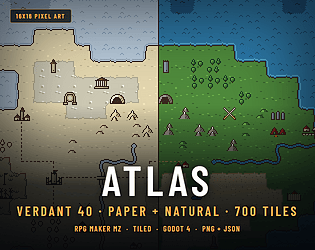
16x16 world map tileset, parchment and natural colour. MZ, Tiled, Godot and GameMaker.
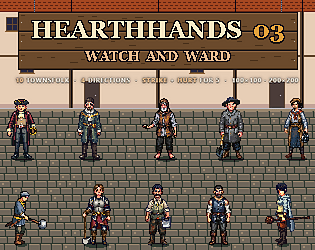
10 town sprites for RPGs: guards and militia strike and hurt. MZ and Godot ready.
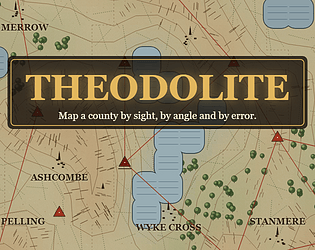
Survey 8 town sheets by angle in a free browser incremental, before the fog comes in.
Simulation
Play in browser
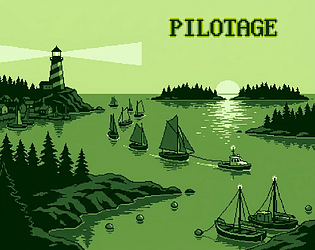
Bring a fishing fleet home: 40 anchorages, each with a proved least towing. Free demo.
Puzzle
Play in browser
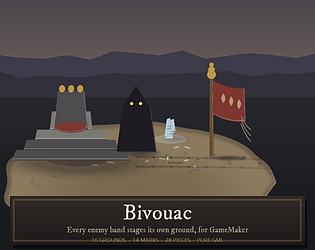
Battle grounds for your game: each enemy band gets its own earth, shadows, camp and tracks, drawn in code. Pure GML.
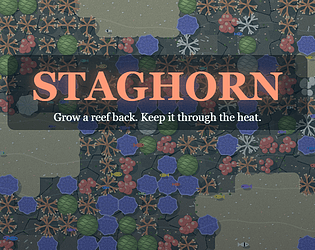
A reef restoration incremental: raise coral, plant it, and keep it alive through the heat.
Simulation
Play in browser
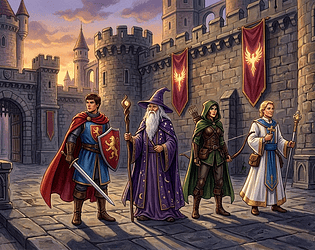
Taller side view battlers for RPG Maker MZ, all 18 motions, from your own sheets.
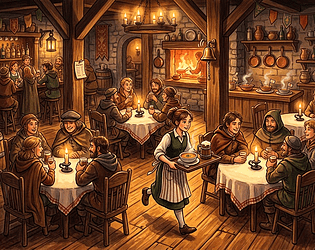
Serving minigame plugin for RPG Maker MZ on your own map. Diners order, eat, tip or walk out.
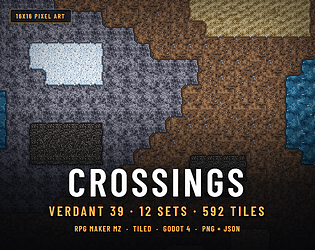
592 ground transition tiles at 16x16 for RPG Maker MZ, Tiled and Godot, 12 autotile sets.
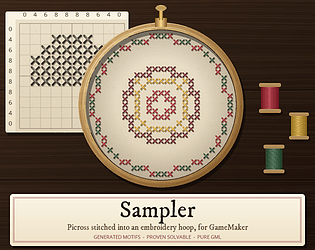
Picross for GameMaker: players stitch a generated chart from its clues, kept in a hoop.
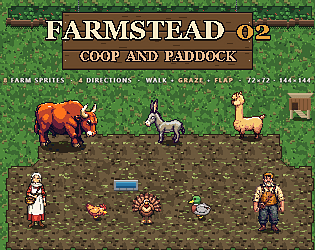
8 farm animal and farmhand sprites that graze and flap, 4 directions, 144 and 72 px.
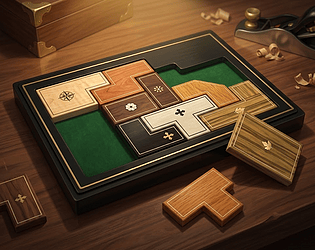
Packing puzzle minigame for RPG Maker MZ: 6 trays, 10 woods, every puzzle solvable.
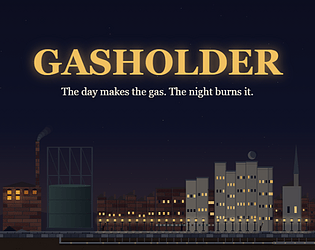
A gasworks incremental: the day makes the gas, the night burns it. Keep the town lit.
Simulation
Play in browser
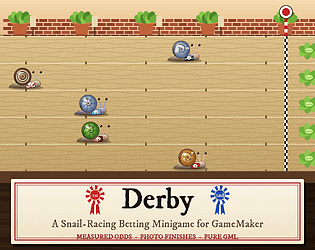
12 snail runners, 5 drawn courses: a race betting minigame for GameMaker, pure GML.
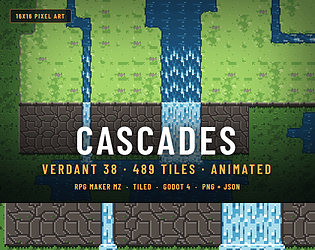
16x16 waterfall tileset, 489 tiles, any cliff height. MZ, Tiled, Godot, Unity, GameMaker.
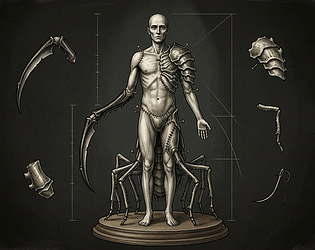
A Game Boy roguelike sequel. Kill a monster, graft on one part, and wear its rule.
Role Playing
Play in browser
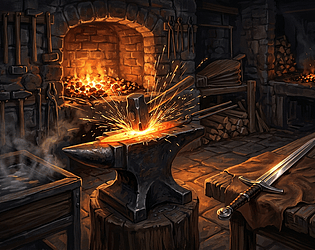
Forge a glowing bar to a pattern made from your own weapon. 40 stock weapons, 6 families.
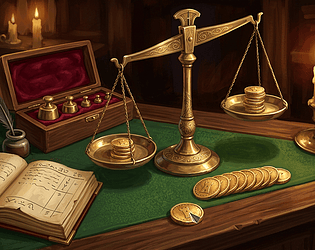
Weighing puzzle minigame for RPG Maker MZ: 3 to 13 coins, one false, every puzzle fair.
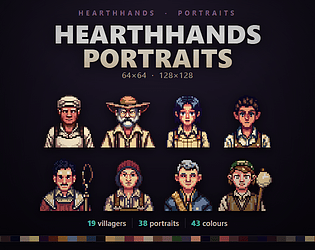
38 dialogue portraits for RPG Maker MZ and any engine. 19 villagers in 2 moods.
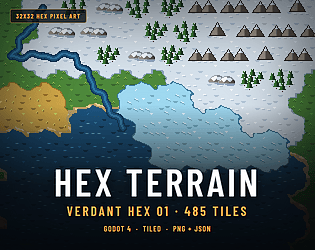
485 pixel art hex tiles at 32x32: 6 terrains, every edge, roads and rivers. Godot, Tiled.
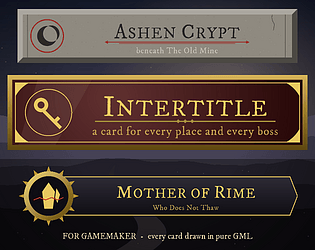
Every place and every boss announces itself with a card drawn from your game's own facts. Pure GML, no sprites.
Your game's name cut letter by letter into slate, leather, oak or lacquer, framed, with a menu. Pure GML, no sprites.
A cheese cave incremental: age every wheel to its peak, then decide when to sell.
Simulation
Play in browser
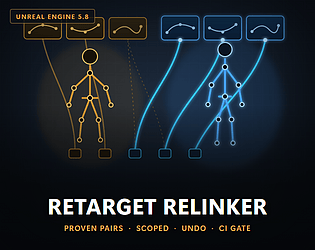
Relink Blueprints, Anim BP defaults, DataTable rows and soft paths to your retargeted animations. Scoped. Undoable.
Trim, retime, mirror (generic rigs too), loop and clean AnimationClips in batch. Exact curves, real .anim files.

44 track open world score. Twelve places written twice, by day and by night, on the same tune. MIDI + looping OGG.

576 footstep sound effects: 12 surfaces, 4 gaits, 3 weights. WAV + OGG, free demo.
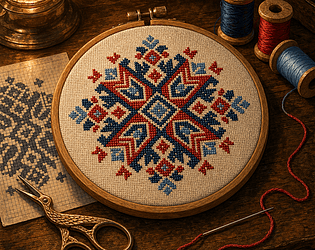
Picross minigame plugin for RPG Maker MZ: generated charts finished as cross-stitch hoops.
9 top down house pet sprites in 4 directions, at 128 and 64 px. Free sample, MZ and Godot.
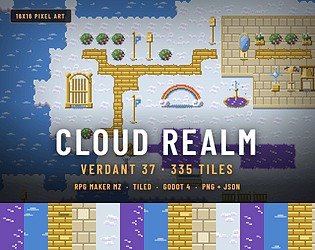
335 16x16 cloud realm tiles for MZ, Tiled and Godot, with a fountain of light.
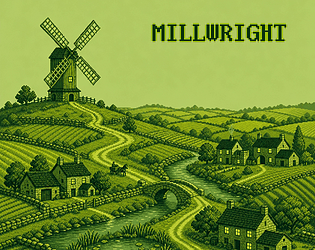
40 windmill puzzle parishes for Windows, and 10 free to play in your browser.
Puzzle
Play in browser
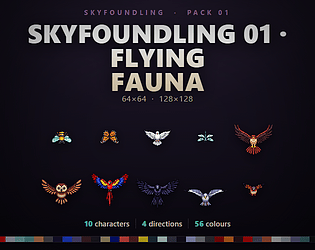
10 flying birds and insects, 6 frame flap in 4 directions, a ground shadow every frame.
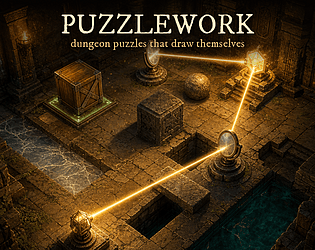
45 drawn puzzle pieces for GameMaker: push blocks, ice, pits, plates and light beams.
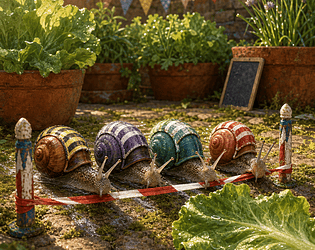
Snail racing and betting plugin for RPG Maker MZ: 5 drawn courses and a photo finish.
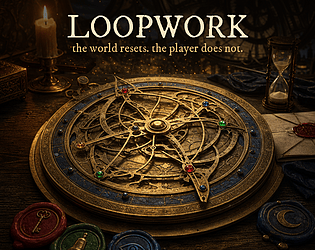
A time-loop engine for GameMaker: facts survive the reset, the rewind is a plan, the Ledger is a brass astrolabe.
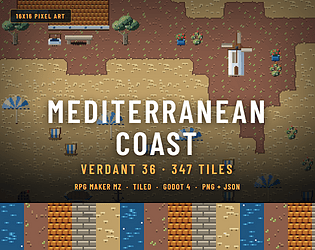
347 16x16 Mediterranean coast tiles for MZ, Tiled and Godot, with a turning windmill.
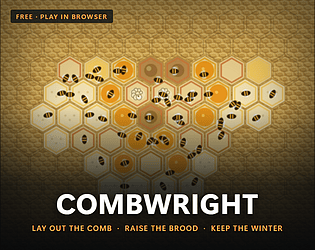
A free beekeeping game: lay out the comb, raise the brood, and keep the colony through the winter.
Simulation
Play in browser
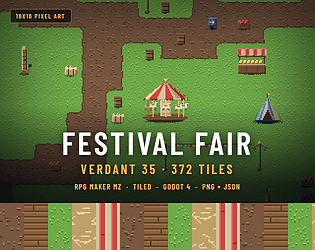
372 tiles at 16x16 for a village fair: tents, stalls, turning carousel. MZ, Tiled, Godot.
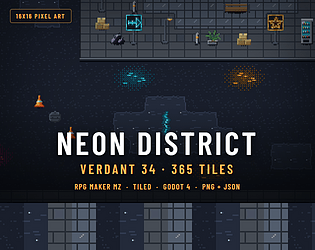
365 16x16 neon street tiles for RPG Maker MZ, Tiled and Godot 4, with 5 autotile sets.
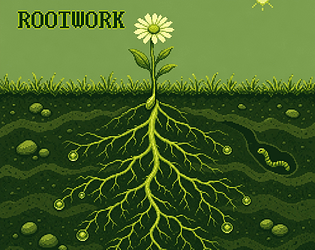
40 seeds to root down to every pool of water. Windows, with 10 free in the browser.
Puzzle
Play in browser
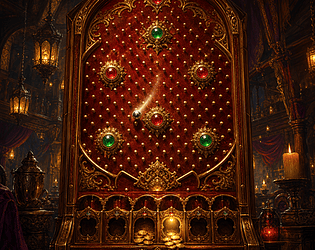
A tavern pin board: stake gold, drop the ball, win a multiple. Generated boards calibrated so no spot can be farmed.
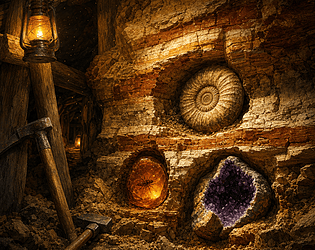
Excavation minigame for RPG Maker MZ: 10 kinds of finds, 5 rocks, a pick and a hammer.
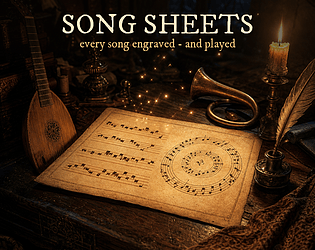
Learnable songs for GameMaker: each melody composed from its id, engraved as a real score, and synthesised to play.
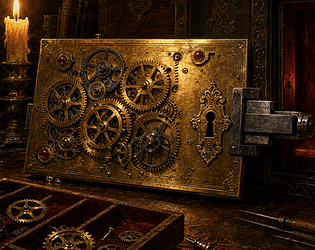
4 clockwork puzzle payoffs for RPG Maker MZ: generated, always solvable, drawn in code.
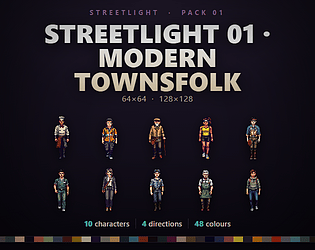
10 modern townsfolk for RPG Maker MZ and Godot 4, idle and 6 frame walk, 128 and 64 px
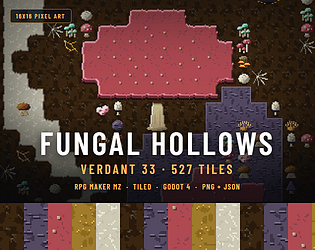
527 16x16 tiles for a fungal cavern: giant caps, mycelium, spores and 8 autotile sets.
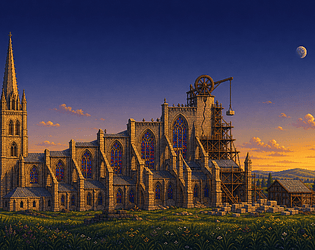
A cathedral incremental. Height is fame, and every vault pushes its own walls outward.
Simulation
Play in browser

Swap a Blueprint component's class project-wide, keeping graph wiring, attachments and child overrides.
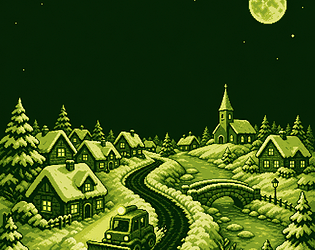
Clear every street of a snowbound village before dawn. One plough, one tank of fuel.
Puzzle
Play in browser
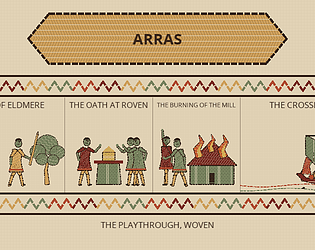
A recap screen no two players share: your run woven as an embroidered frieze. Drawn in GML, no sprites.

Bulk-edit transitions, build states from a clip folder, copy a sub-state machine, rename parameters safely.
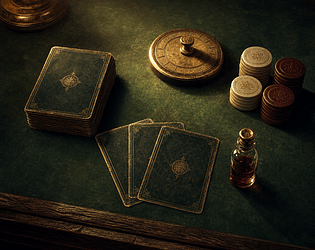
198 deckbuilder sound effects off one card table: draws, shuffles, energy, relics, curses.
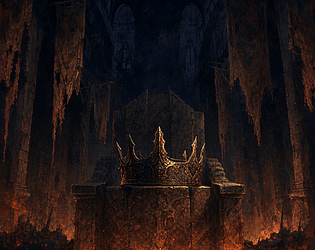
43 track NES style JRPG score on 2 pulse channels and a triangle that cannot change volume. MIDI + OGG.
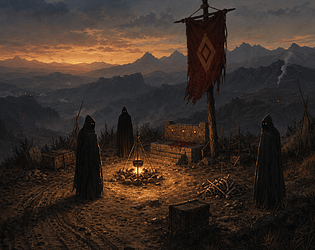
RPG Maker MZ battle plugin: every enemy troop stands on its own drawn ground, 52 things.
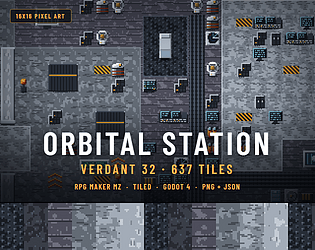
637 tiles, 10 autotile sets, 27 objects for a space station. RPG Maker MZ, Tiled, Godot.
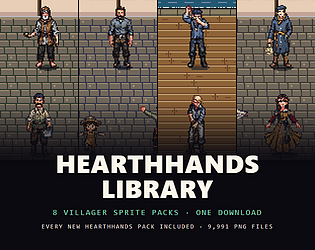
8 villager sprite packs in one download, every new Hearthhands pack added free
46,080 coats of arms, plus seeded brackets and leagues your GameMaker game draws.
12 shafts and 12 marks to decode by feel. Free browser demo, full game for Windows.
Platformer
Play in browser
Finds every asset whose source file moved, proves which file it is by MD5, and relinks it reversibly.
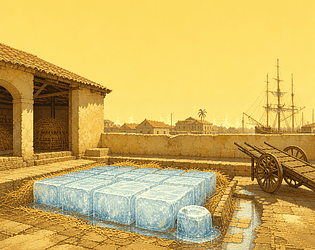
A free icehouse incremental: 14 improvements, 3 years, ice that melts by its open faces.
Simulation
Play in browser
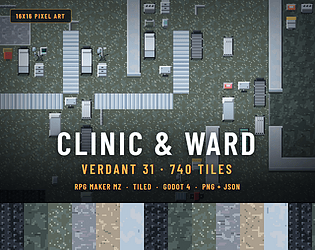
740 hospital tiles at 16x16 for RPG Maker MZ, Tiled and Godot: ward, theatre, dispensary.
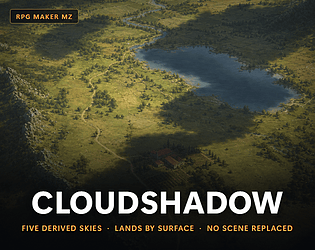
RPG Maker MZ plugin: 5 cloud skies derived from your own map, with shadows that land by surface.

150 engine, vehicle and machine sound effects. Every motor has a load ladder. Free demo.
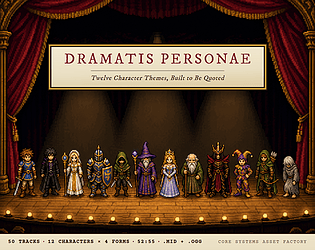
12 JRPG character themes, 50 tracks: theme, battle, music box memory, stinger. MIDI + OGG.
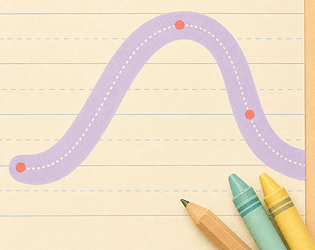
Generate letter tracing lessons from your own font, in Latin, Cyrillic and Greek.
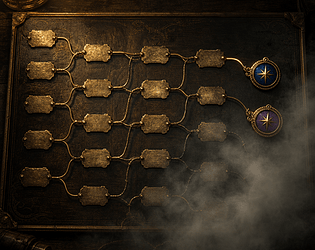
A GML route chart for branching stories: gold where they walked, fog where they did not, a mark for every ending.
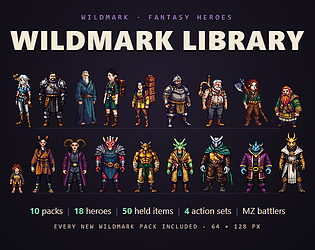
10 fantasy hero sprite packs in one download, every new Wildmark pack added free
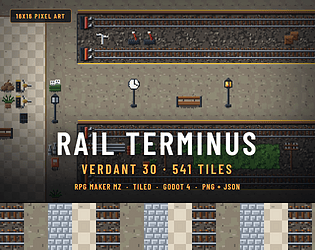
541 train station tiles at 16x16 for RPG Maker MZ, Tiled and Godot, 7 autotile sets.
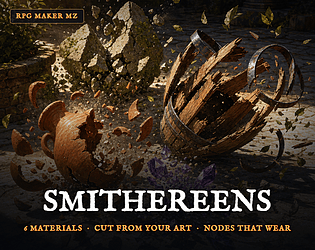
6 materials that break their own way in RPG Maker MZ, cut from your own art.
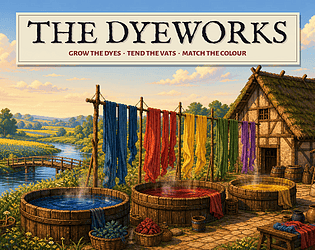
40 historical colours to match in a free dye house incremental. Grow, dip, and deliver.
Simulation
Play in browser
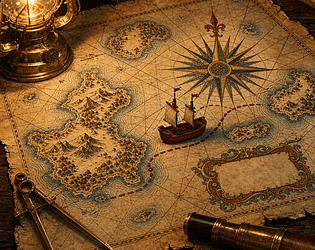
Sailing system for GameMaker: wind, cargo and storms on a sea chart drawn in GML.
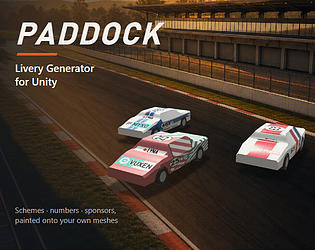
Designed racing liveries for every car in your roster, painted onto your own meshes in Unity.
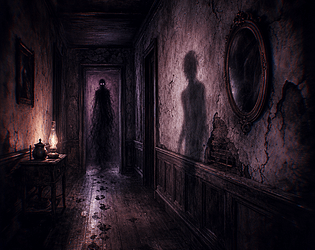
GameMaker sanity system: 48 apparitions drawn at run time, 5 dread tiers, no sprites.

Relinks every reference to an asset that was moved without a redirector, and proves it from disk.
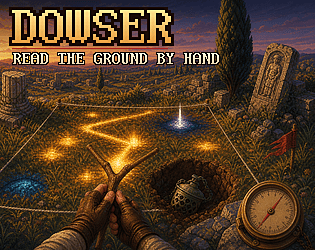
Minesweeper with no numbers: sweep a dowsing rod, dig relics, leave shells. Free demo.
Puzzle
Play in browser
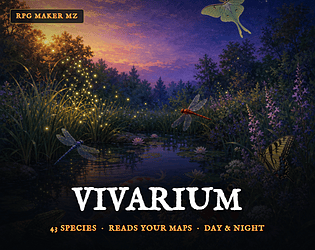
Ambient wildlife plugin for RPG Maker MZ: 43 species drawn in code, placed by your map, no events.
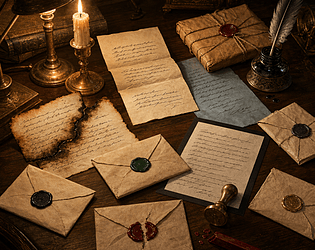
Letters for GameMaker in 6 handwritten hands, on 8 papers, sealed with 10 wax seals.
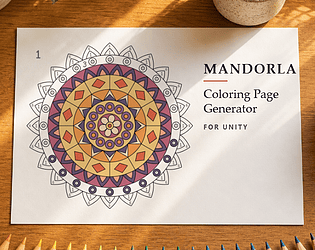
Generate closed-region coloring pages and colour-by-number sets in Unity, or convert your own line art to the same.
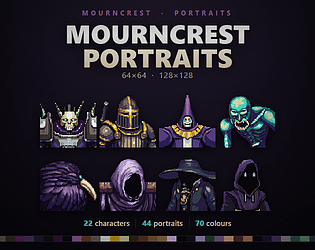
44 dialogue portraits for RPG Maker MZ and any engine. 22 characters in 2 moods.
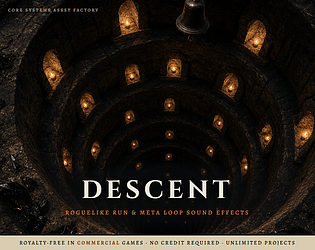
119 roguelike SFX for the run itself: descent, threat, rarity, low HP heartbeat loops, shrines, shop, death. wav + ogg.
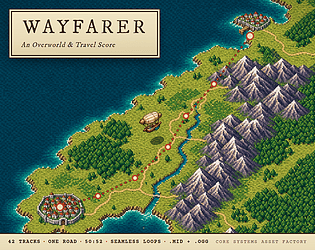
42 JRPG overworld and travel tracks, OGG + MIDI, 38 seamless loops. 2 tracks free.
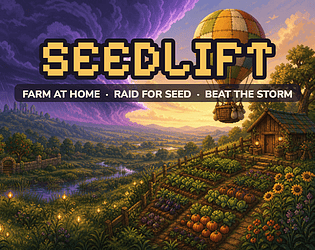
Farming incremental with 24 strains: raid the wilds for seed, beat the storm home.
Simulation
Play in browser
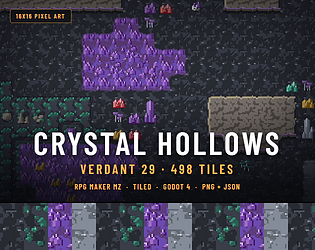
498 16x16 crystal cave tiles for RPG Maker MZ, Tiled and Godot 4, with 7 autotile sets.
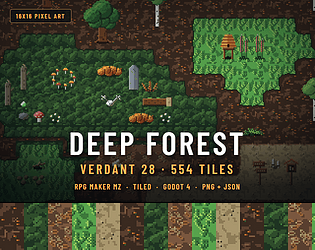
554 forest floor tiles, 8 autotile sets, 46 objects for RPG Maker MZ, Tiled and Godot.
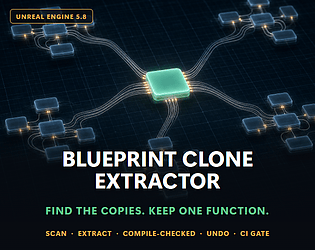
Finds node clusters copy-pasted across your Blueprints and turns every copy into one call to a shared function.
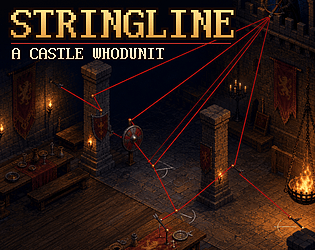
15 castle whodunit cases solved by drawing red string. First 3 free in your browser.
Puzzle
Play in browser
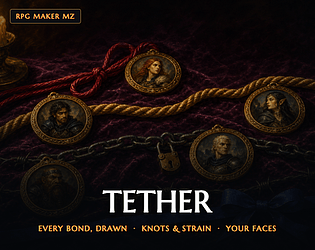
RPG Maker MZ relationship chart: every bond drawn as a cord, 5 kinds and 6 weights.
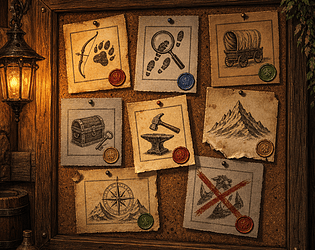
A GML quest system that prints every quest as its own notice: seals, engraved jobs, stamps, age. Choices branch.
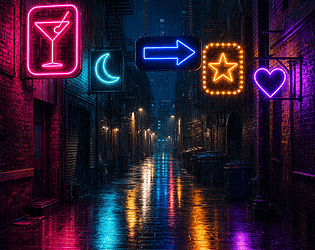
Generated neon signs in GML: bent-glass lettering, boards, frames, glow, flicker, dead letters and wet reflections.
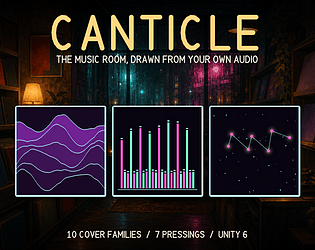
Your game's music room, drawn from its own soundtrack: one generated cover per track, shaped by that track's audio.
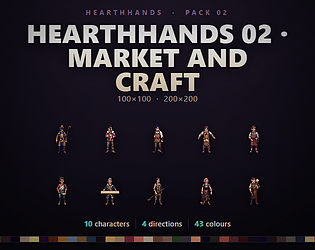
10 market tradesfolk sprites, idle, walk and a work loop, 200 and 100 px, MZ and Godot.

6 roads and 6 songs in a free browser racer. Change lanes on the beat to speed up.
Racing
Play in browser
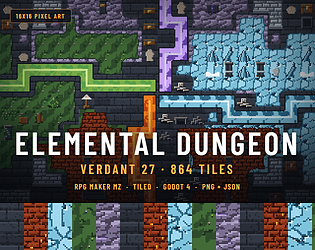
864 dungeon tiles at 16x16: fire, ice, flora and storm halls. MZ, Tiled, Godot.
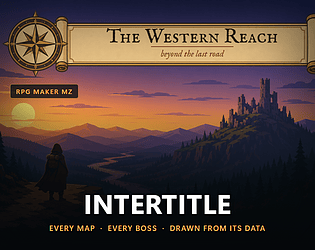
Title cards for RPG Maker MZ: every map and boss gets a card drawn from its own data.
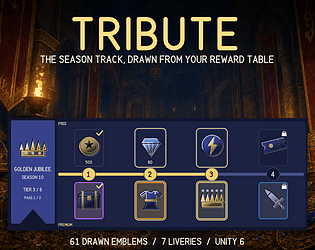
Draws the battle pass screen from your own reward table: 61 drawn emblems, 7 liveries, rarity rims. Claim, it redraws.
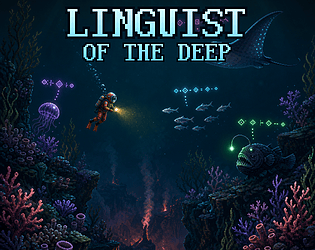
18 alien glyphs to learn by watching a reef speak. Puzzle adventure, free browser demo.
Puzzle
Play in browser
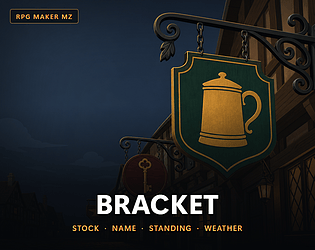
Every shop in your MZ game hangs its own sign, composed from what it actually sells. 48 different signs in the demo.
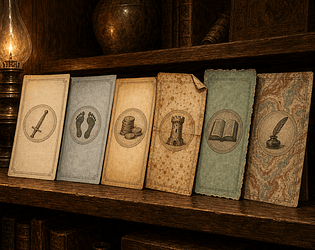
A save system whose every slot is drawn as a printed leaf from the run it holds: device, paper, binding and wear.
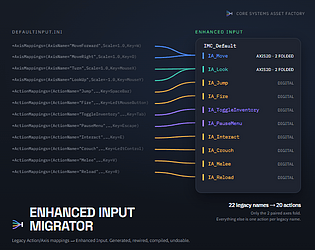
Convert a legacy Action/Axis UE5 project to Enhanced Input, with a journal that undoes it
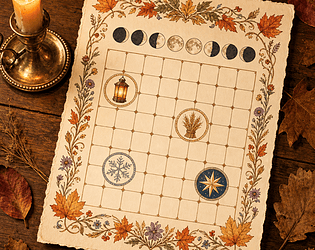
A calendar that prints itself: months, seasons, moon and festivals drawn as almanac pages and a HUD date plaque.
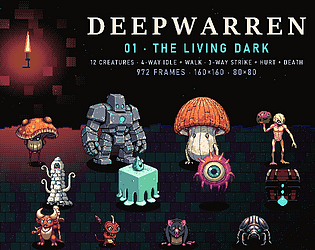
12 dungeon monsters with walk, strike, hurt and death at 160 and 80 px. Free sampler.
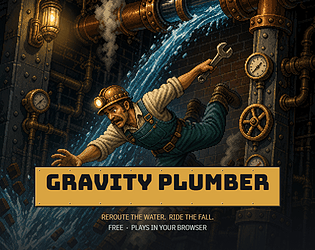
24 free browser puzzle chambers. The room tips toward whichever water tank is heaviest.
Puzzle
Play in browser
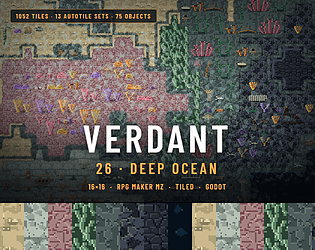
1052 deep sea tiles at 16x16: reef, trench, kelp, 75 objects. MZ, Tiled, Godot.

Ground that burns, freezes, floods and conducts: fire, ice, oil, lava and lightning on one drawn surface.
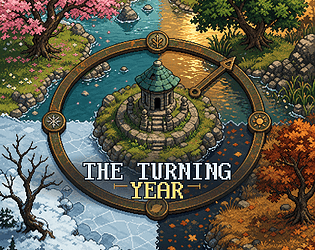
4 seasons on one dial. Freeze the brook, flood the road, keep walking. Free browser demo.
Adventure
Play in browser
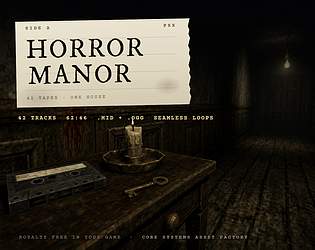
42 track PSX survival horror score built on one lullaby. OGG + editable MIDI, free tracks.
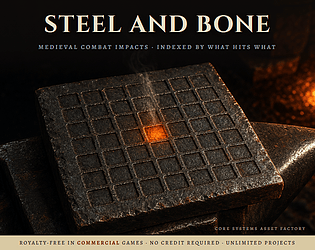
144 medieval combat sounds, 8 weapons on 6 materials. WAV + OGG, royalty free, free demo.
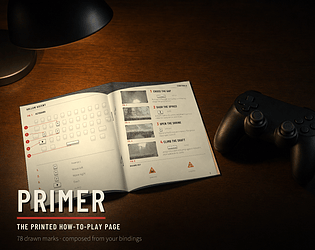
A printed how-to-play spread drawn from your own input bindings and tutorial steps. It redraws when a key is rebound.
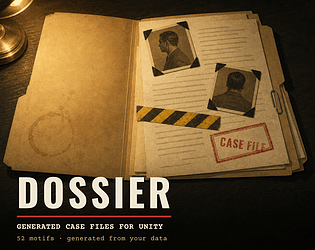
Your mystery game's suspects, clues and statements, typed up as a drawn case file spread. 52 motifs, drawn in code.
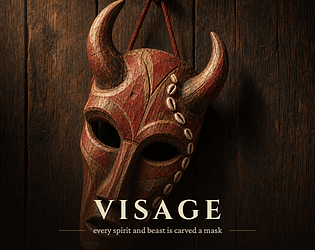
32,400 carved masks for RPG Maker MZ, each struck from an enemy record. A bestiary reveal.
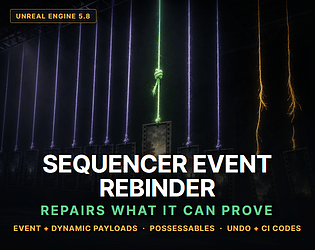
Repair broken Level Sequence bindings across a whole tree of shots without opening one of them.
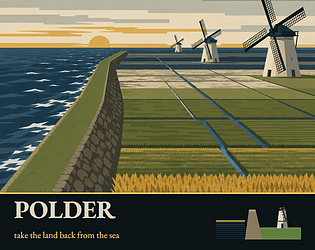
Drain a salt fen in 8 years in a free browser incremental where the water is the map.
Play in browser
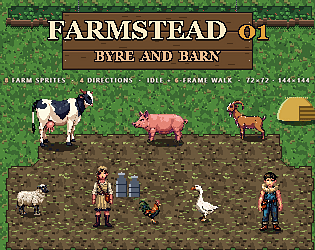
6 farm animals and 2 farmhands in 4 directions, at 144 and 72 px. RPG Maker MZ and Godot.
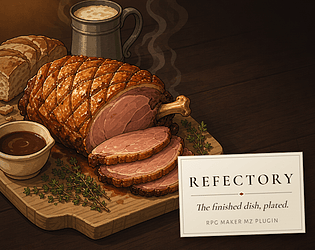
Plated food for RPG Maker MZ: each dish drawn from its own ingredients, 20 dish forms.
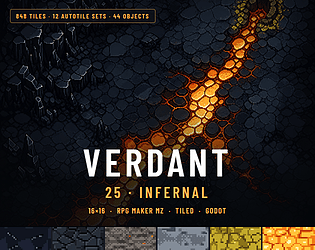
848 lava, basalt and sulphur tiles at 16x16: 12 autotile sets, 44 objects, 4 engines.

One corrupt package makes UE emit 1,000+ errors. Exactly one is true. This finds it, proves the rest false, fixes it.
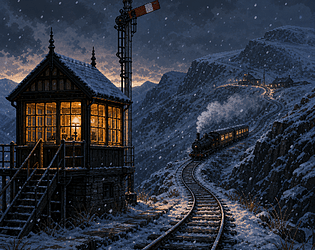
Free railway signalling game: 7 tiers to climb and one train allowed per section.
Play in browser
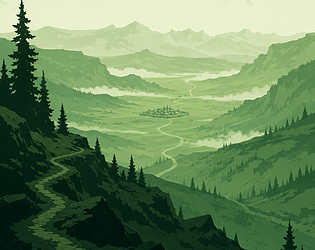
42 Game Boy style adventure tracks as MIDI and OGG, never more than 3 notes at once.

A Game Boy deduction game, 48 cuts: read layered rock, prove what came first. Free demo
Puzzle
Play in browser
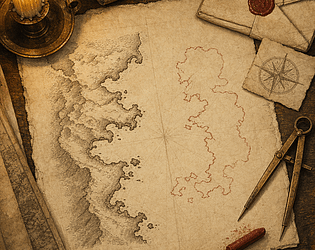
41 drawn marks chart the places your party has only heard about, for RPG Maker MZ.
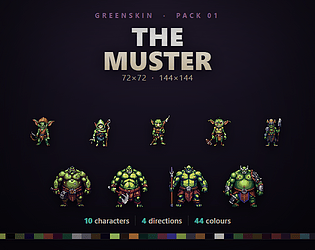
10 goblin and orc sprites for top down RPGs. Idle and walk, 4 directions, 144 and 72 px.
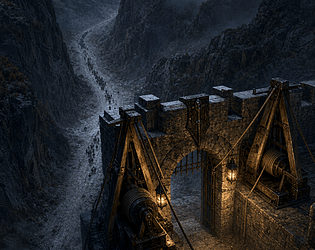
132 game sounds for tower defense. 8 escalation ladders, mechanically proven to rise. Free demo.
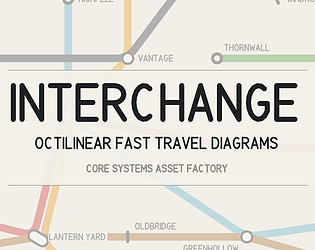
Turns your fast-travel graph into a drawn transit-style route diagram. Unity 2022.3+, no textures, no shaders.
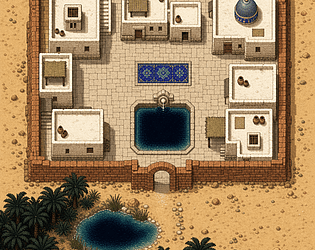
640 desert tiles at 16x16 for RPG Maker MZ, Tiled, Godot, Unity and GameMaker.

Rename a Niagara user parameter and Unreal silently creates an orphan nothing reads. This audits your call sites.

43 ground states for RPG Maker MZ: fire spreads, water freezes, oil burns, tiles remember.
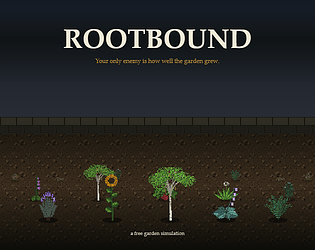
Free garden sim with 12 real plants: whatever thrives shades out its neighbours.
Simulation
Play in browser
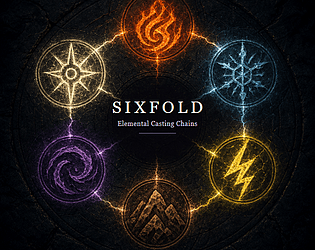
108 spell sound effects: 6 elements, each with the same 12 stages. WAV + OGG, free demo.
42 track neon city score. Skyline, street, rain, alley, club, netrun, chase, tower. Editable MIDI.
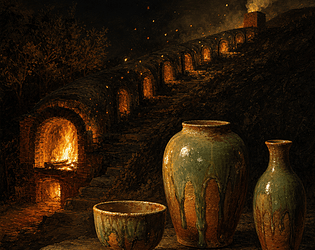
A wood-fired kiln incremental: 10 forms, 6 chambers, and every pot a one-off.
Simulation
Play in browser
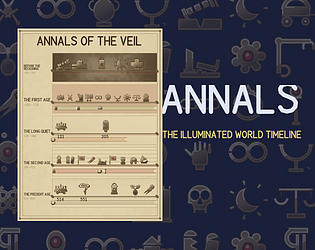
Draws your world-event records as an illuminated chronicle page. 58 hand-authored marks, 7 media, no images.
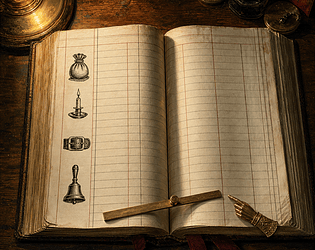
6 printed ledger menus for RPG Maker MZ: 50 drawn letterforms and 24 command devices.
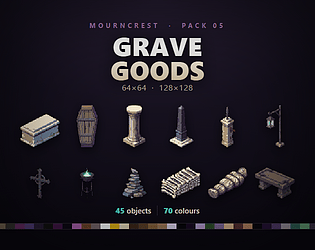
45 graveyard prop sprites at 64 and 128 px: coffins, headstones, urns. Royalty free.
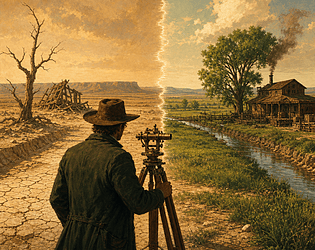
Re-stage 1873 and watch 1899 redraw, a time travel western. Free browser demo.
Adventure
Play in browser
16x16 ruin tileset: 698 tiles, 12 autotile sets. MZ, Tiled, Godot, Unity, GameMaker.

Finds every hardcoded colour and font in your Widget Blueprints, shares them from one asset, and gates drift in CI.

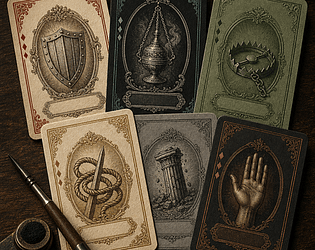
480 card faces drawn from your skills and items, an RPG Maker MZ plugin with no images.
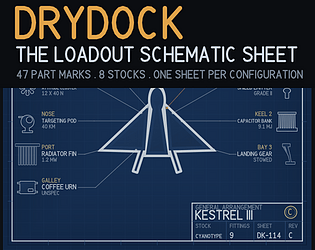
Draws a technical schematic of the player's craft from your own parts list. 47 part marks, 8 stocks, zero images.

12 bullet pattern families and 45 projectile bodies, all drawn in pure GML at run time.
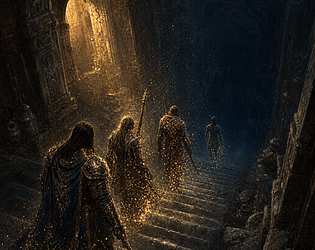
Start at level 99 and give a power away after every boss. A dungeon RPG, free demo.
Play in browser
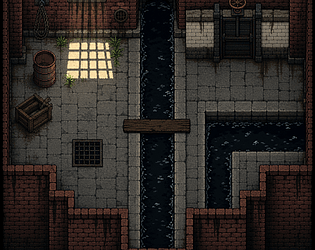
689 sewer tiles at 16x16 for RPG Maker MZ, Tiled, Godot 4, Unity and GameMaker.
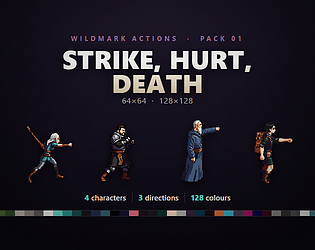
Strike, hurt and death for 4 top down heroes, 3 directions, 128 and 64 px. Free sample.
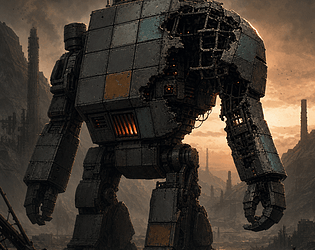
A match-3 where the board is your mech. Getting hit shatters the plates where it lands.
Puzzle
Play in browser
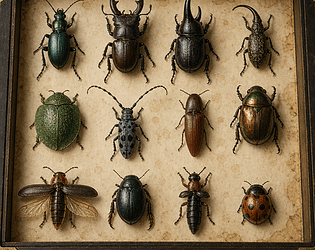
224 insect specimens drawn from your RPG Maker MZ database, with no image files.
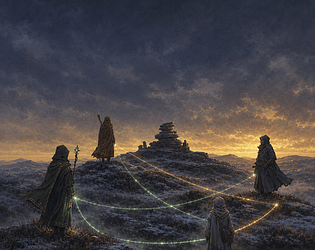
A real time JRPG battler: 4 characters, 6 bonds, and your only input is where they stand.
Strategy
Play in browser

Rename a UPROPERTY and Unreal silently drops the data. This generates the redirects that keep it.
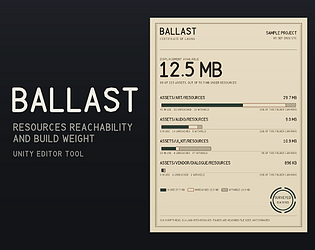
Cut the Resources folder out of your Unity build, and prove the bytes.
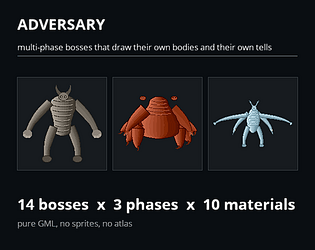
Bosses that draw their own bodies AND their own attack telegraphs from the same numbers. Pure GML, no sprites.
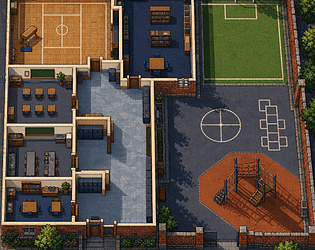
A whole school in 783 tiles: 12 complete autotile sets, 42 objects, 4 engines.
Free mystery in a 180 second loop: only what you work out survives each reset
Puzzle
Play in browser
Reorder a collision channel and Unreal silently repoints your assets. This puts every one back.
12 engraved months, 48 almanac leaves for RPG Maker MZ. Drawn in code, no image files.
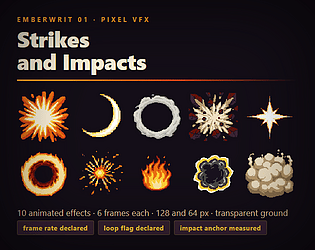
10 animated pixel VFX at 128 and 64 px, with rate, loop and impact anchor declared.
One prison wing in 750 tiles: 12 complete autotile sets, 36 objects, 4 engines.
Cut your leaderboard into a carved stone monument. 48 hand-authored marks, 7 stocks, no image files.
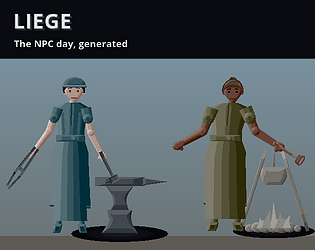
NPC schedules for GameMaker where the visible half is the product: 46 work loops, drawn in pure GML.
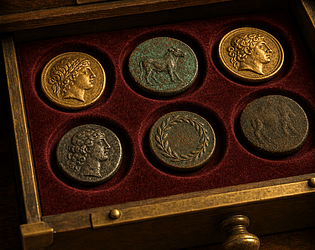
Your gold is a number. This draws the coins: 36 devices, 8 metals, 6 flans, 72 letterforms, no image files.
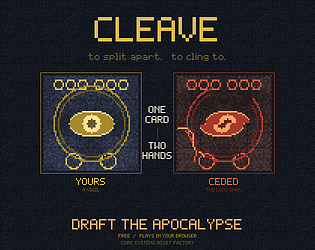
One row of five cards. You and the end of the world draft from it. Ward or horror.
Card Game
Play in browser
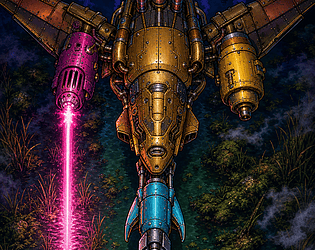
A vertical shmup where every enemy shows its guns. First reach free in your browser.
Shooter
Play in browser
748 haunted house tiles at 16x16: rotten floors, cobwebs, 34 objects, 4 engines.
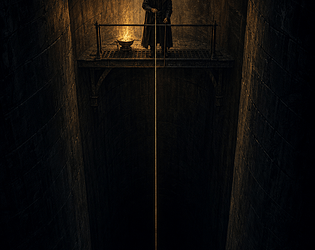
A 4 region metroidvania with no keys and no items. Every door was already open.
Platformer
Play in browser
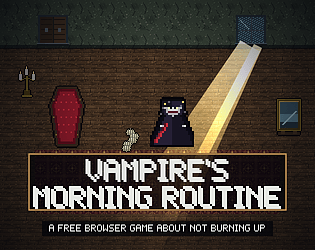
Free vampire chore game in 8 nights: shut every window before the sunlight finds you
Play in browser
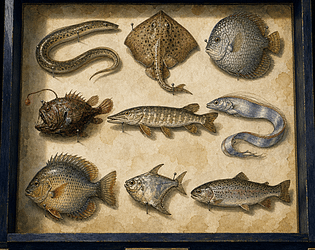
Fish plugin for RPG Maker MZ: 96 silhouettes, 11,520 specimens, drawn from your data.
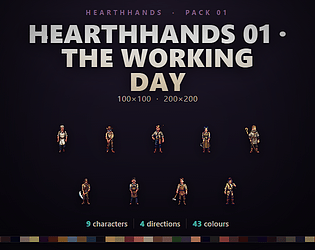
9 villager sprites with walk and a job loop at 200 and 100 px. MZ and Godot files.
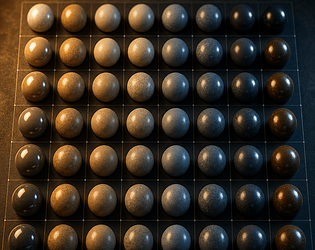
Export every Material Instance parameter override to one CSV, edit it in a spreadsheet, import it back.
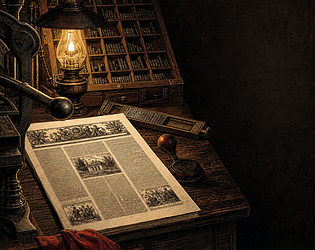
Your event log becomes a printed broadsheet. 74 drawn woodcuts, six presses, and not one stored image.
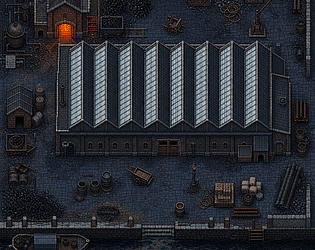
799 Victorian industrial tiles at 16x16: mill roof, canal, 35 objects. MZ, Tiled, Godot.
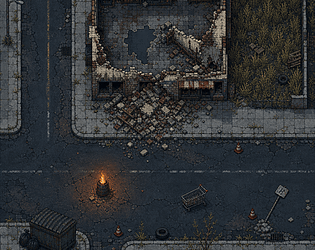
741 ruined city tiles at 16x16: cracked roads, rubble, 33 objects, MZ, Tiled, Godot.
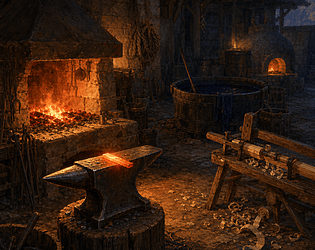
24 trades get a drawn workplace from one note tag in RPG Maker MZ. No image files.
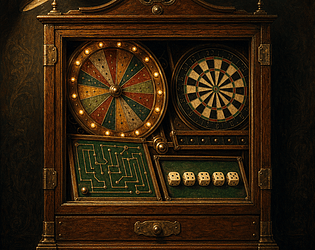
Eight minigames for GameMaker. Every board is generated - no sprites, no atlas, no PNG anywhere.
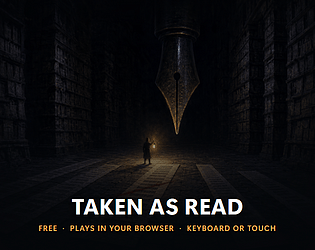
Free puzzle game in 15 rooms: the narrator's sentences are not true until you accept them
Adventure
Play in browser
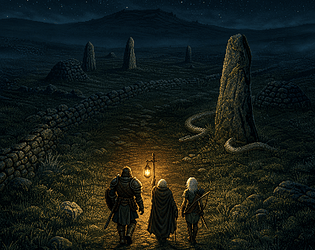
A 30 minute turn based JRPG where one lantern is your light and fuel. Free in browser.
Role Playing
Play in browser
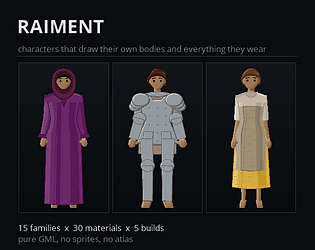
Bodies, garments and armour for GameMaker, drawn in pure GML from what a character is and what they wear.
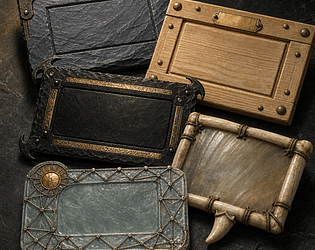
Message boxes for RPG Maker MZ: 40 materials and 26 corners, drawn per speaker.
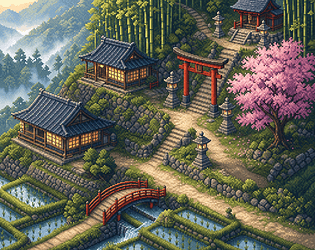
16x16 Japanese village tileset: 678 tiles, 11 autotile sets. MZ, Tiled, Godot, GameMaker.

Free garden shooter with 60 plant forms: you have no weapon, so the plants fire for you
Action
Play in browser
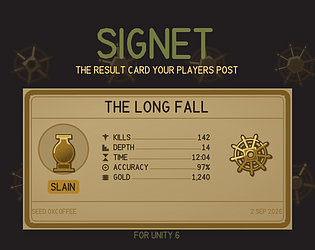
At the end of a run, Signet composes a struck metal result card from that run's own numbers, ready to post.
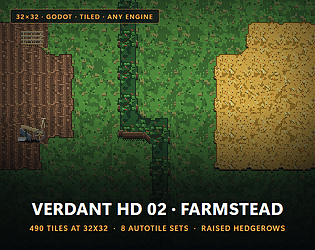
490 tiles at 32x32, 8 autotile sets, 26 objects for Godot and Tiled. No RPG Maker MZ.
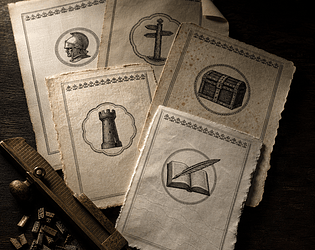
45 drawn parts print every save slot as a leaf: a save screen plugin for RPG Maker MZ.
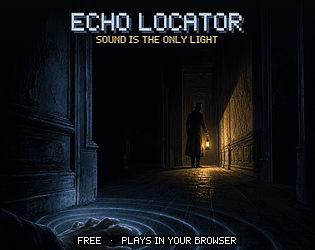
Free stealth game in a dark house with 7 tools: every sound you make draws the room
Adventure
Play in browser
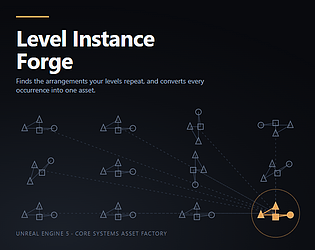
Find the actor arrangements your levels repeat, and convert them all to Level Instances at once.
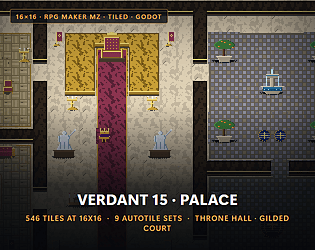
546 16x16 palace tiles for RPG Maker MZ, Tiled and Godot 4, with 9 full autotile sets.
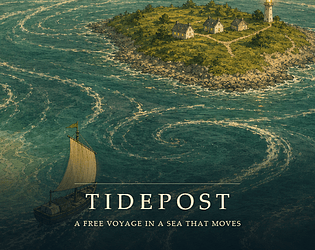
Free sailing game across 9 islands: carry the mail on a real current field that moves
Simulation
Play in browser
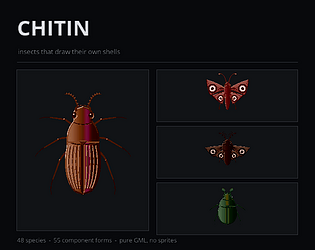
48 beetles, butterflies and moths drawn in pure GML, with a catching game built in.
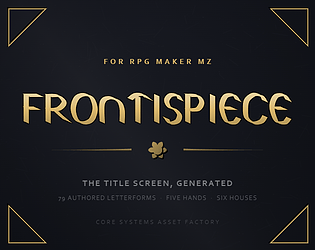
6 generated title screen houses for RPG Maker MZ, with 245 cut glyphs. No image files.
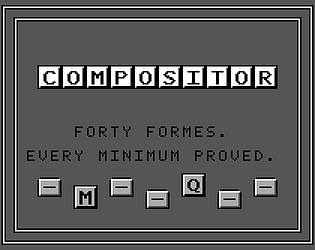
40 Game Boy typesetting puzzles, each with a proved minimum. 8 free in your browser.
Puzzle
Play in browser
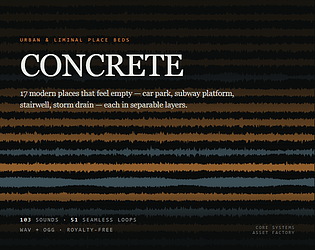
17 urban and liminal places, each a seamless bed plus layers you fade at runtime. Royalty-free, free demo.
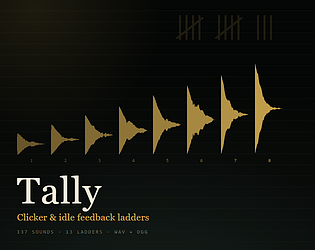
137 clicker and idle sound effects with 13 ladders that climb. WAV + OGG, free demo.
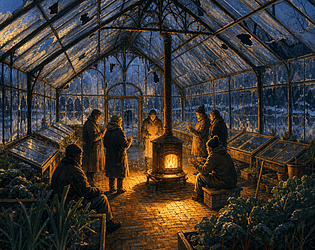
Free 90-day winter glasshouse sim: every visitor inside is a heat source.
Simulation
Play in browser
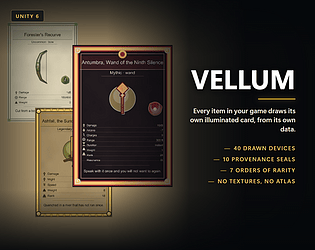
Every item in your game draws its own illuminated card, from its own data.
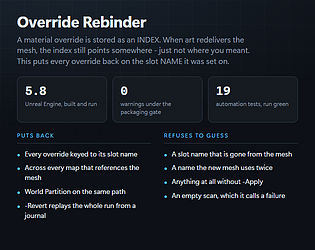
Put per-actor material overrides back on the slot they were set on, after art redelivers the mesh.
123 dungeon mechanism sounds in WAV and OGG: doors, chests, levers, traps. Free demo.
Free browser deduction game: 6 ships, 1 lamp, and every case proven to have one answer.
Puzzle
Play in browser
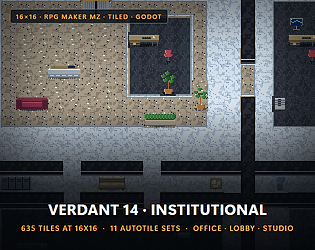
635 office and lobby tiles at 16x16 with 11 autotile sets. MZ, Tiled, Godot.
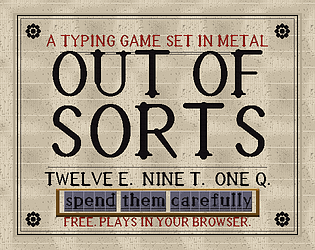
Free typing roguelite with 12 E and 1 Q in the case: every letter you type is spent metal
Action
Play in browser
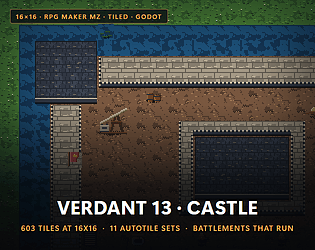
16x16 castle tileset: 603 tiles, 11 autotile sets, 18 props. MZ, Tiled, Godot, GameMaker.

Party HUD for RPG Maker MZ: each character's plate drawn in worked metal, 10 forms.
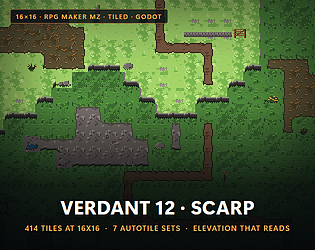
16x16 elevation tileset for RPG Maker, Tiled, Godot, Unity and GameMaker: 414 tiles
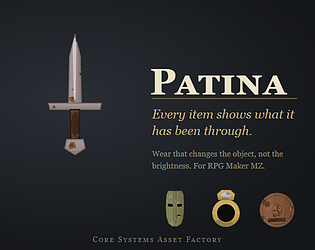
RPG Maker MZ plugin: 20 gear forms in 11 materials that visibly wear across 6 states.
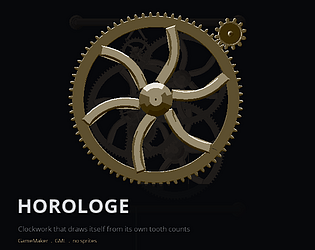
Clockwork for GameMaker: 12 machines computed from tooth counts and drawn in GML.
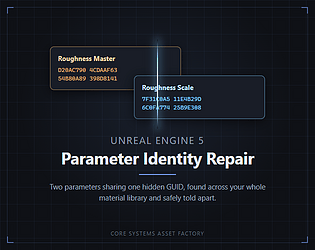
Finds material parameters sharing one hidden ExpressionGUID, and safely re-mints them. UE 5.8.
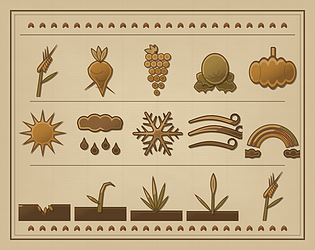
The illustrated year, drawn from your own season and crop data. 62 hand-authored marks, no PNG anywhere.
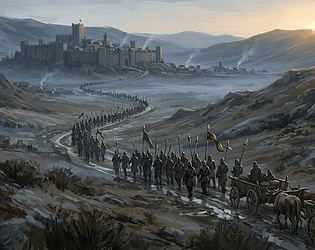
42 RPG battle and boss tracks as OGG plus editable MIDI, loop tagged. Four tracks free.
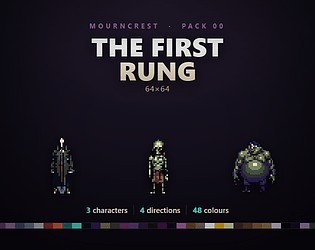
3 free undead sprites, 4 facings each at 64x64. A sampler of the Mourncrest series.
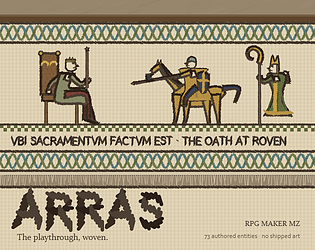
RPG Maker MZ plugin: weaves your playthrough into a Bayeux frieze. 70 authored entities.
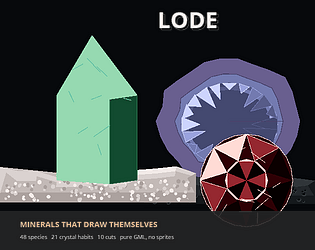
Ore, gems and specimens generated in pure GML: 48 species, 21 crystal habits, 10 cuts, drawn from a seed.
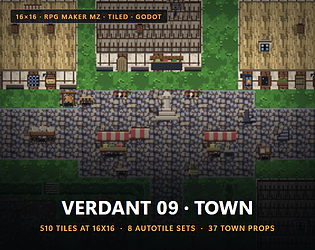
16x16 market town tileset: 510 tiles, 8 autotile sets. MZ, Tiled, Godot, Unity, GameMaker.
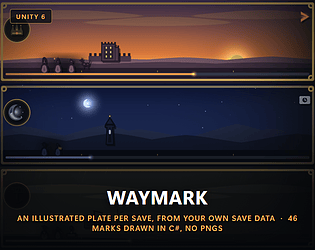
An illustrated save-slot plate drawn from your own save data. 46 marks, 8 hours, no PNGs.
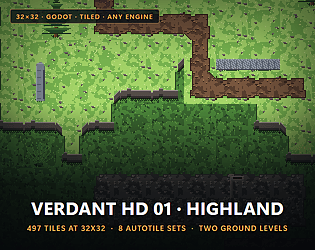
497 tiles at 32x32, 8 autotile sets, 26 objects for Godot and Tiled. No RPG Maker MZ.
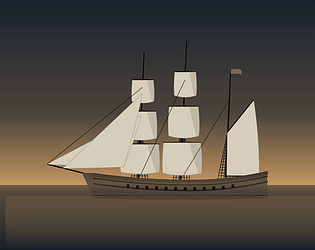
16 hulls and 10 rigs: every ship in your RPG Maker MZ game drawn from its name.
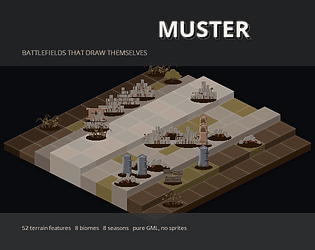
52 terrain features, 8 biomes, 8 seasons: tactical battlefields in pure GML for GameMaker.
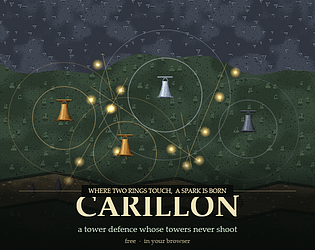
A tower defence whose towers never shoot. Hang bells; where two rings touch, a spark is born.
Strategy
Play in browser
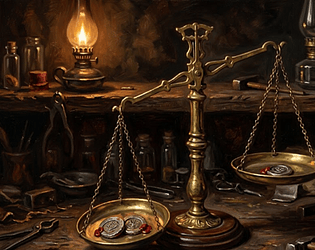
Forty assay problems for the Game Boy. The docket grants the proved minimum weighings, never one more.
Puzzle
Play in browser
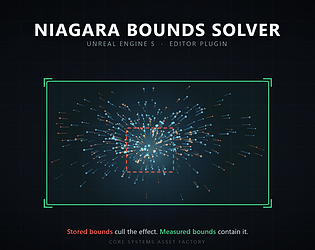
Simulates every Niagara system, takes the union of its bounds over the whole lifetime, and writes FixedBounds in batch.
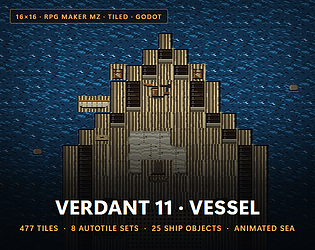
477 16x16 ship tiles for MZ, Tiled and Godot: deck, hull, hold and sea. 8 autotile sets.
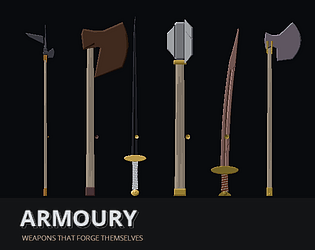
37 weapon forms drawn in code for GameMaker, with wear that changes the silhouette.
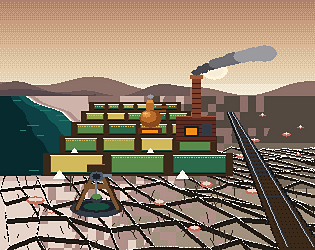
8 years on a drying salt lake: a free soda works game where the brine moves under you.
Simulation
Play in browser
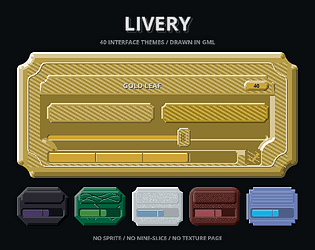
40 complete interface themes for GameMaker, drawn in GML. No sprite, no nine-slice.
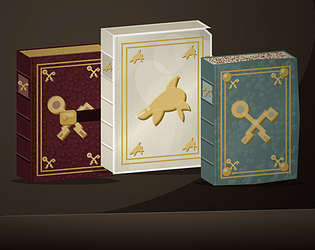
Book bindings for RPG Maker MZ: every book in your database drawn as a bound volume.
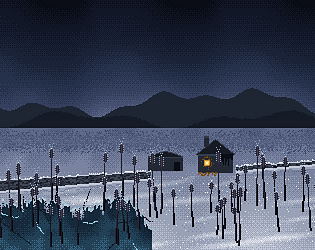
The ground gives more every winter. You pay for it out of the things you can still be moved by.
Simulation
Play in browser
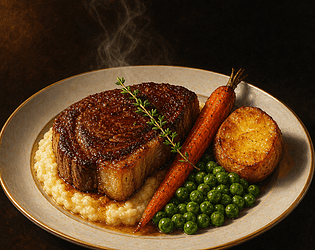
A cooking system for GameMaker: 46 ingredient forms, 12 cook states, every dish drawn.
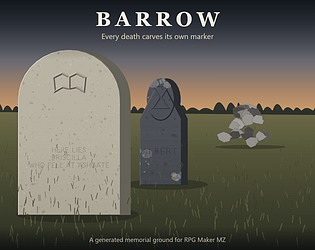
Every death your game records carves its own marker, cut and weathered from who died.
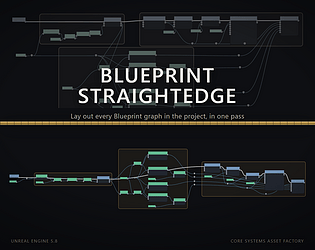
Lay out every Blueprint graph in your UE5 project in one pass, reviewed as a before and after diagram.

Gem plugin for RPG Maker MZ: 13 cuts, 16 minerals, drawn from your item database.
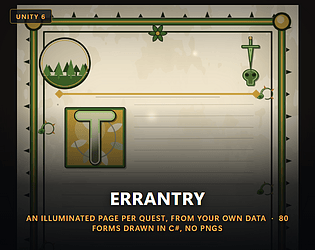
A different illuminated journal page for every quest, drawn from your own quest data. 80 forms, no bitmaps.
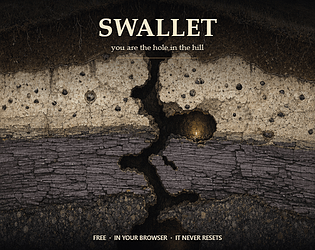
You are the hole in the hill. Cut chambers, set wards, decide who gets back out. Free.
Simulation
Play in browser
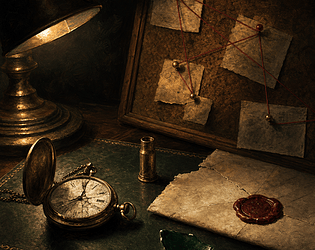
Detective mystery system for GameMaker: 44 exhibits drawn in code, 5 histories each.
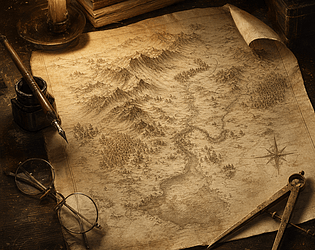
World map plugin for RPG Maker MZ: everywhere the party walked, drawn as an inked survey.
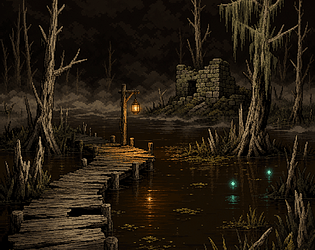
16x16 swamp tileset: 470 tiles, plank causeway. MZ, Tiled, Godot, Unity, GameMaker.

Finds every asset whose source file moved or vanished, matches it back, writes the path. Previews first.
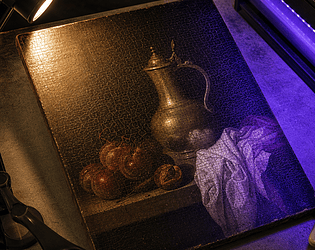
A Game Boy Color game: 64 paintings, 3 lamps, find the forgery. Free browser demo.
Puzzle
Play in browser
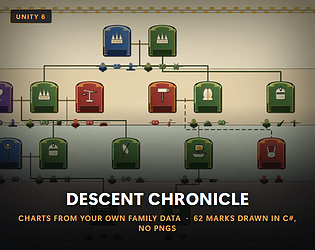
Illuminated dynasty charts drawn from your own family records. 62 hand-authored marks, no textures.

Spread a fungal network through a forest floor. Digest what you reach. It never wipes your board.
Simulation
Play in browser
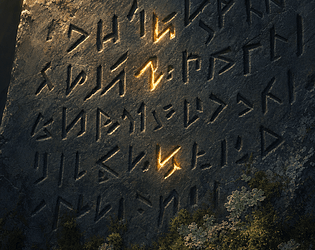
Invented alphabets for GameMaker: 6 families, 36 glyphs each. Players learn to read them.

Creates and wires the six to ten assets every new item needs, from an editable recipe. Previews first.
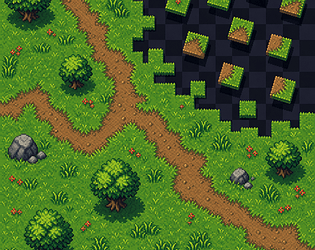
A 47 mask autotile set you paint with in your browser, free. Verdant tiles at 16x16.
Run in browser
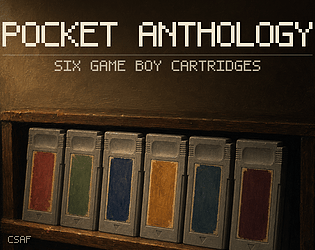
6 Game Boy games as real .gb ROMs. Play a free demo of each one in your browser.
Puzzle
Play in browser

Re-import a CSV without destroying editor edits. Merges per cell, previews first, and can be undone.
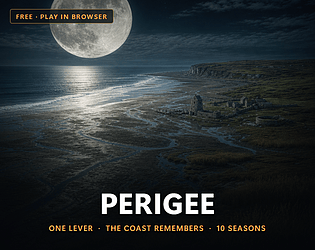
Free tide god game with 1 lever: set the moon's orbit and the sea does everything else
Simulation
Play in browser
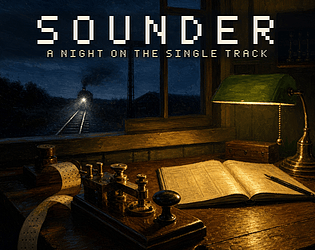
12 night shifts keying telegraph orders on a Game Boy. First 2 free in your browser.
Simulation
Play in browser
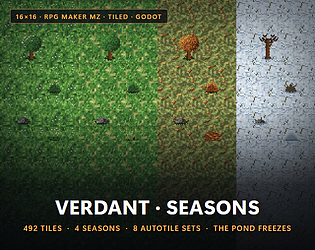
492 tiles. One meadow in spring, summer, autumn and winter. One 16x16 grid, one palette. The pond freezes.

RPG Maker MZ plugin: 14 pot forms and 12 glazes draw a vessel for every item you have.
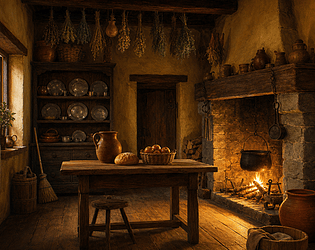
Tell it what the room is for and who lives there. It furnishes the room. Pure GML, 72 generated forms.
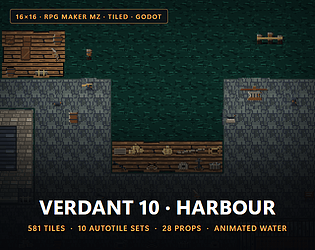
16x16 harbour tileset: 581 tiles, 10 autotile sets, 28 props. MZ, Tiled, Godot, GameMaker.
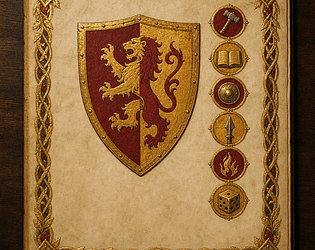
Illustrated character sheets, generated from the stat block you already have. 48 emblems, 24 charges, drawn in C#.
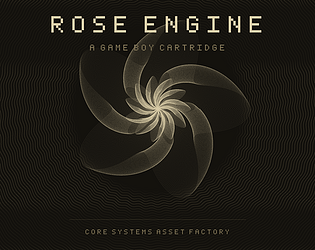
Survive 6 free dials of a rose lathe in your browser. The full game is a Game Boy ROM.
Action
Play in browser

Set, swap and tag actors across every map in your UE5 project. Previews first. Journals every write.
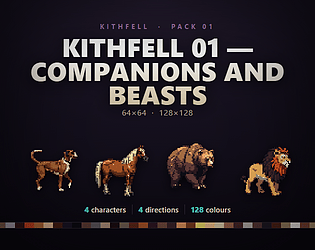
4 animal sprites at 128x128 and 64x64: dog, horse, bear, lion, 9 frame walks, MZ, Godot.
104 dialogue blips in 13 voices for RPGs and visual novels. WAV + OGG, free demo.
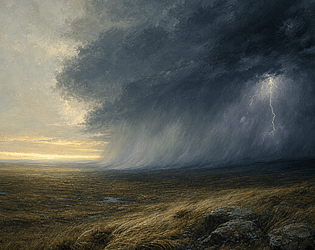
104 weather sound effects: 8 systems of loopable layers you ramp. WAV + OGG, free demo.
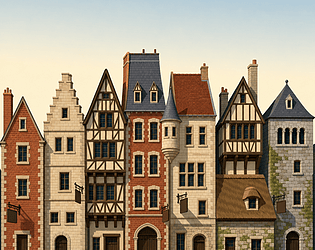
14 building types drawn in code for GameMaker. Streets age and take damage. Raw GML.
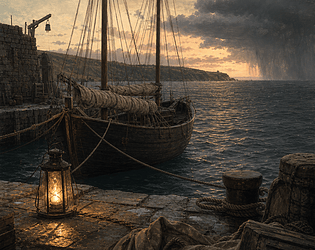
42 track voyage and harbour music pack: OGG + editable MIDI, tagged loops, 4 free tracks.

135 water sound effects by depth for games: damp ground to thigh deep, swimming, beds. Free demo.
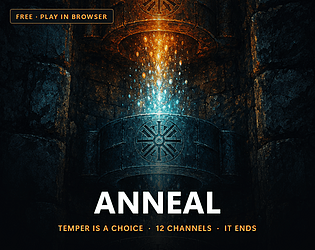
Free foundry game over 12 channels where you pour it big or pour it right, rarely both
Puzzle
Play in browser
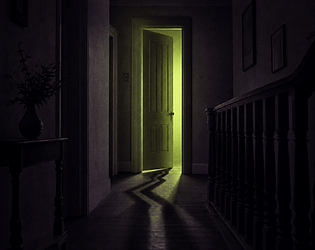
141 uncanny cues, each wrong in exactly one named way. Commercial use, no credit. Free demo.
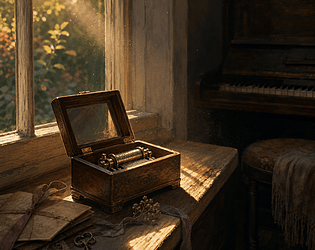
42 piano and music box tracks for story scenes. OGG + editable MIDI, free preview.
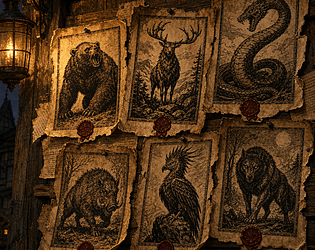
A bounty board plugin for RPG Maker MZ: 49 engraved beasts, 12 wax seals, 4 paper stocks.
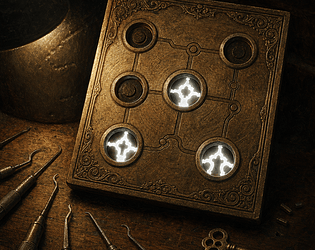
48 generated lock puzzles on a real Game Boy ROM. Each has a proven fewest moves. Free browser demo.
Puzzle
Play in browser

A GameMaker sky system that DRAWS its backdrop: 43 forms, real solar maths, weather, and a light state your scene reads.
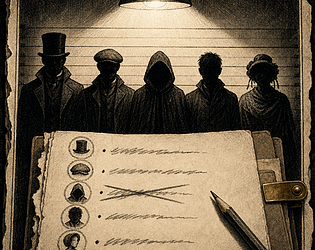
Game Boy deduction game: 160 proved fair cases, 390 suspects, 32 KB ROM. Free browser demo.
Puzzle
Play in browser
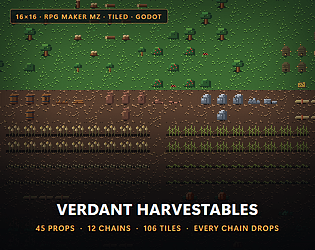
45 16x16 harvest props in 12 chains for MZ, Tiled and Godot, from tree to stump to log.

165 ship, sea and harbour sound effects in two rooms. WAV + OGG for any engine, free demo.
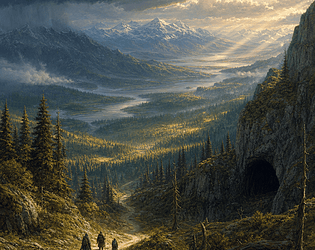
42 track wilderness score. One road-tune, bent by every country. Editable MIDI, seamless loops.
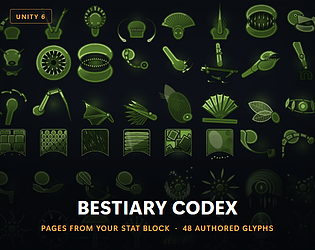
An illustrated bestiary page composed from each creature stat block. 48 hand-authored trait glyphs. Unity 2022.3+.

Free town builder on a 165 tile valley: aim the spring flood so its silt feeds the fields
Play in browser
Reset or push Blueprint defaults across every placed actor, per property, with a preview first.
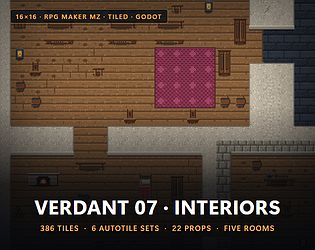
386 interior tiles at 16x16 for RPG Maker, Tiled, Godot, Unity and GameMaker: five rooms.
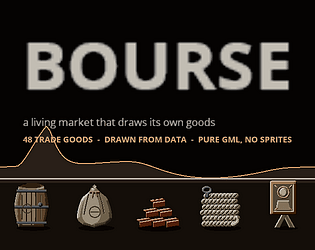
A GameMaker market that simulates supply and demand and draws its own 48 trade goods. Pure GML.

112 anime and JRPG sound effects, WAV and OGG, royalty free. 20 sound free demo.

Sheet music for RPG Maker MZ: every song collected becomes an engraved score that plays.
42 track folk village music pack for RPGs. Editable MIDI, seamless loops, free demo.
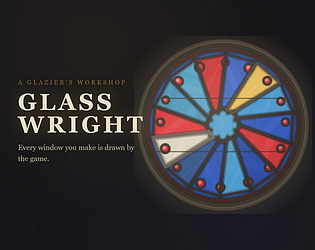
12 stained glass commissions, one season, every window drawn by code. Free browser demo.
Simulation
Play in browser
42 track gothic dungeon score in OGG and editable MIDI, 37 loops, 4 tracks free to try.
Every item draws its own plate from the ore it was made of. 40 hand-authored motifs, eight realms.
Game Boy deduction game with 5,760 generated coins. Work out each day's hidden rule. Free demo.
Puzzle
Play in browser

42 medal devices and 7 alloys: a GameMaker achievement system with a trophy case.
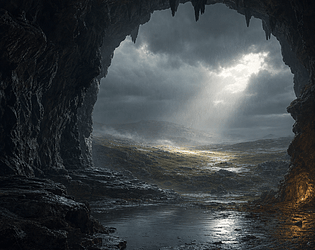
17 places in separable layers. 30 second beds, no repeat. Commercial use, no credit. Free demo.

109 clockwork, steam and machine sound effects from one room. WAV + OGG, free demo.
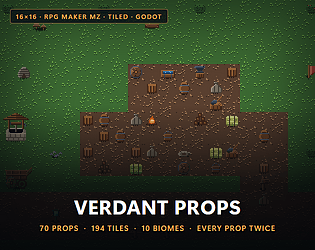
16x16 props tileset: 70 props, 10 biomes, 7 grounds. MZ, Tiled, Godot, Unity, GameMaker.
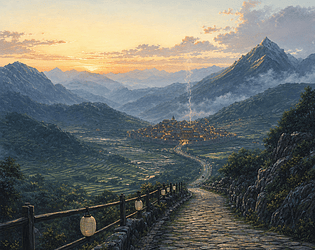
42 track fantasy score. The same road home, every mode raised. Editable MIDI and seamless loops.
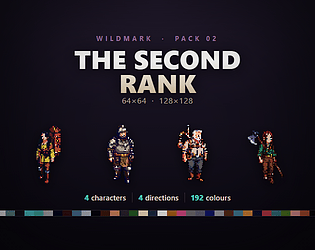
4 fantasy adventurers at 128x128 and 64x64: 4 directions, idle, 6 frame walks, MZ, Godot.
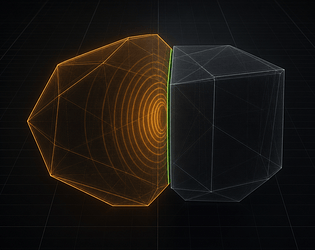
Proves which overlap flags Unreal can never fire, clears them, then re-scans to prove it worked.
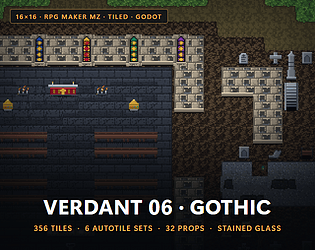
Verdant 06 — Gothic Tileset for RPG Maker MZ, Tiled, Godot & Unity: Chapel, Graveyard & Ruin [16x16]
16x16 gothic graveyard tileset, 356 tiles. For MZ, Tiled, Godot, Unity and GameMaker.

50 track high fantasy music pack for RPG Maker MZ, Godot and Unity. Editable MIDI, free demo.

240 battle backgrounds for RPG Maker MZ, drawn by the plugin from 44 motifs.

A 42 track fantasy score led by koto and bamboo flute. Editable MIDI, seamless loops, RPG Maker tags.
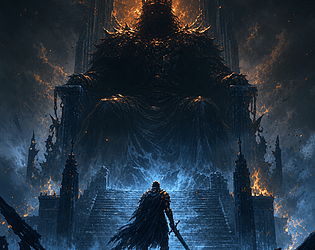
10 combat tracks on one theme, first encounter to final boss. OGG + editable MIDI.
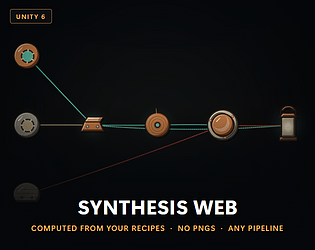
Draws your crafting screen from your own recipe data - every reagent and result mark generated, no PNGs
The same 14 slots as Vol. I, every mode darkened. Editable MIDI, seamless loops, RPG Maker loop tags.
12 hands, 240 wax seals: RPG Maker MZ plugin that draws every letter as a document.
All 86 CSAF GameMaker assets in one download. Every new one is added free.
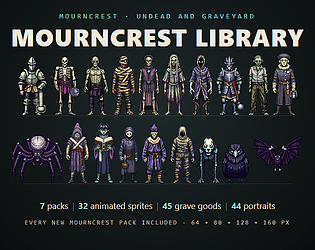
7 undead and graveyard sprite packs in one download, every new one added free
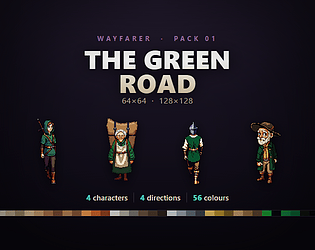
4 road traveller sprites, 4 directions, walk and idle, at 128 and 64 px. One palette.
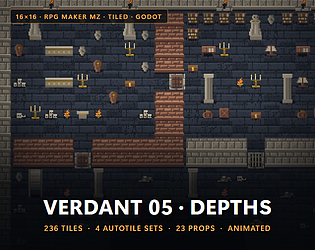
236 16x16 dungeon and crypt tiles for RPG Maker MZ, Godot, Tiled, Unity and GameMaker.
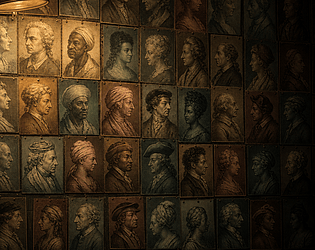
NPC portraits drawn in code for GameMaker: 12 head forms, 120 silhouettes, pure GML.

14 track JRPG score in one voice. OGG + editable MIDI, RPG Maker loop tags, free preview.
Proves which Movable actors can never move, then stops them invalidating your shadow cache.
Free horror game with 53 keepsakes: burn what made you a person, or freeze holding on
Survival
Play in browser
Progression screens drawn from your own chart data. Forty stellar forms, ten houses, no PNGs.
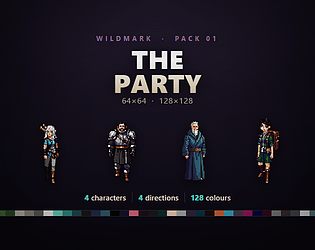
4 top down hero sprites in 4 directions, at 128 and 64 px. Free sample, MZ and Godot.
RPG Maker MZ and MV plugin: a 78 card tarot deck it draws itself, with 156 binding pacts.
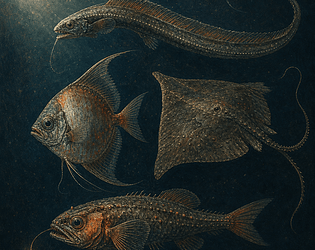
Fishing system for GameMaker: 9,600 fish species drawn in pure GML, plus the fight.
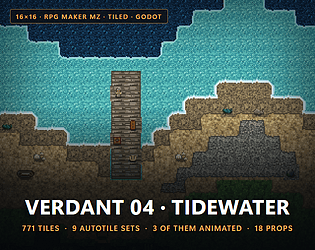
771 16x16 coast, river and marsh tiles for RPG Maker MZ, Godot, Tiled, Unity, GameMaker.
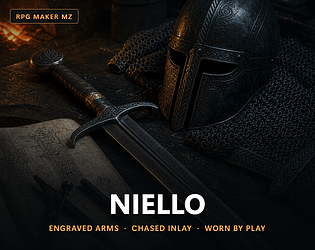
Every weapon and armour in RPG Maker MZ draws its own plate, from 77 motifs and 9 alloys.
3 armoured monster hunters at 64x64 and 128x128: 4 directions, 3 frame walks, MZ, Godot.

Rewrites the Asset Manager config that leaves GetPrimaryAssetIdList empty, then re-scans to prove the repair worked.
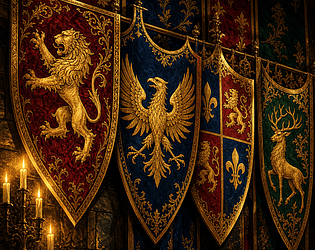
44 charges and 8 shield shapes: a composed coat of arms per faction, for GameMaker.
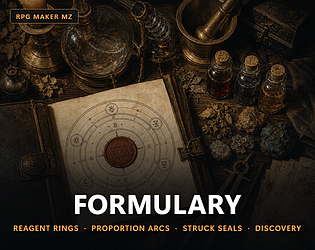
Recipe plates for RPG Maker MZ: every recipe in your database drawn as its own plate.
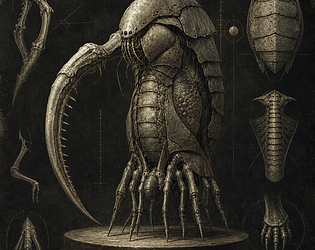
8,640 monsters whose shape is their stat block. A Game Boy roguelike with a free demo.
Role Playing
Play in browser
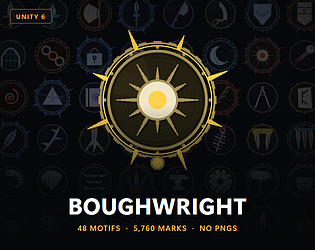
Generates a distinct emblem for every skill-tree node from its own data. 48 motifs, 5,760 marks, no PNGs.
5 dungeon beast sprites at 64x64 and 128x128: 4 directions, 3 frame walks. MZ, Godot.

A map that inks itself as the player explores, for GameMaker: 44 landmarks, 4 ink styles.
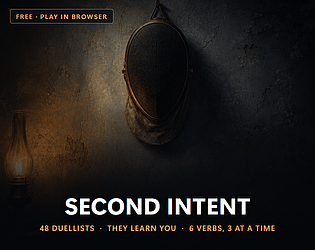
A timing duel where the opponent reads you and shows its read. 48 duellists, free.
Fighting
Play in browser

Skill tree plugin for RPG Maker MZ: every skill draws its own star from its data.
Rewrites the UMG property bindings that call a Blueprint every frame - and names every one it refuses.
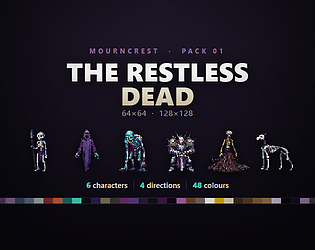
6 free undead sprites for top down RPGs, 4 directions, 64 and 128 px. MZ and Godot.

Botanical plate plugin for RPG Maker MZ: 97 motifs, every herb drawn by code, no images.
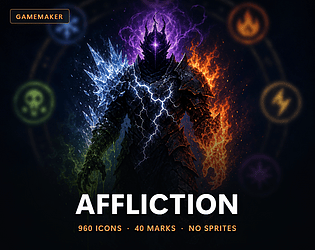
Status effects for GameMaker with 960 icons drawn in code: stacking, DoT and cleanse.
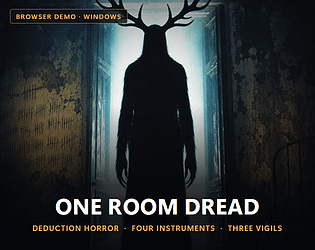
Name the thing in the dark: 3 instruments, 1 lamp, 67,824 creatures. Free demo vigil.
Puzzle
Play in browser
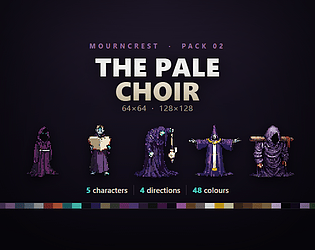
5 robed cultists at 64x64 and 128x128: 4 directions, 3 frame walks, for MZ and Godot.
2,688 marks drawn in code replace weapon and armour icons in RPG Maker MZ.
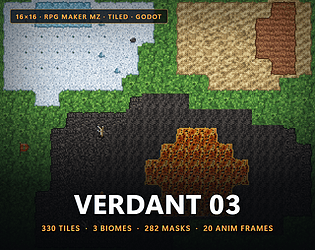
330 16x16 snow, desert and volcanic tiles for RPG Maker MZ, Godot, Tiled, Unity, GameMaker
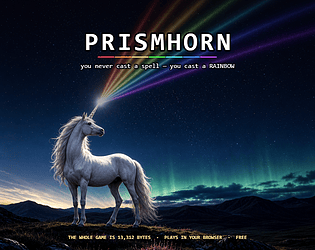
7 bands of light fire from your horn at once, each a verb. A free browser game, 13 KB.
Action
Play in browser
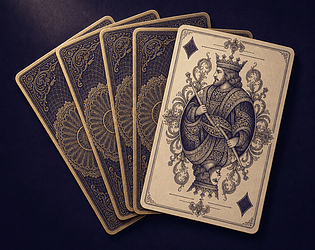
Card framework for GameMaker: deck logic plus 9,216 card faces drawn in pure GML.

Collapse duplicate UE5 base materials into one parameterised master. Every original becomes an instance.

Evolution atlas plugin for RPG Maker MZ. 65 body plans, 8 elements, 6 stages, no art.
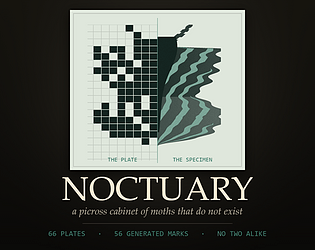
66 picross puzzles that develop into moth specimens. Calm, logic only, free demo.
Puzzle
Play in browser

RPG Maker MZ plugin: end of game fate plates, each with a generated coat of arms.
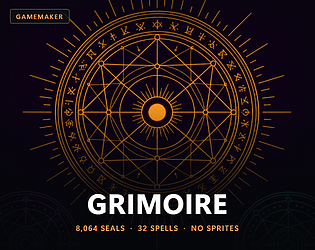
8,064 spell seals drawn in code, plus a cast system and spellbook for GameMaker. Raw GML.
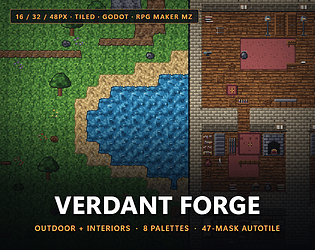
Pixel tileset generator in one HTML file: 428 tiles, 8 palettes, for Tiled, Godot and MZ.
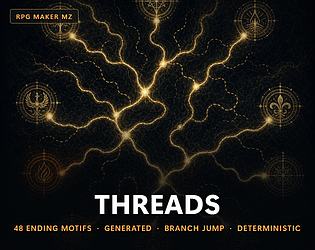
Story flowchart plugin for RPG Maker MZ and MV: branch jump, ending gallery, 48 generated emblems.
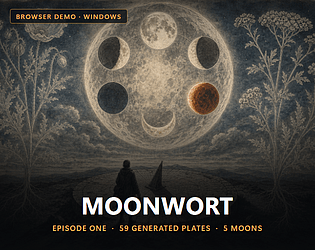
Botanical RPG with 26 plants and 33 spells drawn from data, and a free browser demo
Role Playing
Play in browser
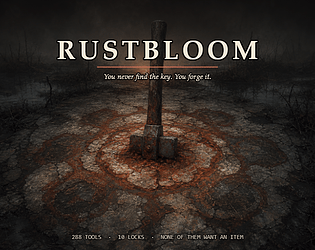
Free top down adventure with 288 forgeable tools where every lock has many answers
Adventure
Play in browser
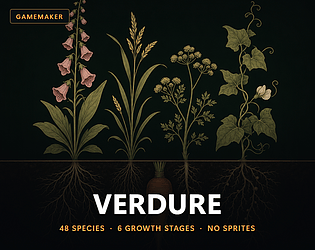
48 plant species for GameMaker, each growing through 6 stages. Pure GML, drawn in code.
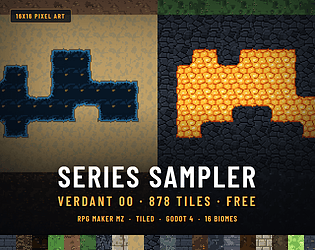
Free: 878 tiles, one complete autotile set from each of 16 paid Verdant packs, 16x16
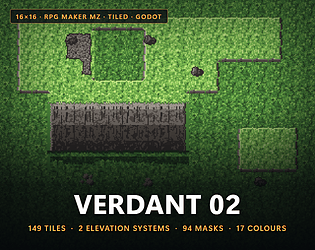
149 elevation tiles at 16x16: plateau autotile and tall cliffs. MZ, Tiled, Godot, Unity.
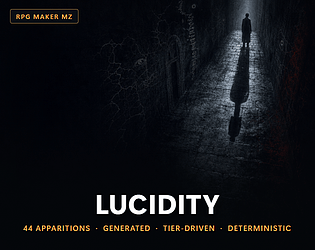
Sanity plugin for RPG Maker MZ: 44 hallucinations drawn by code, 5 tiers, event variants.
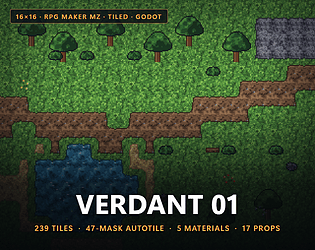
239 16x16 overworld tiles for RPG Maker MZ, Godot, Tiled, Unity and GameMaker.
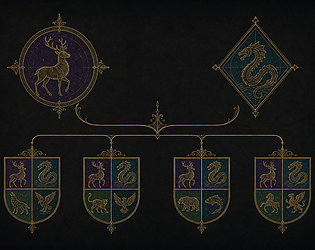
Companion breeding for GameMaker: 24 species, and each child's emblem draws itself.
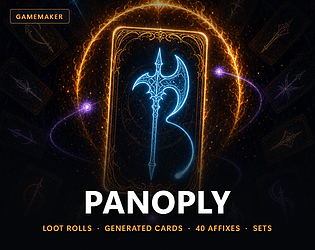
GameMaker loot system: 900 base variants and 40 affix glyphs, every card drawn in GML.
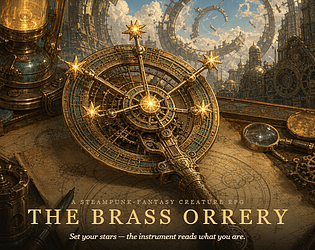
A turn based RPG where your build is a star: 16 nodes, 18 classes. Free browser demo.
Role Playing
Play in browser
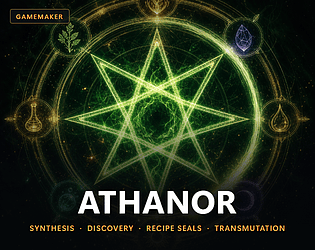
A crafting system for GameMaker that draws its own art: 144 reagent glyphs. Pure GML.
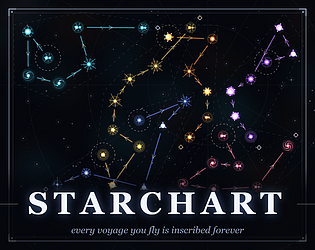
Free browser roguelite with 48 star forms: every route you fly becomes a constellation
Strategy
Play in browser
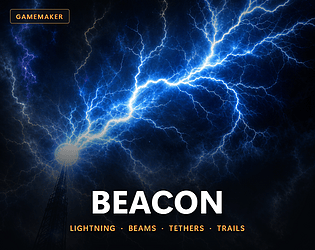
5 energy effects for GameMaker: lightning, beams, tethers, chains and trails. Pure GML.
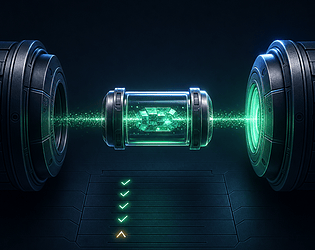
Prove a serialized-field rename actually migrated - before you delete [FormerlySerializedAs].
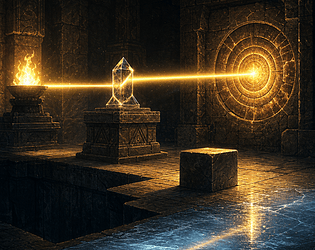
Dungeon puzzle plugin for RPG Maker MZ: 46 drawn marks, push blocks, mirrors, light beams.

Free flock game in 12 waves: your army is a crowd you shape by moving, and it dies
Action
Play in browser

Groups genuinely interchangeable StaticMesh assets and merges them in one batch. For Datasmith, Revit and CAD imports.
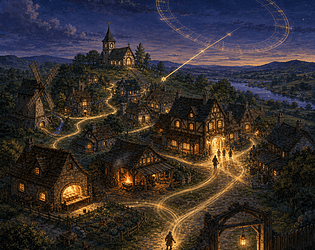
NPC schedule plugin for RPG Maker MZ and MV: homes, jobs, overnight shifts and a routine board.
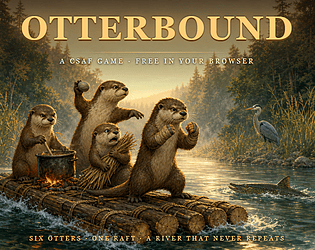
River auto-battler with 6 otters, 3 leagues and 3 bosses. Free in the browser.
Strategy
Play in browser
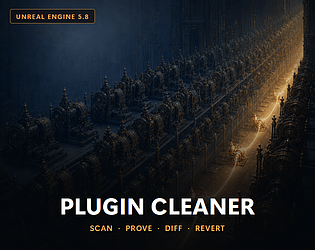
Turns off the engine plugins nothing references — rewrites your .uproject behind a timestamped backup you can restore.
Free storm ironclad game with 2 charges: volts buy the hull and surge buys the miracle
Action
Play in browser
Restores lost .meta files from git, resolves GUID collisions explicitly, and blocks the commits that cause them.
122 glyph language puzzle plugin for RPG Maker MZ. Players learn it by deduction.
Free browser tactics over 141 fields: plant one banner and the whole House charges it
Strategy
Play in browser
6 cloth and rope presets for GameMaker: capes, hair, tails, chains. Pure GML, free.
Seeded tournaments for RPG Maker MZ: 3 plugin files, rivals that level up, seasons, belts.
Your .asmdef reference lists, written from the compiled truth - adds, deletes, verifies, rolls back
12 stackable sprite deformers for GameMaker: bend, wobble, sway, shatter. Pure GML.
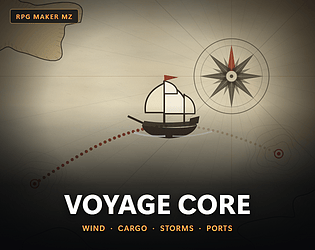
3 plugins that make sea travel a game in RPG Maker MZ: wind, rotting cargo, storms.
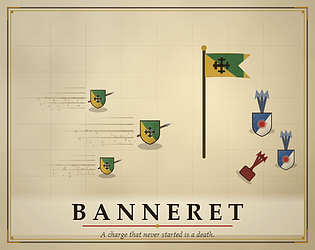
Free puzzle game over 12 fields: plant one banner and every knight charges it at once
Puzzle
Play in browser
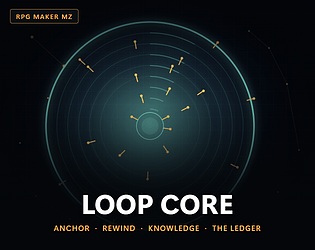
Time loop plugin for RPG Maker MZ: rewind the world, keep what the player learned.
Free 51 KB browser game: you are the light, and the shades live in your shadow
Play in browser
Deletes the dead lines in your UE5 config, then re-resolves every value to prove nothing moved.
480 generated skill tree icons for GameMaker: 60 motifs, 8 palettes, 4 layouts, no sprites.
Photo mode for RPG Maker MZ: 6 aperture stops, real focus, scored prints in an album.

Your upgrade compiled clean and parts of it silently stopped working. Find them, and write the fix.

Rewrites the Android .so files that will block your Play update on 1 Feb 2027 — real 16 KB ELF alignment.
900 item icons drawn in code, plus an animated inventory for GameMaker. Raw GML source.
RPG Maker MZ and MV plugin: an animated magic circle for every skill, from your database.
8 spring animated UI widgets for GameMaker, drawn in pure GML. 4 themes and a demo room.
Rewrites the Mono-era C# that Unity 6.8 will break — preview every edit, then burn the list down in CI.
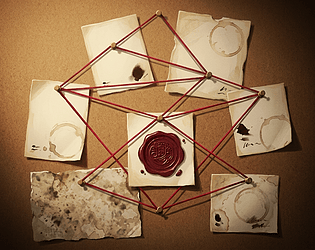
Detective plugin for RPG Maker MZ and MV: 4 investigation scenes, cross examination, deduction.
Renames, moves and clamps the assets that break your standards — then re-scans to prove the repair actually worked.
Free RPG Maker MZ economy plugin: 9 commands, finite stock, prices that follow supply.
Quest plugin for RPG Maker MZ: branching choices, faction reputation, world state.
Spawn table plugin for RPG Maker MZ: rarity tiers, level bands, shiny rolls and a Dex.
RPG Maker MZ plugin: type chart, PP moves, status and matchup AI for creature battles.
MZ plugin: creature genetics, breeding, branching evolution and 720 slot storage.