Select the seed dispensary (the brown box) from the tool menu. Hold down C or Numpad 1 to open its menu, and select a seed to plant. Then Ctrl or Numpad 3 to plant the seed.
the seeds don't show up for me in that nor do i know how to get the seeds to show up in it
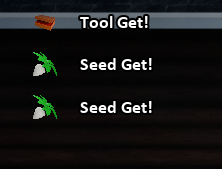
That's odd. you should be getting the testing seeds at the same time you get the dispensary.When you first open the chest, do you eventually see this?
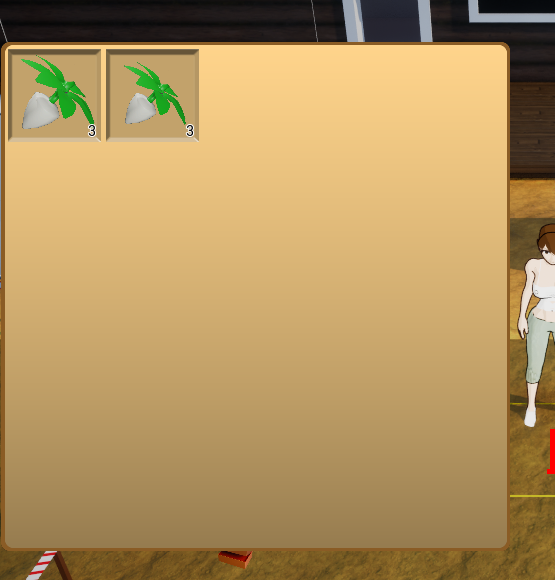
And after opening the seed menu you should see this:
i get that but idk how to open the seed menu and anything i press does nothing so i just don't understand how to do any of that
Press C or Numpad 1 to open the Tool Select menu.
Use AD or numpad 4 or 6 to move the brown box to the bottom of the ring.
Press F to select it.
Hold C or Numpad 1 until the circle fills and the menu opens.