Cool!

voicecommandgames
Creator of
Recent community posts
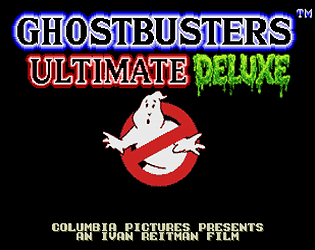
Right on! Protip (since you are so sweet!): But there is a SECOND bonus-game you can unlock, and as long as your .srm file is intact this game remembers your achievements and progress (i.e. for the adventureRPG part included). If you unlock it, that second game will show up on the main menu and simply push mini-game left or right to select the second BONUS game. So, I won't tell you directly how to find it BUT wouldn't hurt to take a little roadtrip around the US in my game's HALL OF FAME section to see what the real-life local chapters of Ghostbuster are up to nationwide ;)
Thanks again for your kind words!
Good news.
The MSU-MD edition I released only days ago made last week (i.e.“Ghostbusters CD MSU-MD v215.md”) was built for exactly this kind of setup!!
That tells me you have an older version. So simply download the newer version and you will see a NEW folder that says MSU-MD.
MSU-MD is the same system the Final Fight MD CD-audio hack uses. At boot, the game loads a small driver into your real Mega-CD and has the Mega-CD’s own drive play the music from the audio CD in the tray. No MegaSD or emulator involved. The README in that package covers the “real Mega-CD + flash cart” case.
Your setup:
- Put the incredibly awesome Ghostbusters CD MSU-MD v215.md on your equally awesome EverDrive.
- Burn the .cue/.bin to a CD-R as an audio CD with any program that burns from a .cue, such as ImgBurn. It’s 43 minutes, so it fits on any CD-R. Burn from the .cue, not by dragging the .bin onto a disc, so the 25 tracks come out separate.
- Put the disc in the Mega-CD, power on with the cart, and the glorious ghostbusters music plays from the disc, with the same tracks and loop points as the MegaSD version.
Things to know:
- I checked it in an emulator: it sends the right commands, boots cleanly without a Mega-CD, and passed my soak test and stress testing. Everyone's set up can be different for them. If anything’s off, tell me what happens (no music, wrong track, freeze at boot) and I’ll know where to look and fix it.
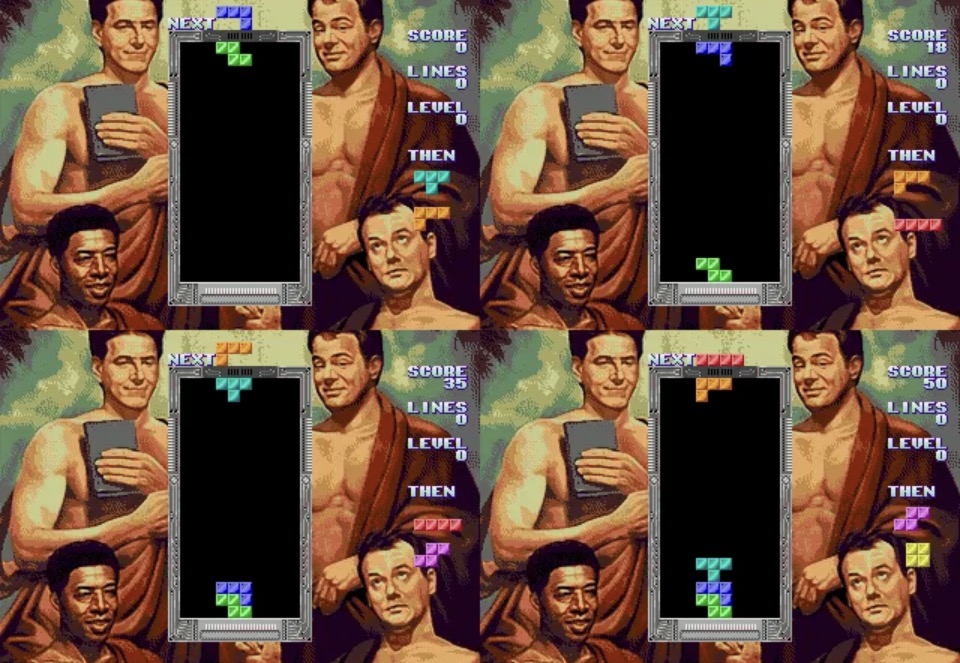
- Use v215, not v214. v214 has a black-screen boot bug. Again, download the newest version dude! And you probably missed out on some fun stuff like MORE ghostbuster fatalities and a peak Tetris update that makes the Tetris mini-game the best version of its kind on the MD.
- Early EverDrives should be fine. The ROM is 4 MB and uses the normal cartridge save memory, both standard for the older carts. If yours is especially old and has trouble with a 4 MB ROM or saves, let me know which model it is.
Enjoy and lemme know!
So sorry man! Here's the straight dope:
PicoDrive won’t run it, and there’s no setting to change that.
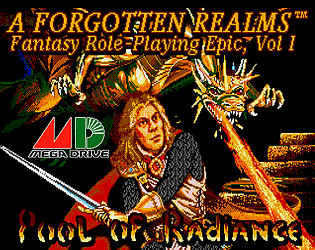
The reason is the same as with the MiSTer. Pool of Radiance needs about 2 MB of working memory, far more than a Mega Drive has. So the cartridge borrows memory from the flash cart, using the MegaSD’s “ROM write” mode. I checked PicoDrive’s source code:
- No ROM write mode: PicoDrive doesn’t have it, so the game’s first writes go nowhere and it can’t start.
- Save memory is too small: PicoDrive’s cartridge save memory is far smaller than the 2 MB the game needs, so it can’t stand in either.
Making it work would mean adding that memory mode to PicoDrive itself, not changing our ROM.
What does work: Genesis Plus GX, the core the game was built and tested on. It’s available in RetroArch on PC, Android, phones and most handhelds, so on any device that has PicoDrive, switching the core to Genesis Plus GX should do it. Saves should use the game’s own SAVE, not save states. Hope that helps! Thanks for dropping by!!
It's a composite really. I took the best of everything, which meant in this case (a lot from ) the Amiga version, and then built on top of that (and bug fixes not found in ANY ports) in order to create a unique elevated 'one-of-the-kind' port that would be fitting for a console. In this case, in a Mega Drive Style. Like EA did with the great underrated Might and Magic Book 2.
Oh, ok. Then you may be able to. AI sometimes (a lot of the time, I'm told) can get things wrong.haha I made my game compatible on the most basic levels with genesis/megadrive in mind. If it can emulate a game, you can do it, unless you are going fully physical here (i.e. cartridge) then I gave instructions on that.
yeah, that makes sense too. I guess I’m stubbornly stuck in capcom’s thinking haha (ie. Super ghouls and ghosts, super street fighter, etc etc)
Is there a blood mode, or something close to that? What I like about the true sequel to this game (ie. mercs) was the level of wartime violence. Blood mode might be fun. Even just having an option where the yellow flash becomes a red flash when a soldier is hit might be enough.
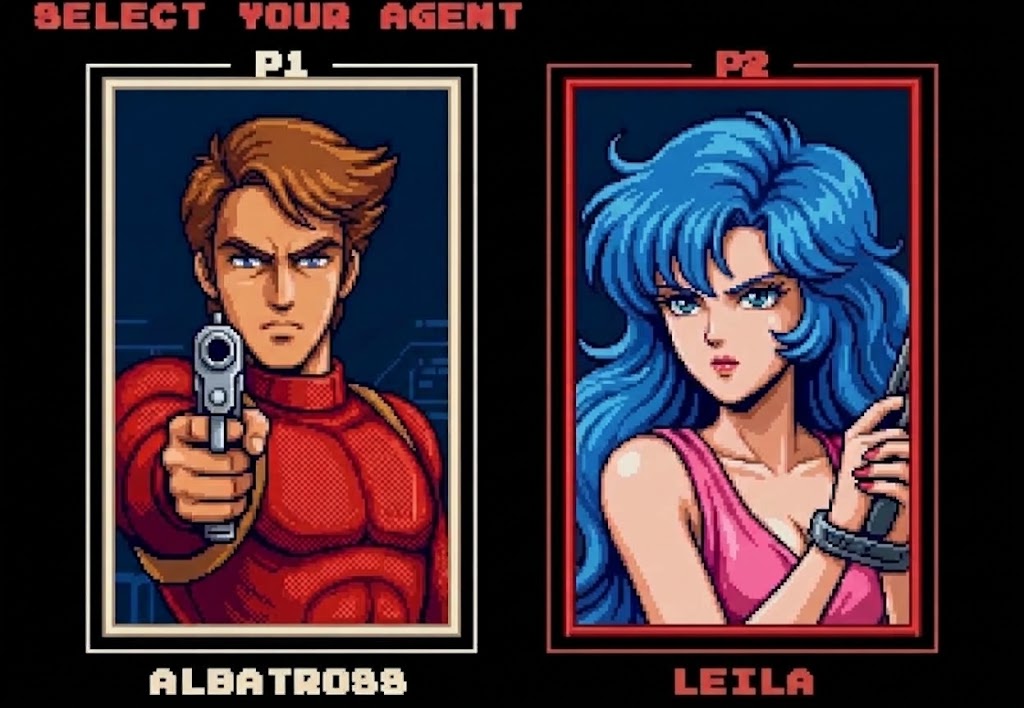
Well wait, so you mean have Leila have brown/reddish hair in the game but leave her hair purple in the cut scenes? How much sense does that make??? This is a mega drive port. And the developer here is already introducing two player, and other flourishes. And that’s a good thing, but that’s not arcade accurate. I think he has an arcade accurate mode anyway anyways. So there’s nothing wrong with him having fun with his version of a mega mode or home mode for something a little different here. Otherwise, most people would simply download the mame rom, and be done with it. So this gives others an extra incentive to play. And using the Genesis screen is the definition of not arcade accurate, and would look terrible in this. So I’m not sure you thought of that. Just my two cents.
Isn’t Leila have purple/blue hair as a prisoner in cut scenes, no? But she’s a blonde when 2 player, right? Because it was taken from R2, right? Also i know Albatross has brown hair in the game itself but on the cover art, in the lore, he’s blonde. He has brown hair also in the end screen of the arcade but weirdly so does Leila who now they also give brown hair for some reason. Games back in the day are funny that way. In the end screen of Double Dragon 2 the Lee brothers are now blonde haired with mullets. I dunno, I sometimes look at these new ports as opportunities, as a way to fix these mistakes developers made back in the day. For instance, fix the end screen of your game to at least give Leila her purple/blue hair back. Plus it would be cool to see a blonde Albatross for a change IMAO. Just my 2 cents.
P.S. Also, if you are going to go with AI art (which I could be wrong BUT that is what your portraits felt like) you could run it through a post-process pixel-it routine (the benefit of which is it makes it look more like the pixel art of the time, and the new doesn't clash with the old as much, just my 2 cents... I attached an example of using the AI generated art above with the process I am talking about here (looks more like the 1980s arcade art!) https://pixelartvillage.com/
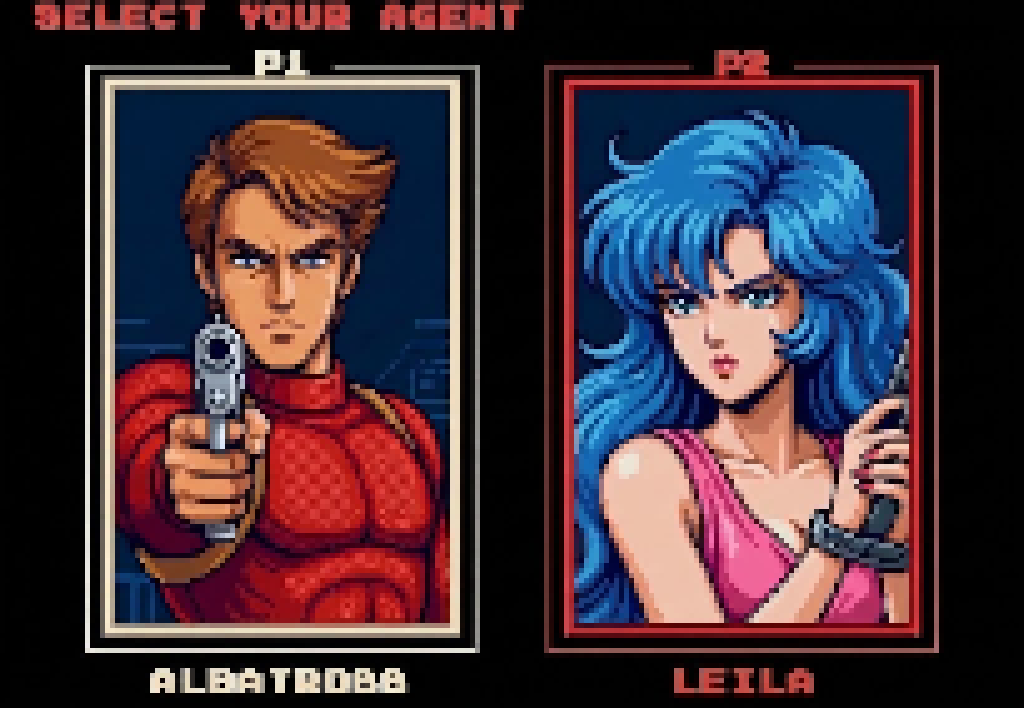
Any way to make the portraits in the character screen faithful to the original? I love the promise of this! Great ideas here. However, the portraits are all wrong. See my attached image here for how to fix it. The one you went with feel like the rolling Thunder 2 pics. Wrong hair, wrong costumes. Also you should keep it to first names. I did a mock up for you (a redux). You can use it if you want (I don’t need credit). Good luck with this!