Hey everyone!
The next Glyph Rift Playtest update is here! V0.12 focuses on quality-of-life features, clearer visual feedback, and improvements to gameplay flow, all aimed at making the experience smoother and more intuitive.
A number of these changes have come directly from community feedback, so thank you to everyone who's taken the time to share their thoughts!
What's New in V0.12?
Reworked Discard System
Previously, discarding cards required a somewhat cumbersome toggle interaction, where players had to prime the discard action before selecting a card to remove.
Based on community feedback, this has now been reworked into a more familiar system for deckbuilder fans. Players can now select the cards they want to discard directly from their hand, then hit Discard to remove them all in one smooth action.
It's a small change that should make a big difference to the flow of combat. Let me know how the new system feels!
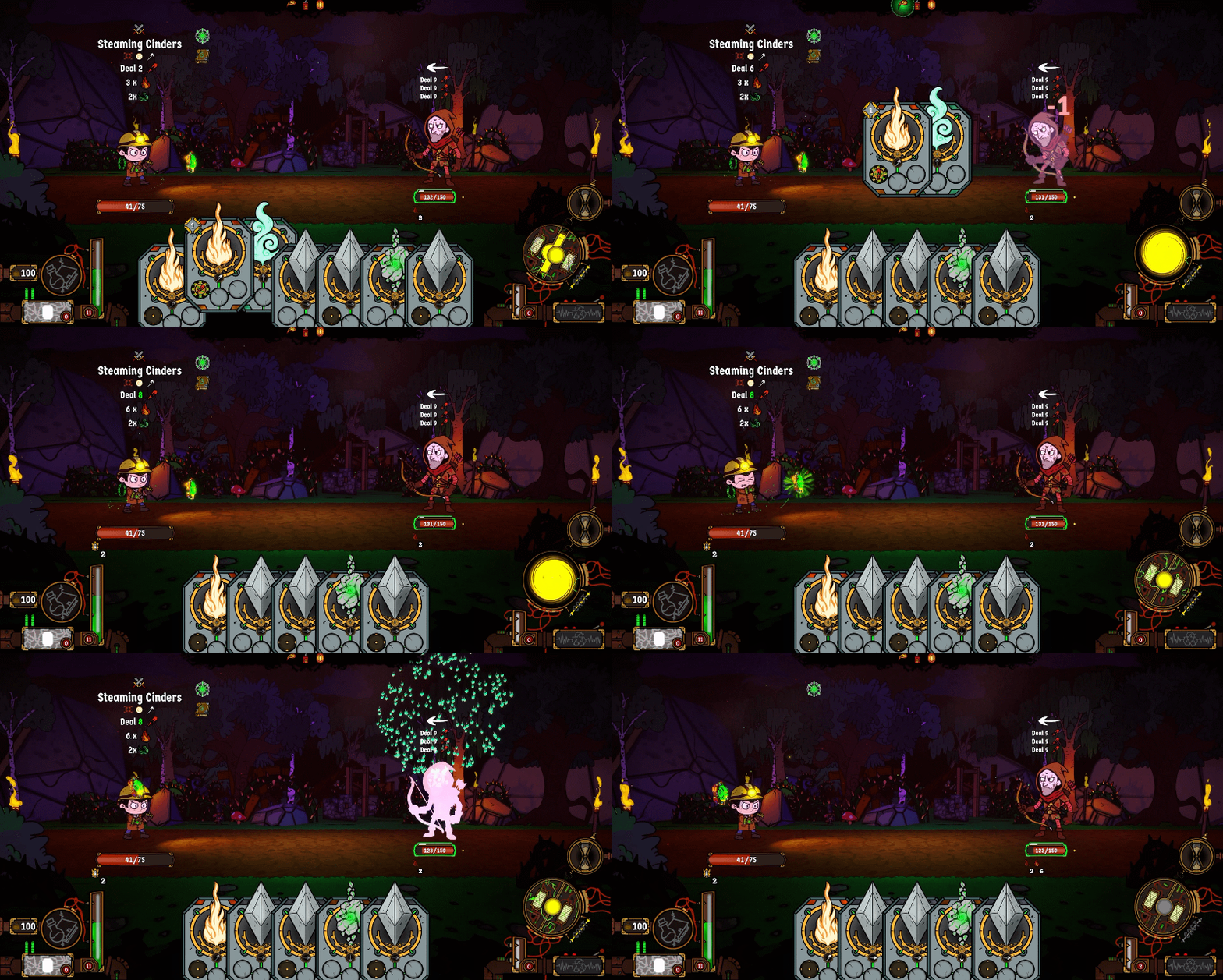
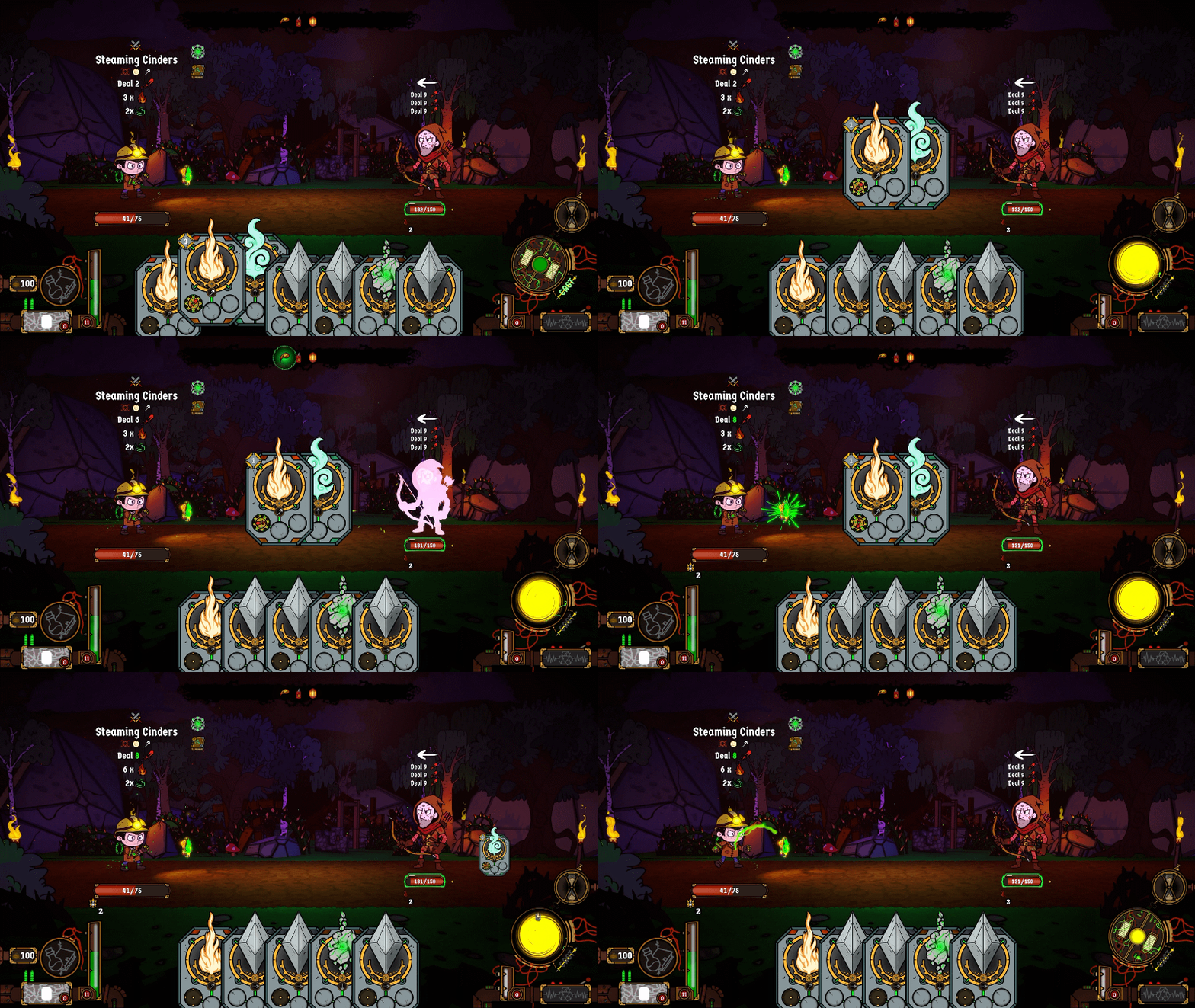
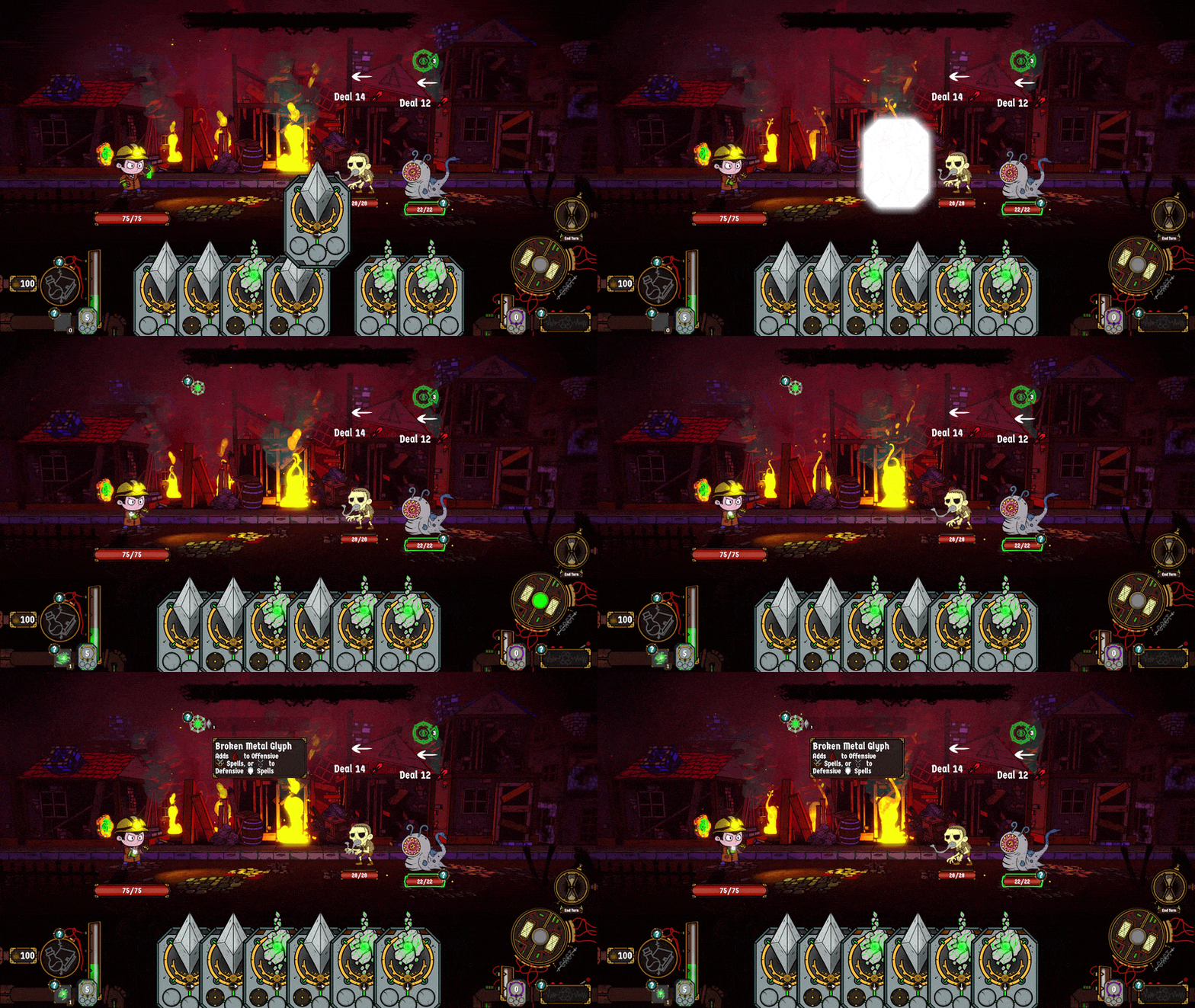
Improved Card Break Visuals & Feedback
Breaking Glyphs is a key part of building powerful spells in Glyph Rift, allowing players to alter spell contents and unleash powerful Containment Modules.
However, feedback suggested that this system wasn't always immediately clear, leading to players overlooking an important part of their arsenal.
To address this, I've reworked the visual flow and accompanying UI to better communicate what's happening when a Glyph breaks.
Now, when a card breaks:
- Its shards travel to the Shatter Deck, making it clearer where broken cards can be found.
- A rune forms from the broken Glyph, before travelling to Null.
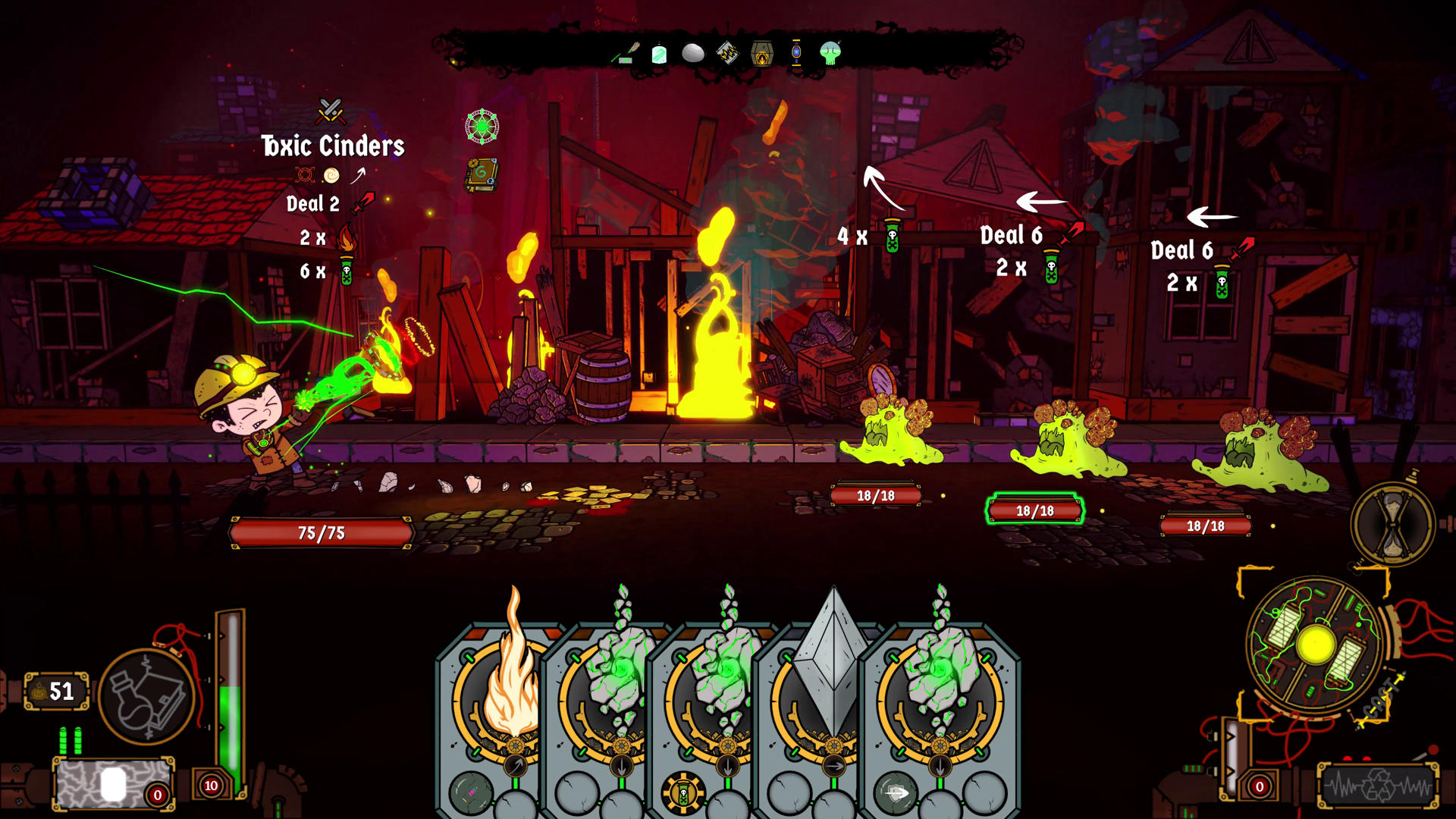
- The revised Spell Modifier widget activates, showing which broken Glyphs are influencing the current spell and what effects they're providing.
These changes should make the system easier to understand at a glance and encourage players to experiment with breaking Glyphs as part of their strategy.
New Stun Animations & Visual Effects
Stunning an enemy is a great way to gain the upper hand in combat, but previously the effect was only communicated through a status icon, making it easy to overlook.
Now, every enemy has its own Stunned animation, accompanied by a new visual effect inspired by classic cartoons, complete with birds circling their heads!
It's a much clearer way to see which enemies are vulnerable, so make the most of that Stun damage multiplier and really sink Null's teeth into your foes!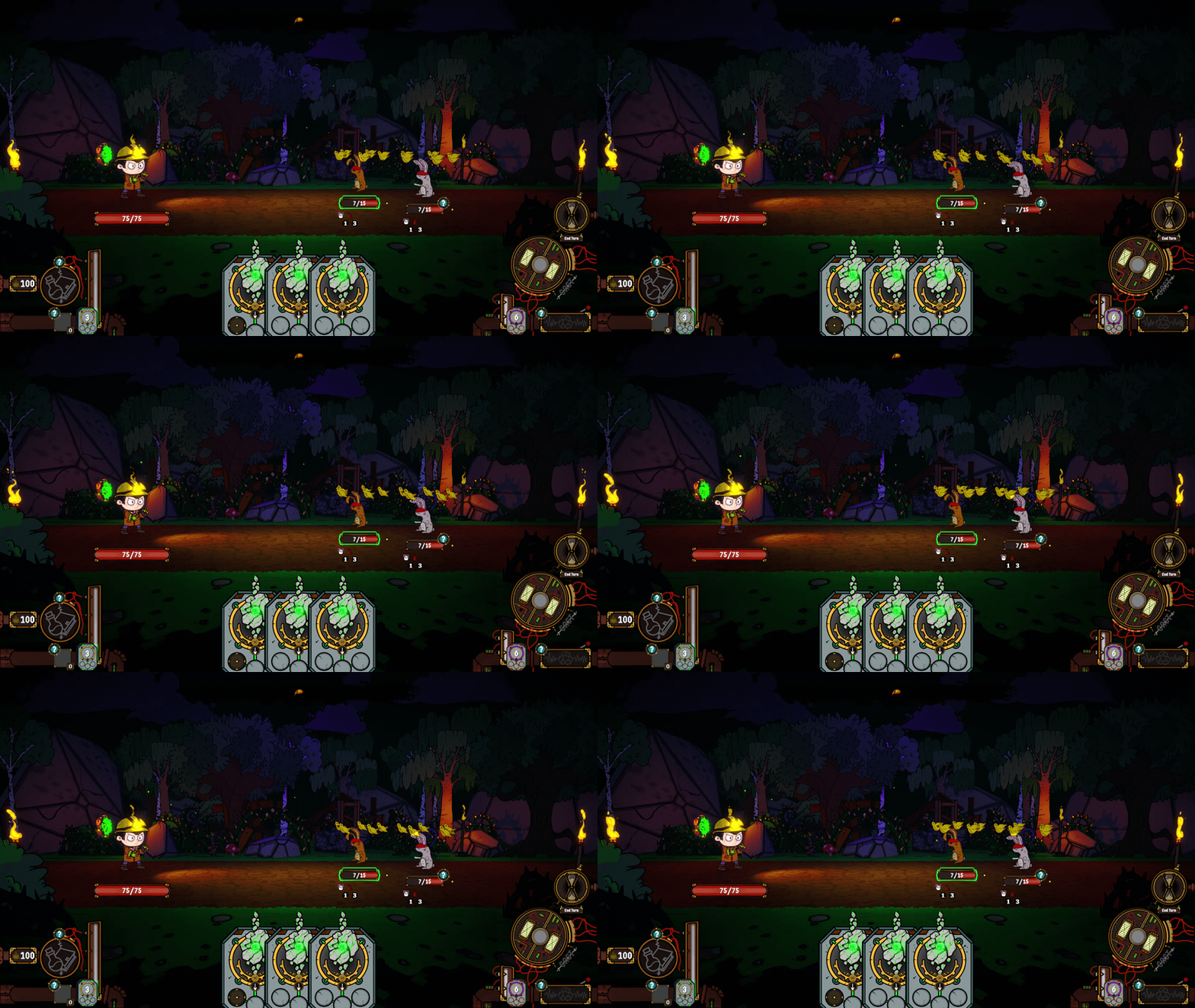
Tutorial Improvements
The tutorial has received another round of improvements to better introduce new players to Glyph Rift's core mechanics.
Tutorial pop-ups have been updated to reflect the changes above, while the initial combat encounter against the Training Dummy has been reworked.
Rather than immediately giving players a full hand of cards, the encounter now features two short combat rounds using a limited learning hand, allowing new players to get comfortable with spell-casting before being given the freedom to experiment.
Hopefully, this makes those first few moments of combat more approachable without slowing down the experience!
Additional Improvements
Alongside these major changes, V0.12 also includes:
- New Combat Hotkeys for Keyboard and Mouse
- Once you have a spell locked in, hitting space will immediately cast it.
- Alt will activate the Discard Widget
- F can be used as an alternative for Dash / Inspect (normally RMB).
- Further combat balance adjustments.
- Additional visual improvements and sound effects.
- Various bug fixes, including a fix for combat becoming softlocked when breaking all available Glyphs.
With these changes in place, there's never been a better time to jump into the playtest and take to the streets of Gravenlock!
As always, I'd love to hear how these changes feel, particularly the revised Discard and Card Break systems. Your feedback continues to play a huge part in shaping Glyph Rift, so please keep it coming!
Play the free Windows playtest here:
https://shotgoblin.itch.io/glyph-rift
Thanks again for all your support!
Nick