


Hello!
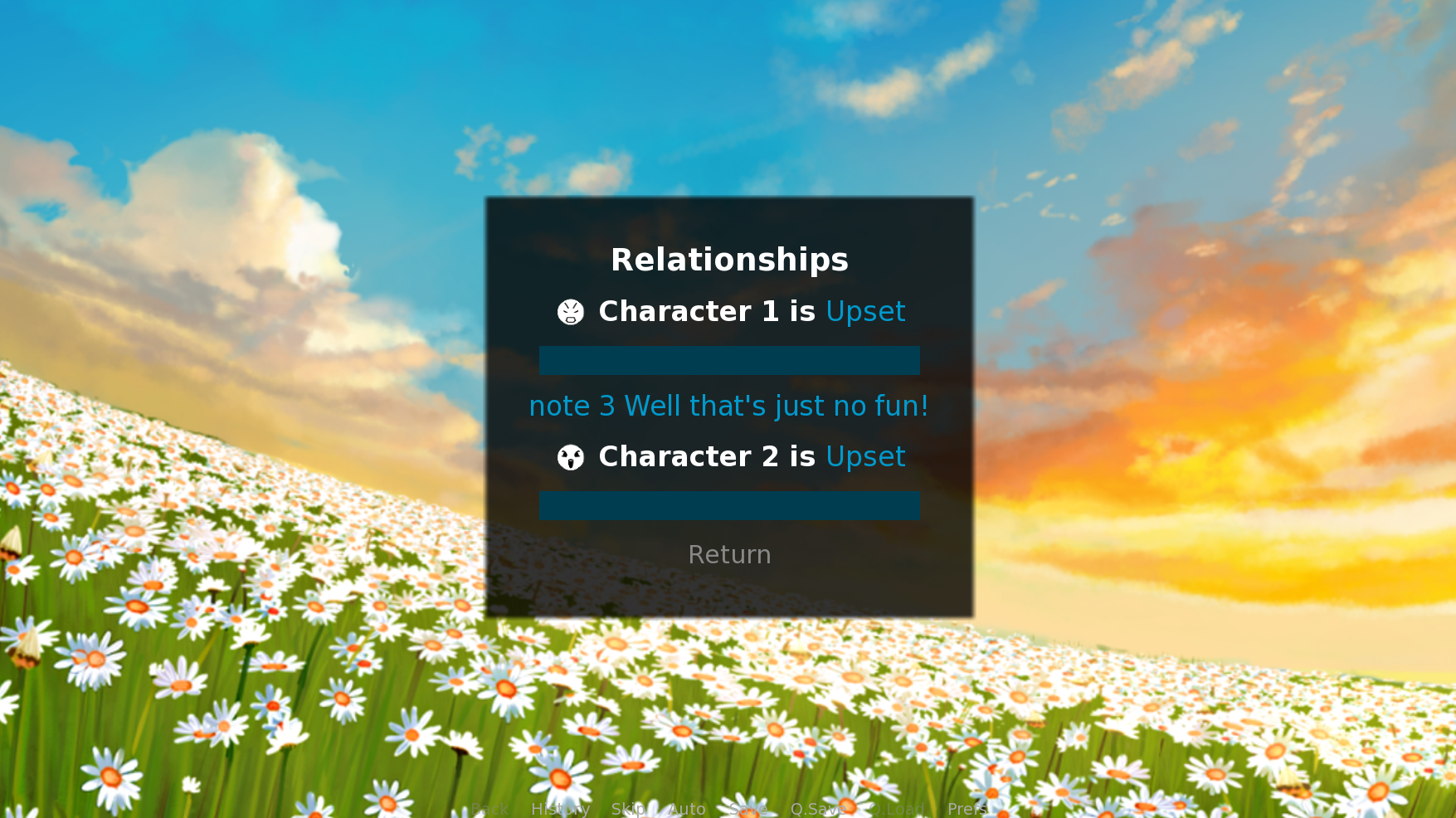
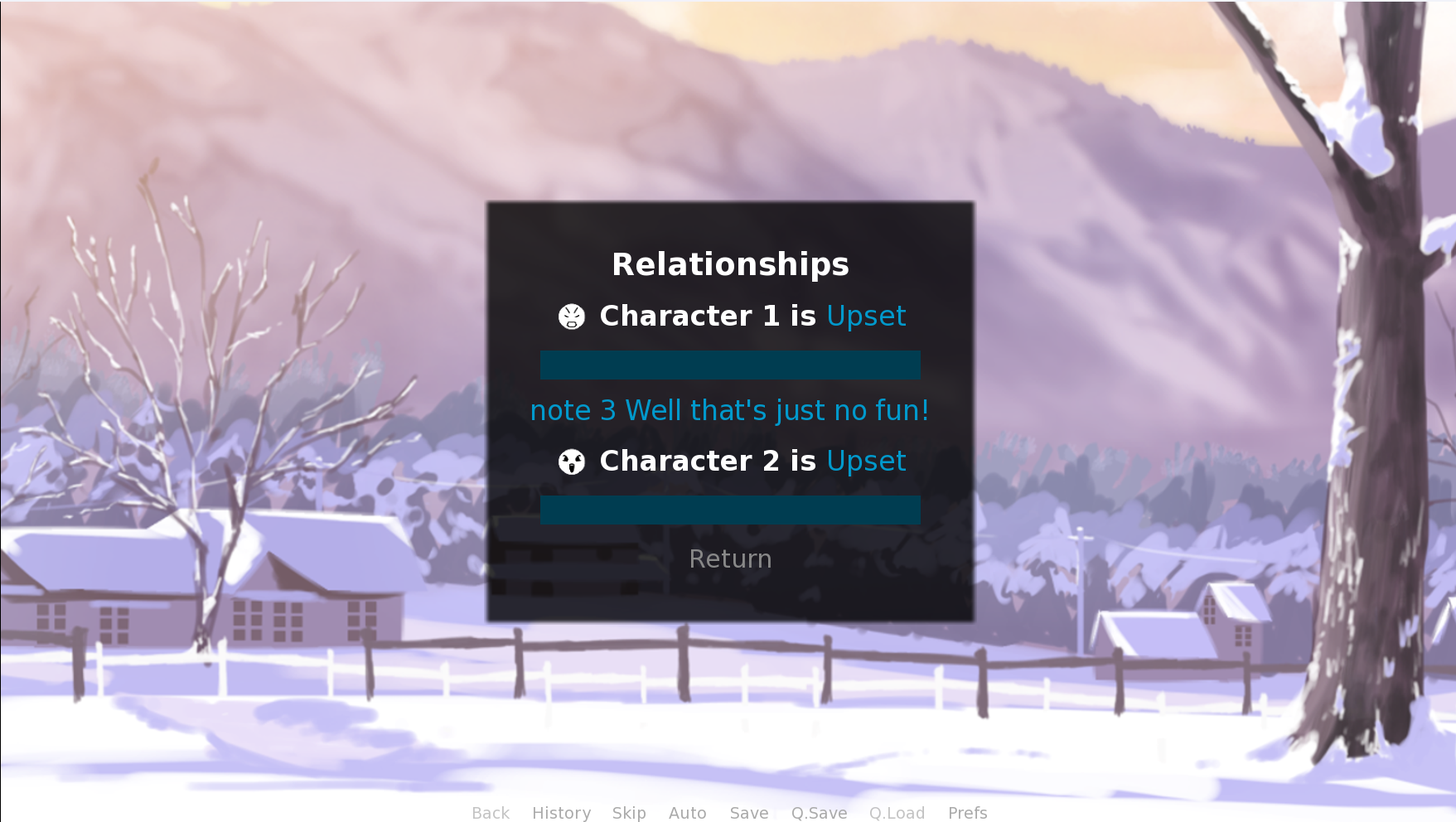
This problem is a whoopsies on my part, I didn't notice the menu DIDN'T hide the quick menu! So, these buttons show when the quick_menu variable is true, so I'm making changes to make it false while the relationship menu is open!
Please open your relationshipmenu.rpy script, scroll to the bottom, and make the changes shown underlined in this image! 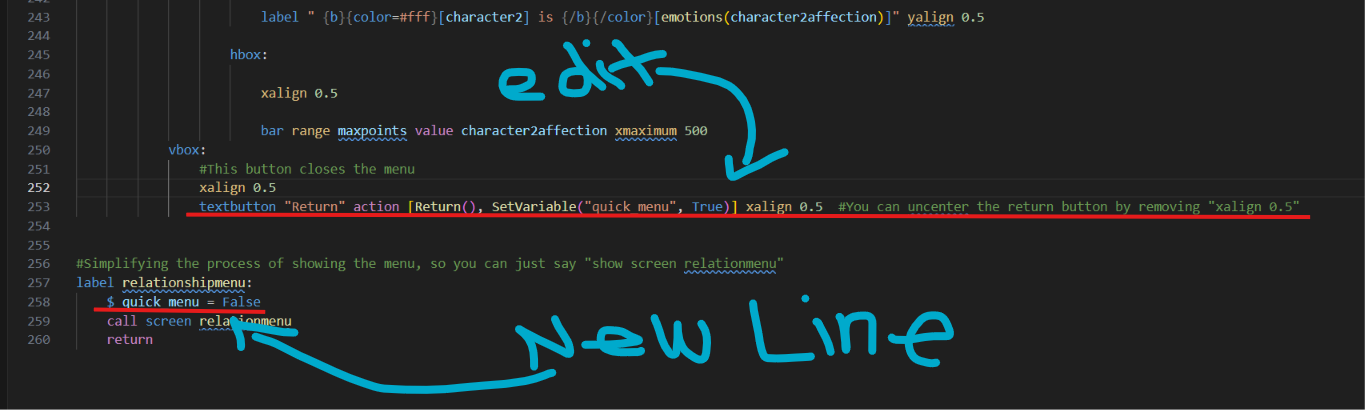
Follow up if this is unclear! Let me know if it doesn't work!
I'll also fix the files I've uploaded so that hopefully nobody else will encounter this problem! Thank you!
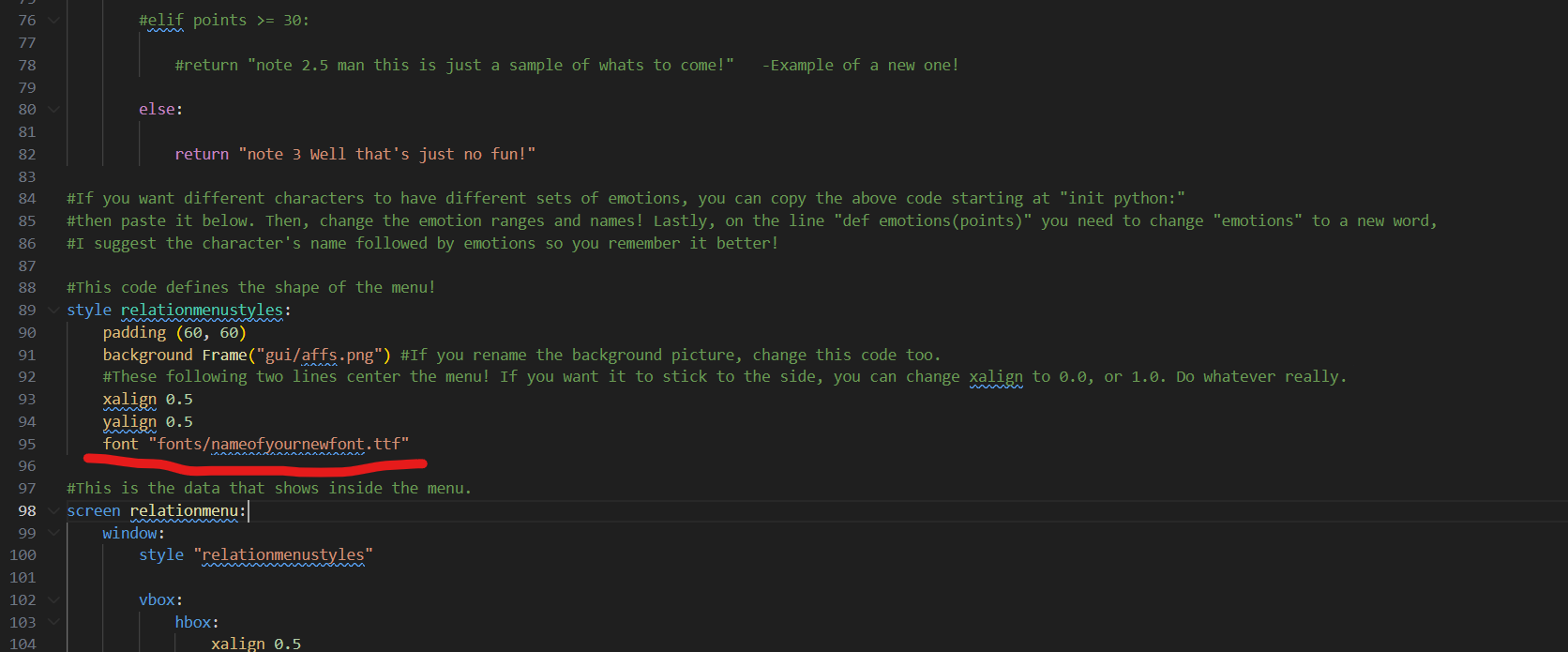
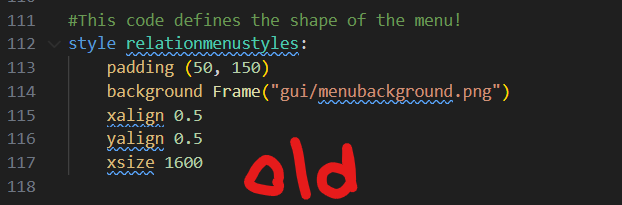
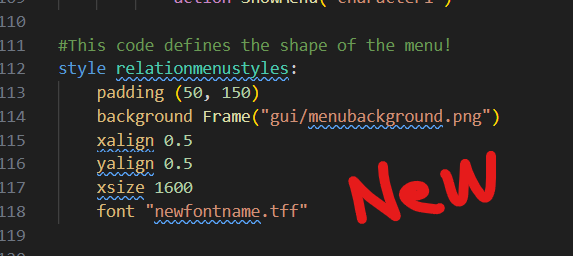
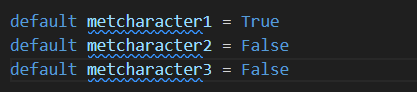
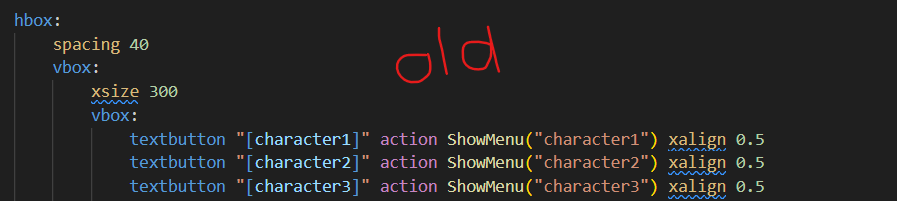
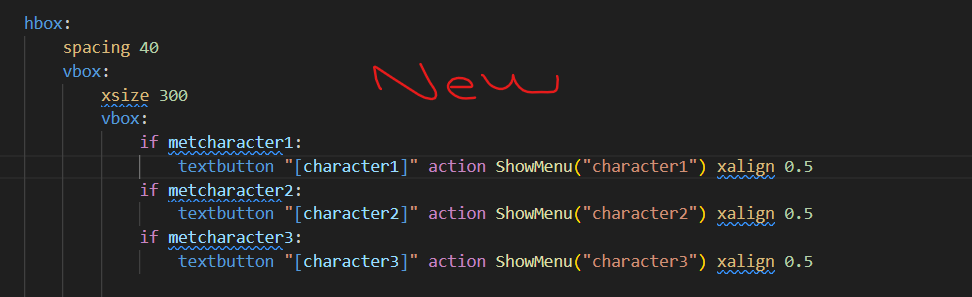
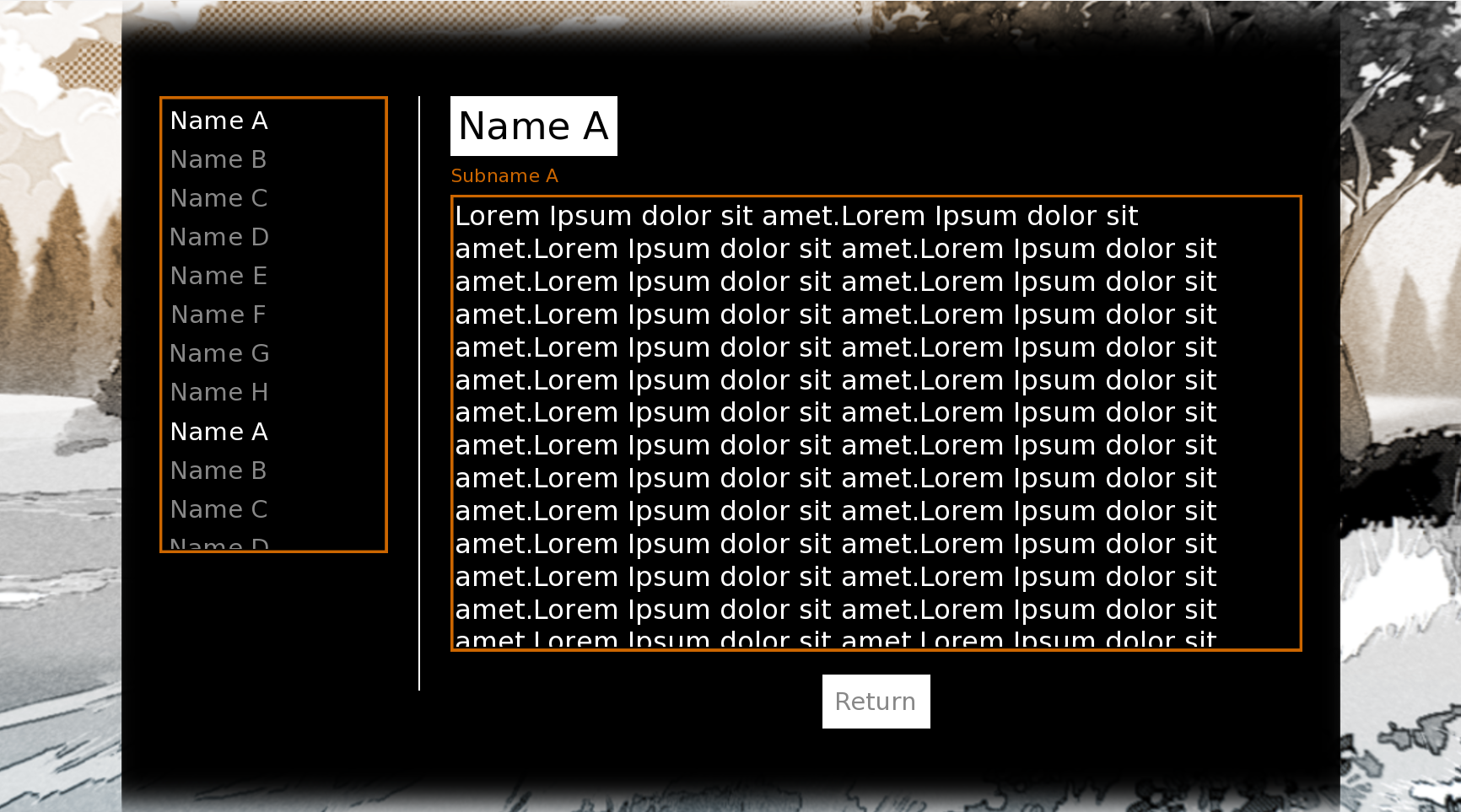 It would be the same process we use to make the description scroll! All you need to do is put the characters inside a frame and add the scroll+drag properties!
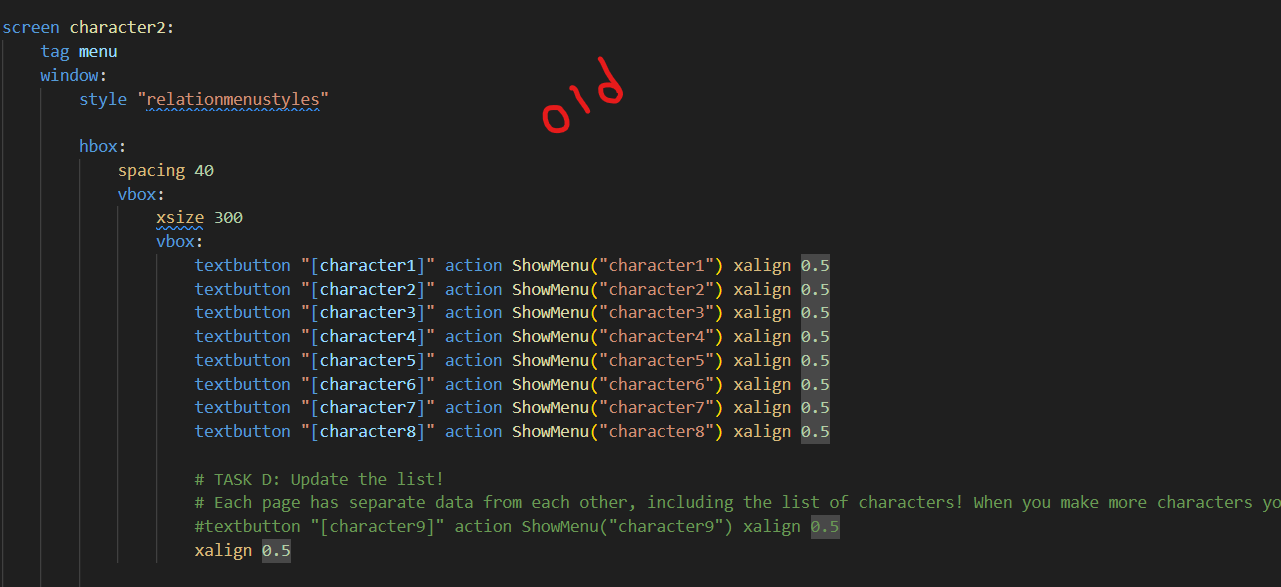
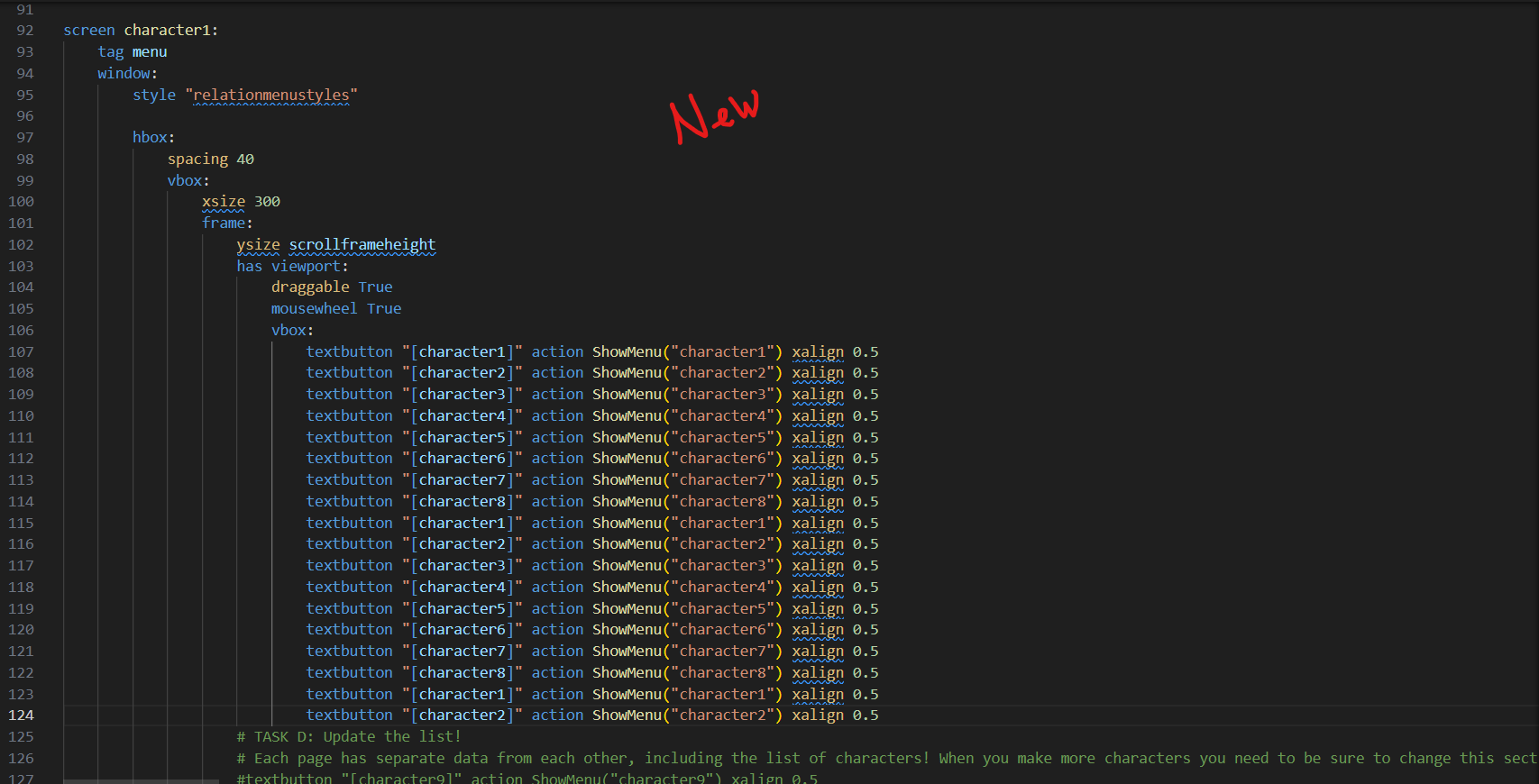 Be cautious the indentations match if you paste it directly in!
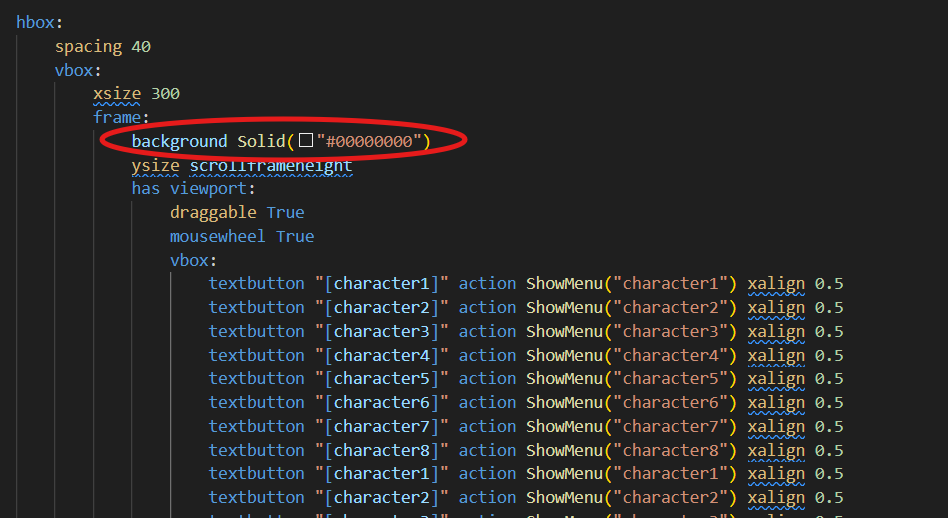
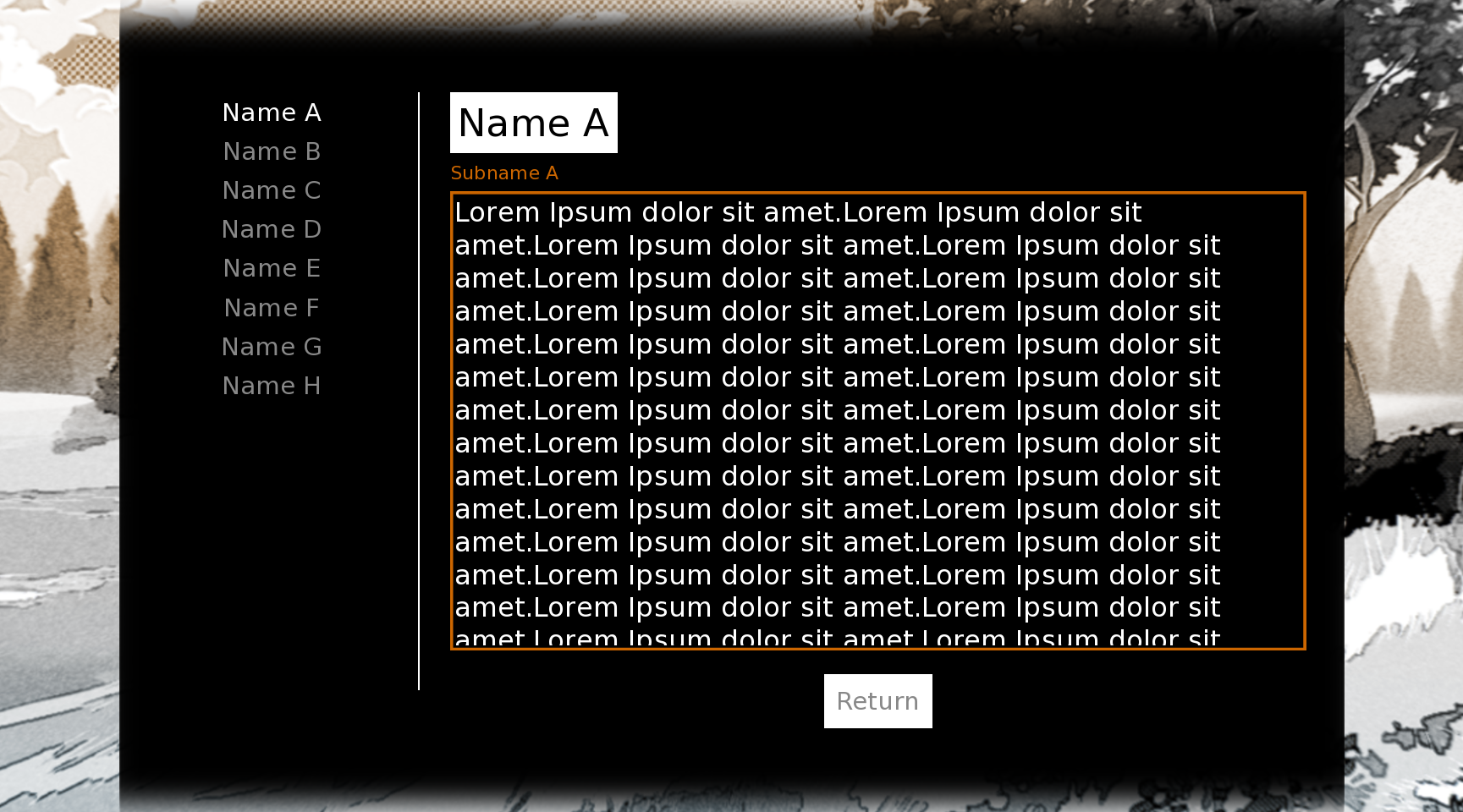 Yes yes the column part is a very simple change, the way I have it is that the portrait and the description are within an hbox, which displays them next to each other, you just delete the hbox and the portrait line of code to remove the icon, and you also need to delete the line that constrains the xsize of the description so it will naturally fill the box! The overflow scrolling is something I haven't done much before, but basically you just add the text inside of a frame and add the properties draggable and scrollwheel!