Indie game storeFree gamesFun gamesHorror games
Game developmentAssetsComics
SalesBundles
Jobs
TagsGame Engines

Omn1core

6
Posts
2
Topics
1
Following
A member registered Jun 10, 2020

Recent community posts

There are some benefits. Persistence would be a big one; as it stands now settings are per script instance, and if I close and re-open, I lose all my changes. Another would be being able to place where it can be opened from. Would be nice to open this from the palette drop down menu rather than having it contribute to a bloated scripts menu.

Mostly just not been sure how to use it, tried replicating some of the dithers shown in the gifs around the page and haven't been successful. Even just like a document that showed some of the example dithers on the page and the brushes sent to the buffer/palette colors/strip and matrix configs would help.

You could convert it to an Aseprite file with named slices to work with this: https://sodedromme.itch.io/brush-manager-pro-aseprite

(1 edit)

Would love to see a tutorial video using this and the brush engine to get a sense of the workflow. Seeing it in practice would probably help a lot, such as knowing why I'd want to generate a strip

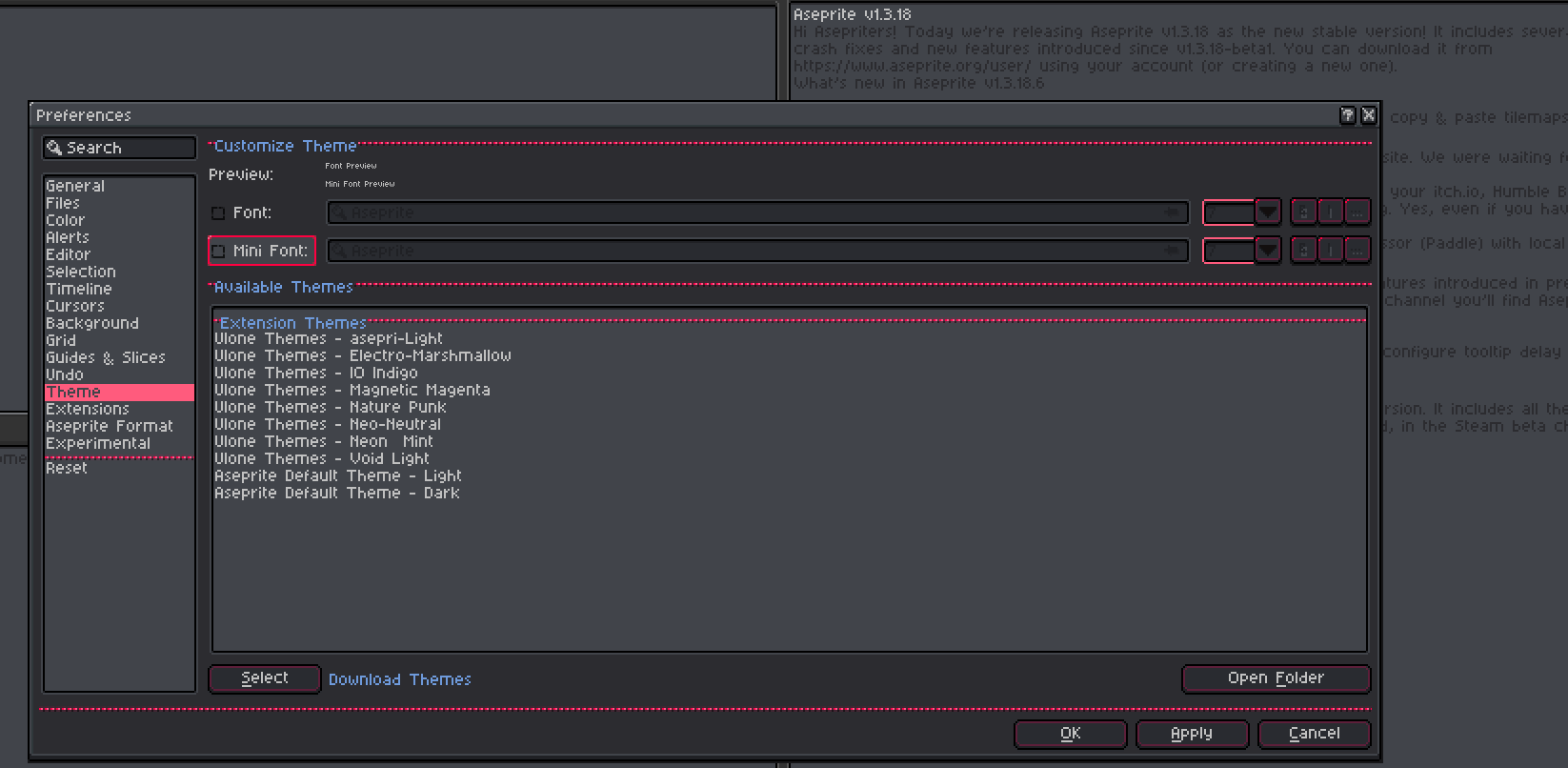
The font color for disabled/secondary text is too dark with these themes, making some portions of the UI difficult to read. Could these be updated for better accessibility?

Right now, this is just a Lua script you have to manually add in and manage. Is there any effort to rework it as a `.aseprite-extension` archive file?