





Indie game storeFree gamesFun gamesHorror games
Game developmentAssetsComics
SalesBundles
Jobs
TagsGame Engines

EyeFly

71
Posts
11
Topics
88
Followers
24
Following
A member registered Jul 09, 2020 · View creator page →

Creator of

Recent community posts

What up, it's EyeFly!

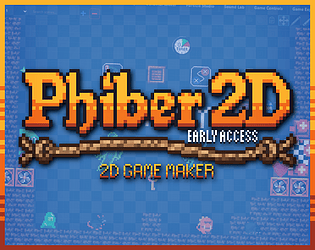
Phiber 2D is Here! Make Your Own Games!

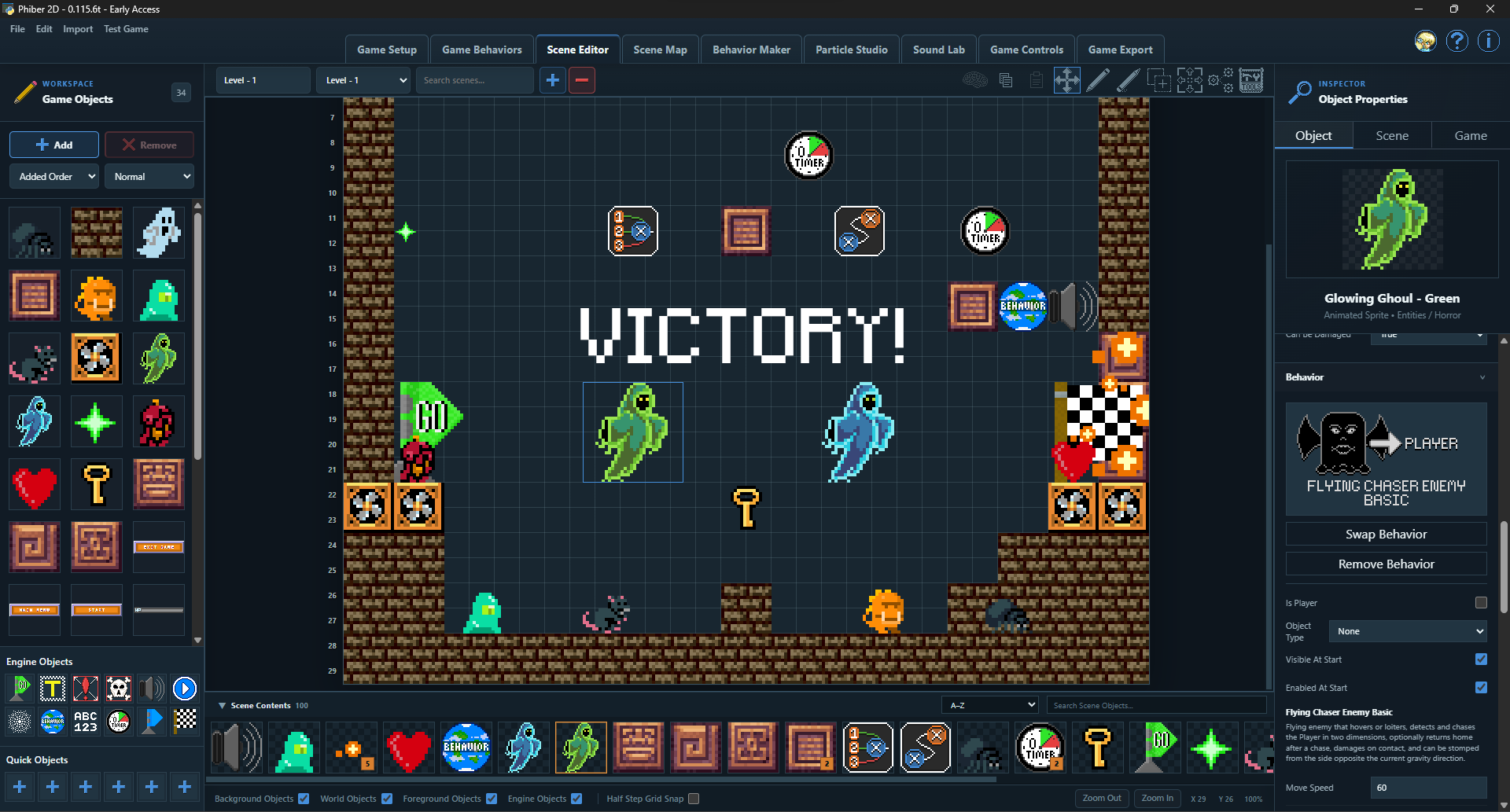
After months of development, Phiber 2D is officially available in Early Access!

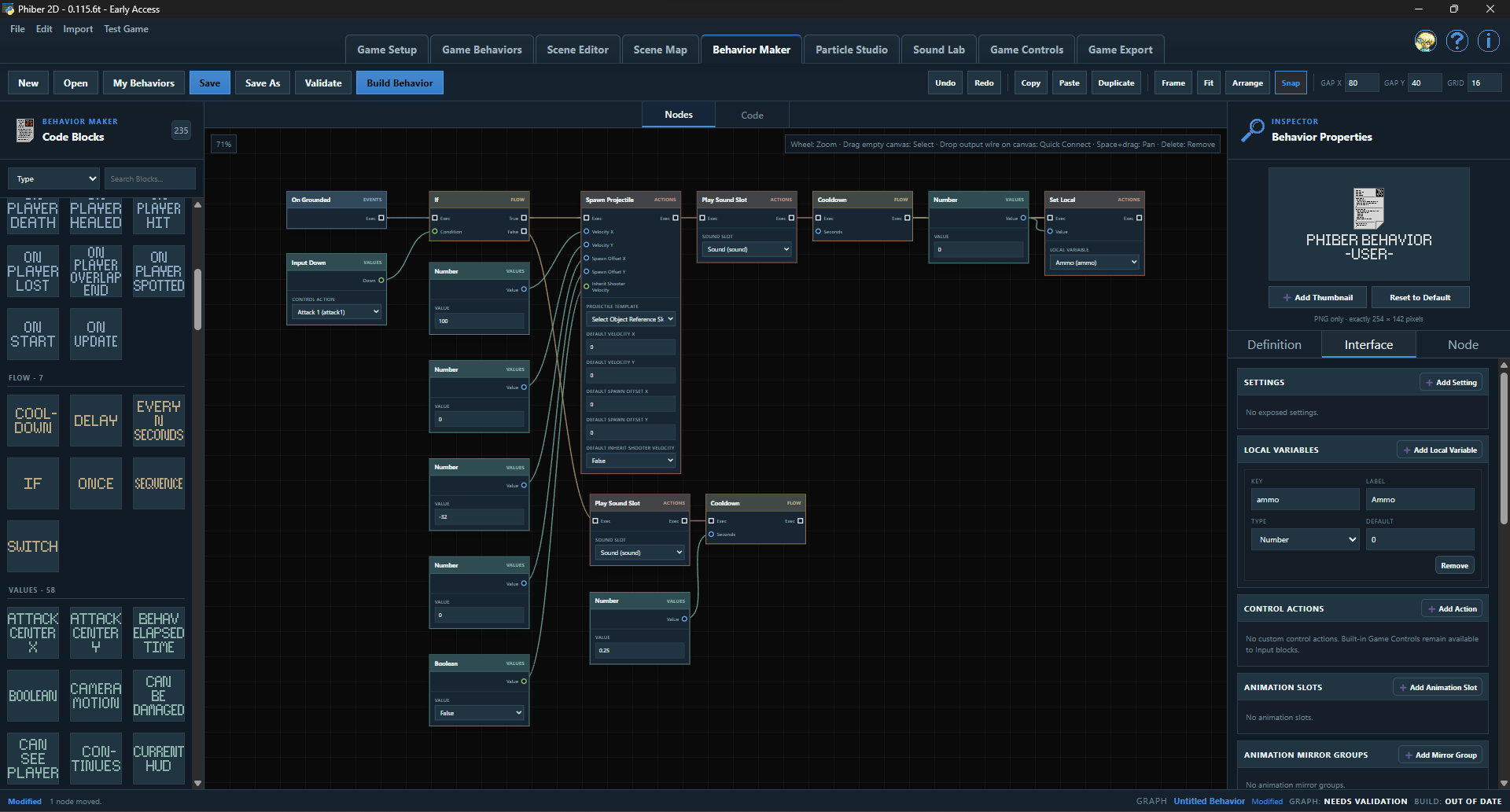
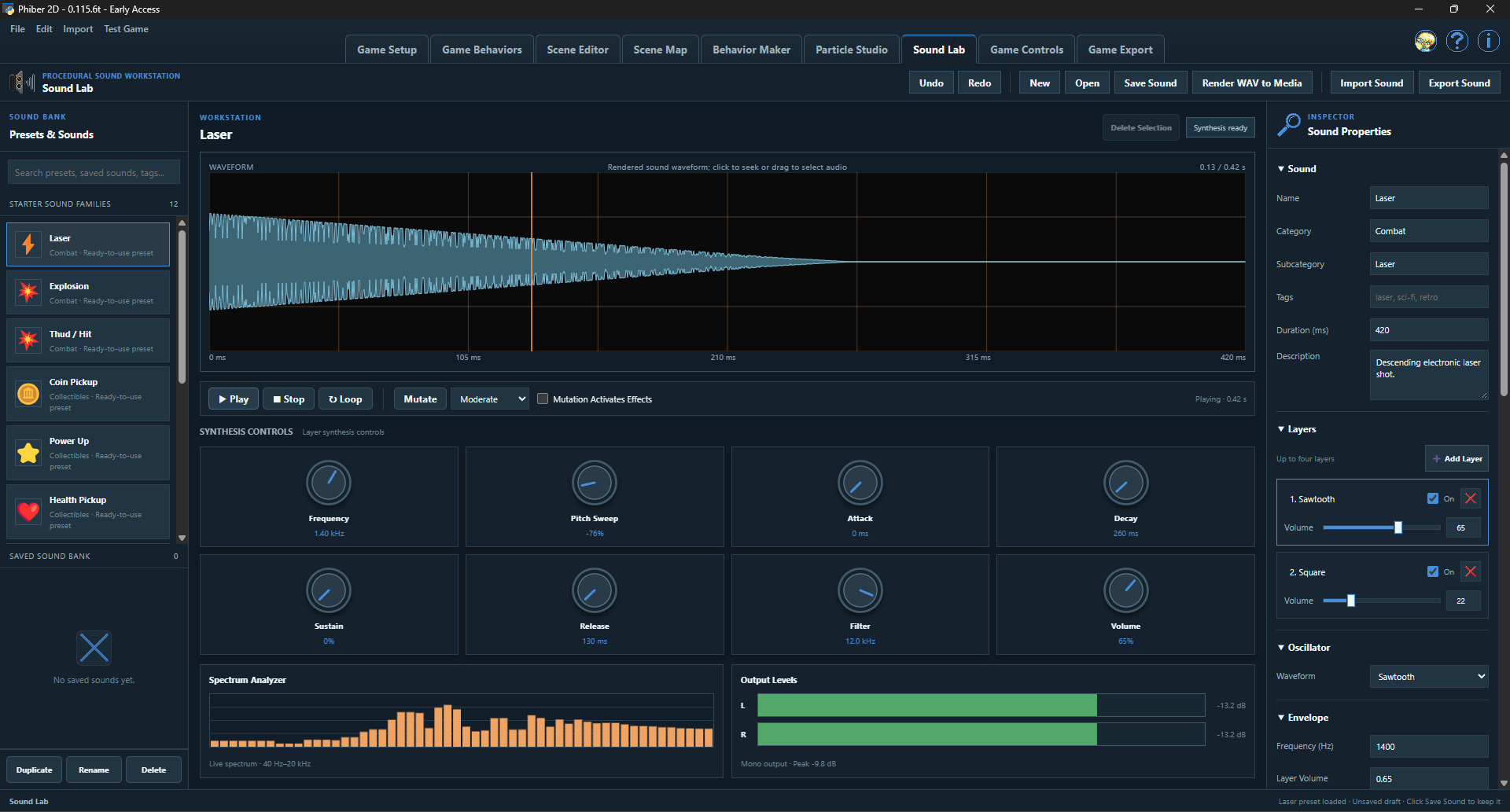
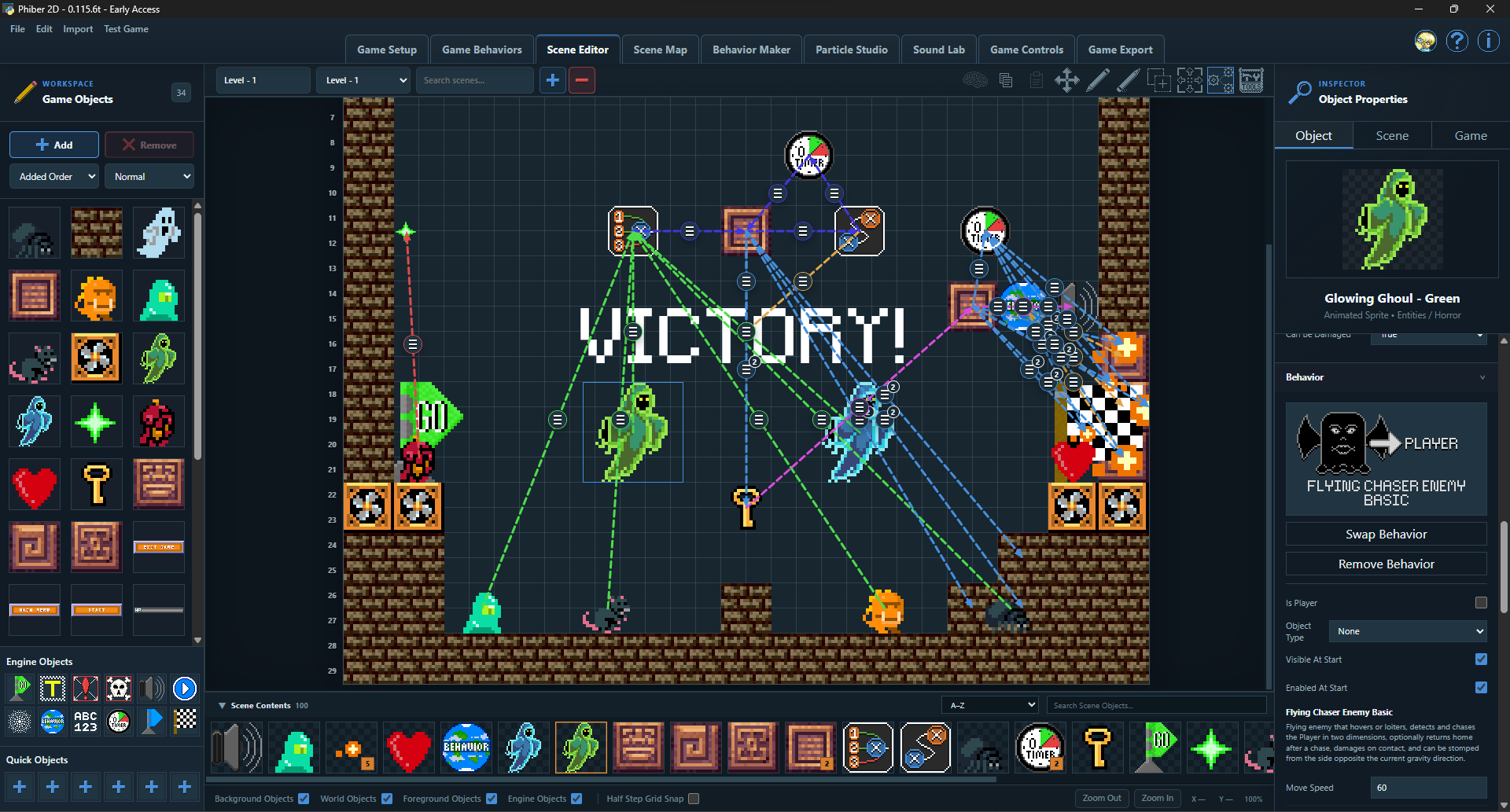
Phiber 2D is a beginner-friendly, no-code to low-code 2D game maker for Windows. Build levels, create custom Behaviors with visual programming, design particles, generate sound effects, make pixel fonts, and export your games for Windows or the web!

No programming experience required!

Best of all, Phiber 2D is FREE to use, and the games you create are yours to publish and sell - no royalties, no revenue share!

This has been a massive project, and I'm excited to finally share it with everyone!

Get Phiber 2D here: https://eyefly.itch.io/phiber-2d

Happy game making!
Feedback and comments are welcome and encouraged!

Cheers!

I'll look into what it will take to make a Linux version. I use Windows as my main OS, and I have little experience on Linux. But I have been thinking about using Linux more so I can make apps for it as well. But, as I mentioned before, the current version of Wapper is Windows specific. It requires Window's Webview2 to run the exported apps. I believe Linux has their own version of webview, so I should be able to do similar on Linux as on Windows. You two are not the only ones asking for a Linux version. So I'm feeling the push more and more toward Linux. Thanks for the comment, I will see what I can do. Thanks for the comment!

(2 edits)

I just tried Wapper on my laptop and it works. My laptop has a 64 bit processer. I don't have access to a 32 bit machine to test it on. Can you add more details about what is not working? It may not be the device it is on that is preventing it from working. Are there any pop up warnings or anything like that when you try to run it? Are you on an older Windows 10 laptop? Some older Windows 10 builds didn't come with Webview2 installed. There is a Webview2 install checker in the download to verify it and install it if it is missing. I hope this helps.

I believe that's possible. I will look into it and see what i can do. I actually just did a similar thing for an upcoming app I'm working on. So I should be able to make Wapper support that as well.

I will look into that. Thanks for the feedback.

Thank you!

Ok, i see. I will try to make that happen. Thanks for the reply.

The settings can be saved in the paid version. And as for the export folder, I can add it to the saved settings when I update the app again, I will put it on my list. And settings that are saved, do load with the app. I saw no need for saving projects because it can save/load settings. I'll go through the settings and make sure all of them are being saved/loaded correctly, before the next update.

Thanks! This is great!

Awesome! I'm glad you like it!

Any Feedback or bug reports are welcome!

(2 edits)

Actually, having the sound muted before a user interaction is normal. That is how all html games work. Browsers don't allow sound to play just because the page loaded. Browsers prevent sounds from auto-playing to stop them from startling the users. And Wapper uses Wenview2 which is just a ui-less browser, basically. So any standard browser behaviors apply. Cheers!

(5 edits)

It depends on what is happening. Most commonly the app name is too long. Try a short name or choosing a location closer to the root of the drive to export to. If that doesn't work, try moving Wapper to the root of a drive. Windows can have a long file path issue. Having Wapper in the root of a drive gives it a longer path it can use to output the exe. Having Wapper in a location like your downloads folder or desktop actually puts Wapper pretty deep into the folder structure on the drive. And windows has a limit on how long a file path can be, so when you have Wapper somewhere like the downloads folder, the output path to the exe can become too long due to how Wapper uses a built-in toolchain with deeply nested folders. So, having a short app name or moving Wapper will Hopefully fix it for you. You can rename the exe after building, as well.


Edit:

I just looked into it, and you can increase the file path length limit from 260 characters to 32,767 by enabling "Win32 long paths" in Windows settings. I haven't tested that myself, but that should fix any long path issues, I would think.

(2 edits)

Glad to hear you got it working. It should work with any regular ico, png, or jpg file. It can make the ico for you from regular images. I usually use 256x256 multi-size ico, too. Cheers!

(1 edit)

The new manual is up, and it is a light version. Cheers!

(4 edits)

I'm sorry you're having trouble extracting the files. Try moving it to the root of a drive then extract it. Windows has a weird thing about long paths to files. The deeper into a drive it is, the more likely it will fail to extract. Also, you may need to open the zip properties and look at the bottom for the unblock toggle. It may get blocked otherwise.

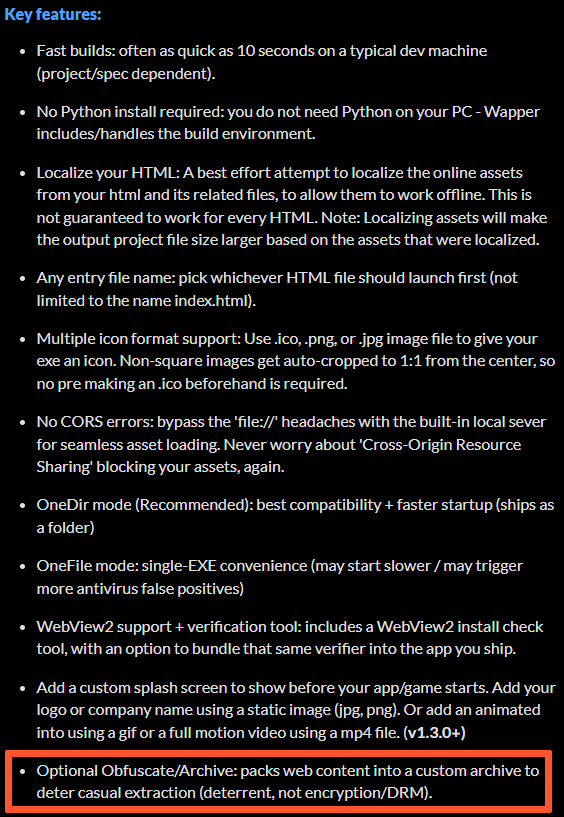
As for the hiding your files, it is mentioned, that is what the obfuscation settings are for in the advanced settings. The app will pack your original files into a custom archive that won't open in normal zip software like 7zip or others. It uses a custom archive I made for this app. Also, just curious, how did you figure out it wouldn't put your files in the exe without testing it? If you can't extract it then how could you test it?

I hope you get it figured out.

Feel free to get a refund if you need to, no worries.

Cheers, EyeFly.


Any feedback or bug reports are welcome!

Any feedback or bug reports are welcome!

(1 edit)

I just added a text file explaining how to fix this issue along with an image to show where to look, in the zip. Thank for finding this issue, It's appreciated!

I assume you dug though the files looking for the correct one. Yah, unblocking the zip is way easier.

LOL. I was just posting that same fix! Glad you figured it out, yourself! Cheers!

(3 edits)

I may have found a fix for you. Before you unzip the files, open the properties on the zip and look at the bottom where it says "This file came from another computer and might be blocked to help protect this computer." and tick the "Unblock" checkbox.

If you don't do that before you unzip the files, every file in the zip gets flagged and a dll file can be blocked, "Python.Runtime.dll".

I hope that helps!

I just did some testing on a couple of clean PCs with NO PYTHON installed and the app ran fine (Windows 11). I did have to turn off the smart app control to allow windows to run the exe, because it has no reputation, yet. But then the app ran, no problem. I don't know if it's the same issue that is causing it to not work for you, but I was getting a smart screen blocking the app from running at all, but no errors.

Can you try to run the app on another machine to verify the app actually runs? Maybe you got a corrupted download, I don't know, just guessing. I even just tried downloading the zip from itch to make sure nothing was messed up with it after I uploaded it, and it ran too. It may just be an edge case with your machine.

Sorry, again. I hope you can get it working. If not, again, feel free to get a refund. And thanks for giving it a try!

I'm sorry it isn't working for you. That's weird... You shouldn't need python to run it. The app is wrapped in a python wrapper but it should work because everything it needs is bundled into the exe to run the wrapper. I'll do some testing and see if I can figure it out. I'll let you know if I figure anything out. If you don't want to wait and see, feel free to get a refund. Thanks for the report, either way.

Hi RickiRu!

Unfortunately, no. The source folder is your original files and need to be there for the exe to serve them in the webview window. Wapper creates a custom webview wrapper for your files to be served to, that's what the exe is. It looks in the source folder for the files to open in the window.

As for the license folder, you should be able to remove the license folder, but you should leave it in there if you plan on distributing the app/game. The licenses are required to distribute the underlying libraries that make the output app work. Wapper automatically adds the needed license files to make it easier for you.

Thank you for the question and the kind words!

Any feedback or bug reports are welcome. Thanks!

Unfortunately no. It is Windows and webview2 based. I can't make it work on Linux without remaking Wapper. It requires webview2 to run the output apps. Sorry.

(1 edit)

I'm not sure how it would work if you are releasing a game with different parts that are played independently but use the same save data. But as long as the way the save data is located in the local storage is the same for all parts then if they're using the same port then it should work. And remember, it's the name that you set in Wapper that determines the port. And you can rename the EXE after building it if you want it to have a different name. Only the name during the build matters for the port. You can change the name of the EXE after and it will still use the same port.

The data is saved to the port that is used for the app. So if you have private mode on, the port is randomized. So if you want the same data from the saves, don't use private mode and always set the app name the same in Wapper. The name is what is used to select a port when private is off. So as long as you keep using the same name then the same port will be used. I hope that helps.

My discord name is itseyefly (eyefly).

Unfortunately, no. Webview2 is edge/chromium based.  Sorry.

It only will work if you make a save dialog box open so you can choose a save location. Blind downloads (just clicking a button and letting the file get auto-saved) don't work. That's a quirk of Webview. There is no easy way to capture downloads and redirecting them from within a webview window. So using the save dialog box is the best way to go.

I'll keep checking a few things but I can't change the path of certain things. Some libraries in the app are hard coded with those paths and I can't change them without breaking stuff. Hopefully it's just an edge case on your PC. The strange thing is that the file in the error is a file that was already there in the old version too. Nothing changed with that part of the app in the experimental update. So I don't know why it would extract in one version but not another. Thanks for the heads up though, it's appreciated. 

I just noticed the edited version of your comment. I'm glad you got it extracted. I hope you don't have any other issues. Cheers!

(1 edit)

That's strange. I haven't seen that happen before. I used 7-Zip to make the zip file. I don't know what you're using to unzip it, but you may need to use a different program to unzip it. The path too long part, I don't know. I know Windows has a limit on path length. But since you tried different locations, I'm not sure. It may be related to the program you're using to unzip it.


Edit:

I looked into the path too long part and if you're using the built in Zip package handler in Windows, it may not work because of the deep nested folder structure. 7-Zip allows for deeper paths than Windows default zip handler. So try 7-Zip to unzip it.

I hope this helps.

(5 edits)

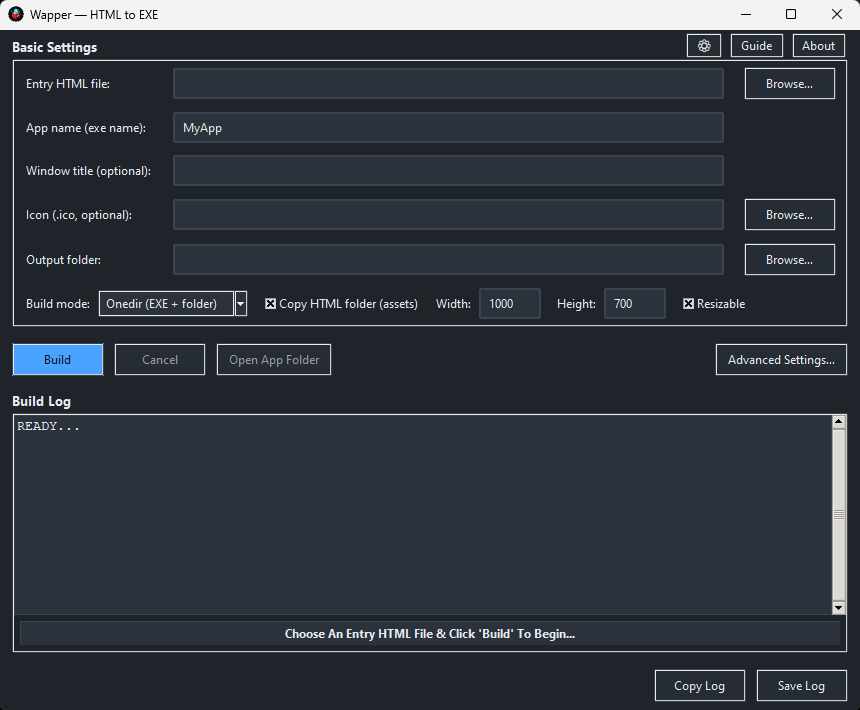
Are there a lot of other things in "C:Users/jacks/Downloads"? It may be lagging because it is copying a lot of stuff over. The HTML should be in a folder with only its own assets (if it has any). Otherwise if you have "Copy HTML Folder (assets)" toggled on, it will copy everything from the folder, including all subfolders (your download folder in this case). So put the HTML into a folder of its own with only its assets. If it is only an HTML file with no other assets, you can turn off copy HTML folder. 

You can also try removing the spaces from the entry HTML name and replace them with underscores, and remove the brackets (). It should work without that, but it's worth a try.

I hope this helps.

Awesome! I'm glad you like it! I hope you get some good use out of it.

(1 edit)

Hello! EyeFly, here!

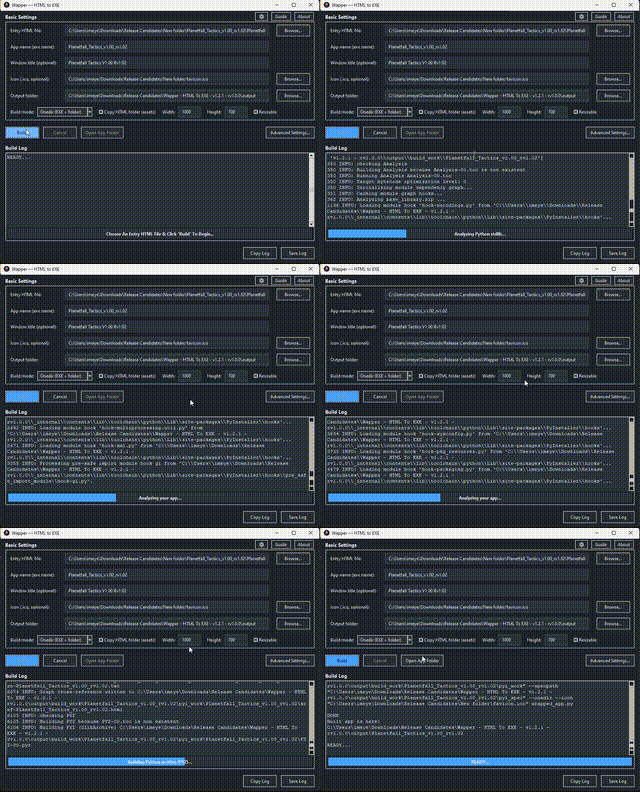
I made Wapper - HTML To EXE to help web devs package projects as a Windows desktop app/game quickly.

I’ve heard mixed opinions: some people want an EXE for desktop feel/storefronts, others say PWA/browser is enough.

For Itch web content devs specifically: do you see value in a simple EXE wrapper, or would you never use it?

What’s your reasoning?

I have a pretty good free demo that may be all you need, if you want to try it out. No usage limits or intrusive overlays/splash screens. And no pressure to buy. Just some feedback is all I ask.

https://eyefly.itch.io/wapper-html-to-exe

Thanks for looking! And thanks for any feedback I get!

-EyeFly-


(1 edit)

I just wanted to add that the demo is a non-intrusive demo! No watermarks, No forced overlays or splash screens, No usage limits. Perfect for students, game-jams, or anyone that just needs a basic, free HTML to EXE solution.