

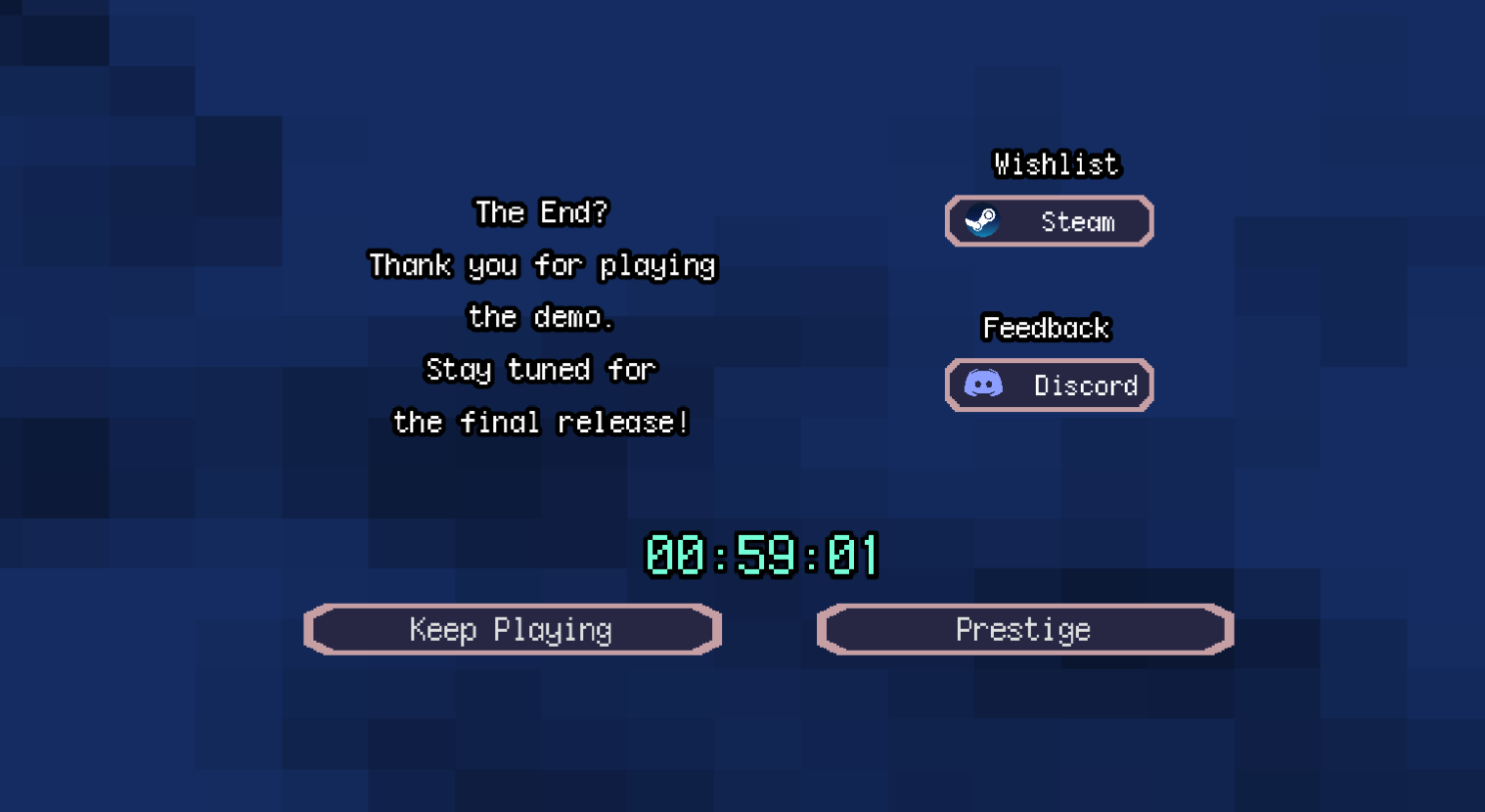
I really enjoyed the demo! Cute little world, good music, good pixel art, like the overall sense of progression and incremental parts. Great job!
Random feedback:
1.) On a 3440x1440 ultrawide display, with Windows set to 200% display scale, the default UI was still way too tiny. Setting it to 0.4 felt good. Don't think there's anything you can do here, but just fyi.
2.) We have hotkeys to switch between buildings, but are there hotkeys to buy upgrades?
3.) It felt a little tedious to switch between the Castle and the Wood Windmill to constantly check to see if I had enough resources to buy upgrades. Maybe some sort of world indicator (similar to the gold star when you max) to let us know that this building has available upgrades?
4.) I like the idea of the CRT filter, but the UI itself doesn't get the CRT filter applied, so there's a disconnect there. I realize that CRT filter on the UI elements would decrease readability, but it also feels weird to have perfect pixel-accurate UI and then a TV filter underneath it. CRT filters to me should be the entire game! If anything isn't filtered, it doesn't feel like I'm 'playing a video game on an old CRT'
5.) While I like the music, you seem to have the tracks just loop, independent of context with the exception of the final demon boss fight. I would have separate 'peaceful' and 'combat' playlists, and switch between them when it's relevant. Hearing the combat music when I'm not in combat at all feels weird, getting the combat music halfway during a fight i'm in feels weird.
6.) I don't understand what the explanation mark with the label "Q" means on the UI in the top left. It highlights the buildings maybe?
7.) The Quest was a little buried in the main menu. I was able to figure out just by exploring the map and clicking around a lot that you do slime, skeleton, ice castle, forest castle, demon boss, but it wasn't super clear.
Great job again! Would love to play a full version one day.