

I just tried with v1.0.2 but if I choose “Drive 8” as the target unfortunately VirtualC64 is still stucked, on a black screen this time.
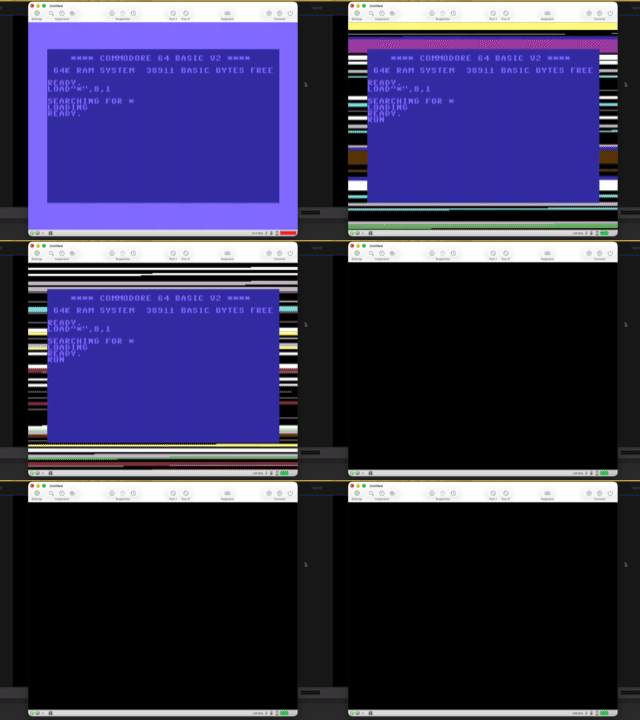
I’m using the latest version of VirtualC64 (Version 6.1 - 260901). It works only if I manually drag it to the “Memory” section. If I drop in in the “Drive 8” section it won’t work.
Other PRG files such as “Bubble Bobble - The Lost Caves” would work if dropped on both Drive 8 and Memory slots, so there’s definitely something strange either in the PRG decoding implementation of VC64 or in the PRG file itself.