

Tool Tutorials Page 3
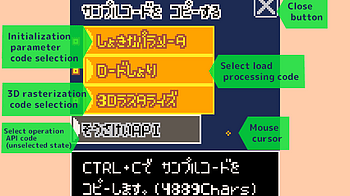
About sample code The sample code allows you to display a 3D model created with PELOGEN2 in the Pico-8 environment. Paste the code into Pico-8's code editor to...
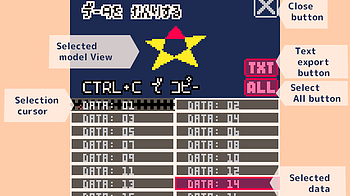
About PELOGEN2 3D model data PELOGEN2 data is managed using sprite data for Pico-8. Paste it into Pico-8's sprite editor and use it. Interface Selected model Vi...
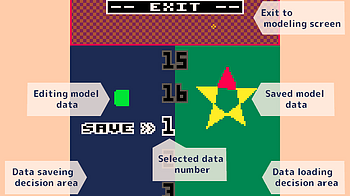
Interface Data save decision area [SAVE] When in save mode (image above), click to save to the selected data number. It is not accepted in load mode. Data loadi...
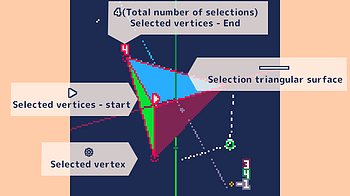
Interface Selected vertex ❉ Displaying selected vertices. Selected vertices can be moved or rotated. Overlapping vertices on the screen are selected in order...
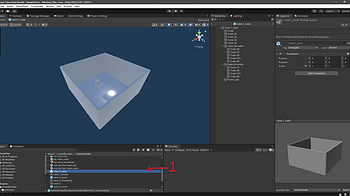
With update 1.4, Play Mode requires videogame collisions so the character doesnt fall down the void. Here is a small tutorial showing how you can add collision...
1 file
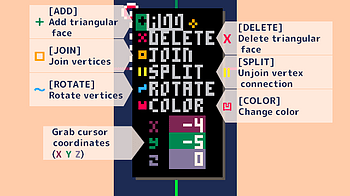
Interface [ADD] Add triangular surface Selecting ADD displays the Add Model menu. By selecting a model, the selected model is added to the position of the grab...
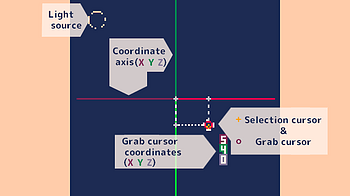
Interface Selection cursor A cursor for selecting vertices. Grab cursor Appears at the location where you add a triangular face or at the vertex you are moving...
9 files
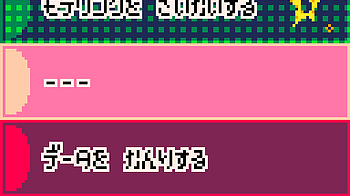
Start PELOGEN2! PELOGEN2 is mainly operated with a mouse. The title will be displayed after the manufacturer logo. Click to move to the start menu. Start menu M...
Exciting News, RPG Creators! I'm happy to announce the 2D RPG Kit 4.0 Update is now live! This latest version brings a host of enhancements, new features, and b...
2 files
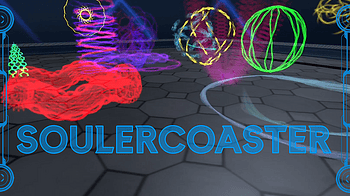
If you search for SoulerCoaster, you will find a multitude of names for it. It is also named Curvemesh, Splinemesh, or Swoosh. They describe a technique to visu...
1 file
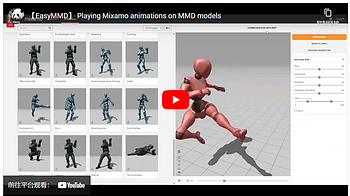
EasyMMD supports directly applying Mixamo animations to humanoid models in formats such as VRM, PMX, FBX, etc., without the need for conversion. Simply download...
Shortcut Method Create a shortcut for the target application. Place the shortcut(s) in the shortcuts folder. Path Method This mode is disabled if the above shor...
1 file
Another new version of Lua Carousel today. Not because of any new bugs or features, but a few small changes to Carousel's primitives as I try to use them in scr...
2 files
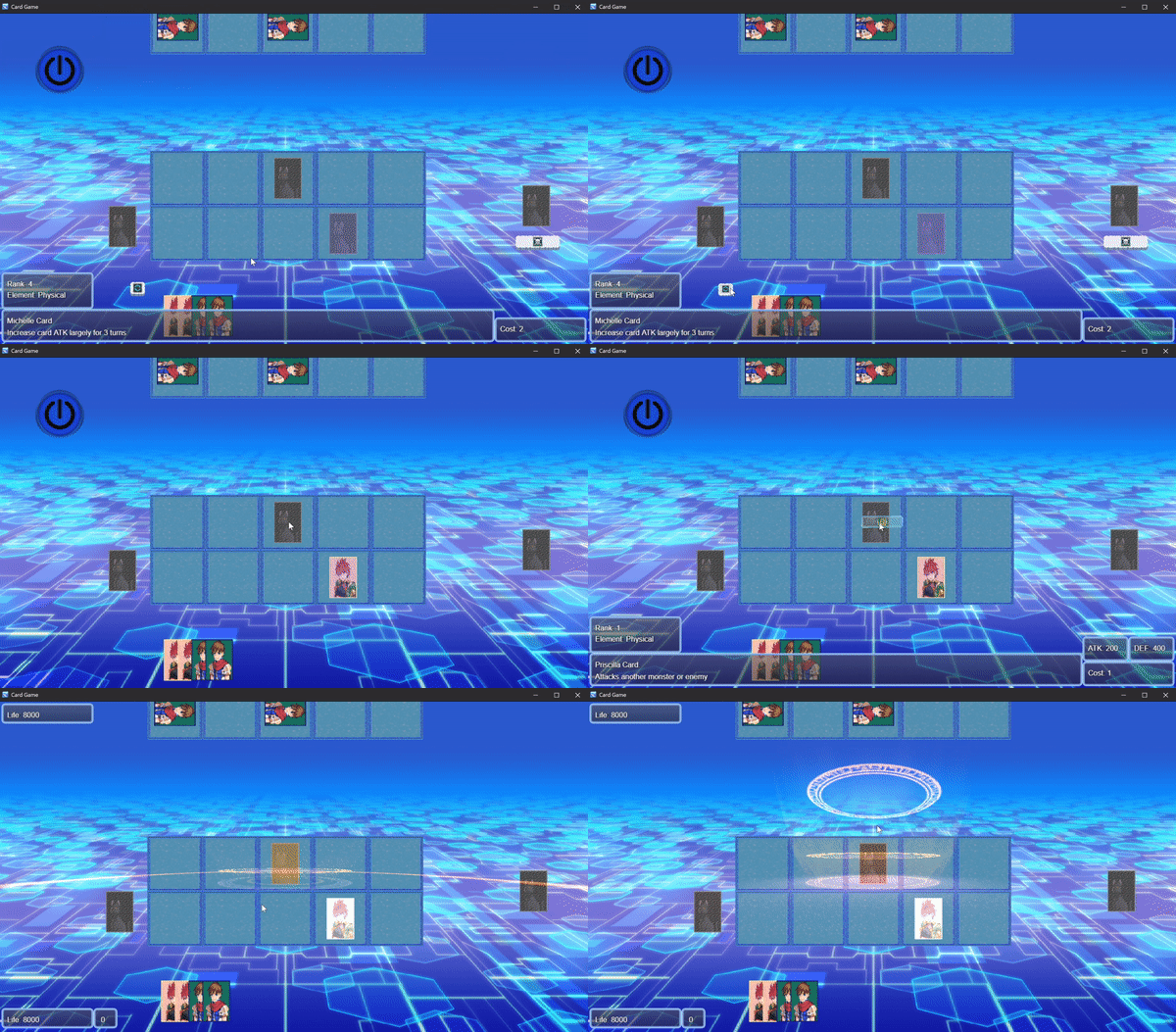
You can check out the playlist here ...
Create a card game with strategic elements.
Hello everyone! Guilherme (the Dev) here and I've just released a full video on how to get started with Cave Engine and make your very first game (even if you h...
1 file
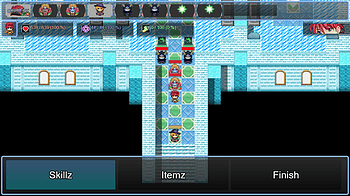
On the main page, a tutorial has been added to show how to copy the demo UI into your own project...

This is my first attempt to organize a collection of downloadable styles for Village Generator . It doesn't look great and I can't make the browser download fil...
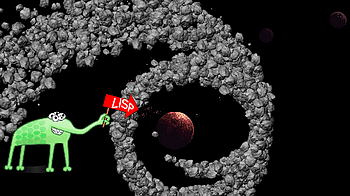
In this series of tutorials, we will delve into creating simple 2D games in Common Lisp. The result of the first part will be a development environment setup an...
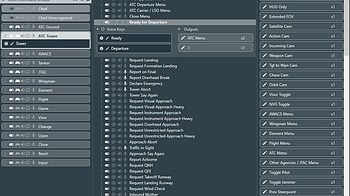
Plugin support provides a way to introduce and set variable values inside of FoxVox. External voice control can also be accomplished by following the steps in a...
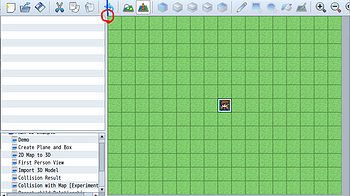
Ver. 0.3.4 よくある質問をまとめました。 これは青い画面を映すだけのクソプラグインですか? いいえ、もちろん違いま...
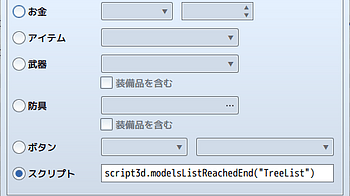
Ver. 0.3.4 モデルズリストとは? RPGツクールはその仕様上、動的にオブジェクト(イベント)を生成したり、それらを個...
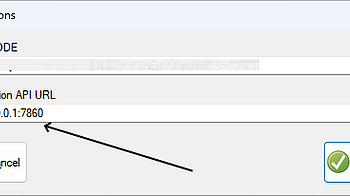
MR Visual TaleForge needs Stable Diffusion installed locally to work. You need to install some components to accomplish this : Python 3.10.6 => This is used to...
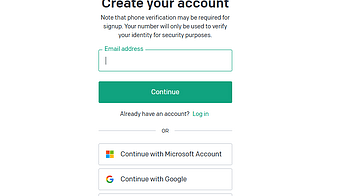
Go to https://platform.openai.com/ Click on Sign UP On the Dashboard you have to click on “Add PayMent Method” (You will have to pay every time you call the...

New to using this plugin? Or new to WordPress in general? Here's a handy guide for how to install and use this plugin on any WordPress website. Installing the P...
2 files
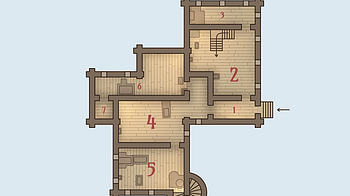
Enter - generate a new house Shift+Enter - reroll floors Ctrl+Enter - reroll rooms ↑ , ↓ (or ← , → ) - switch floors Space - display house name E - show...
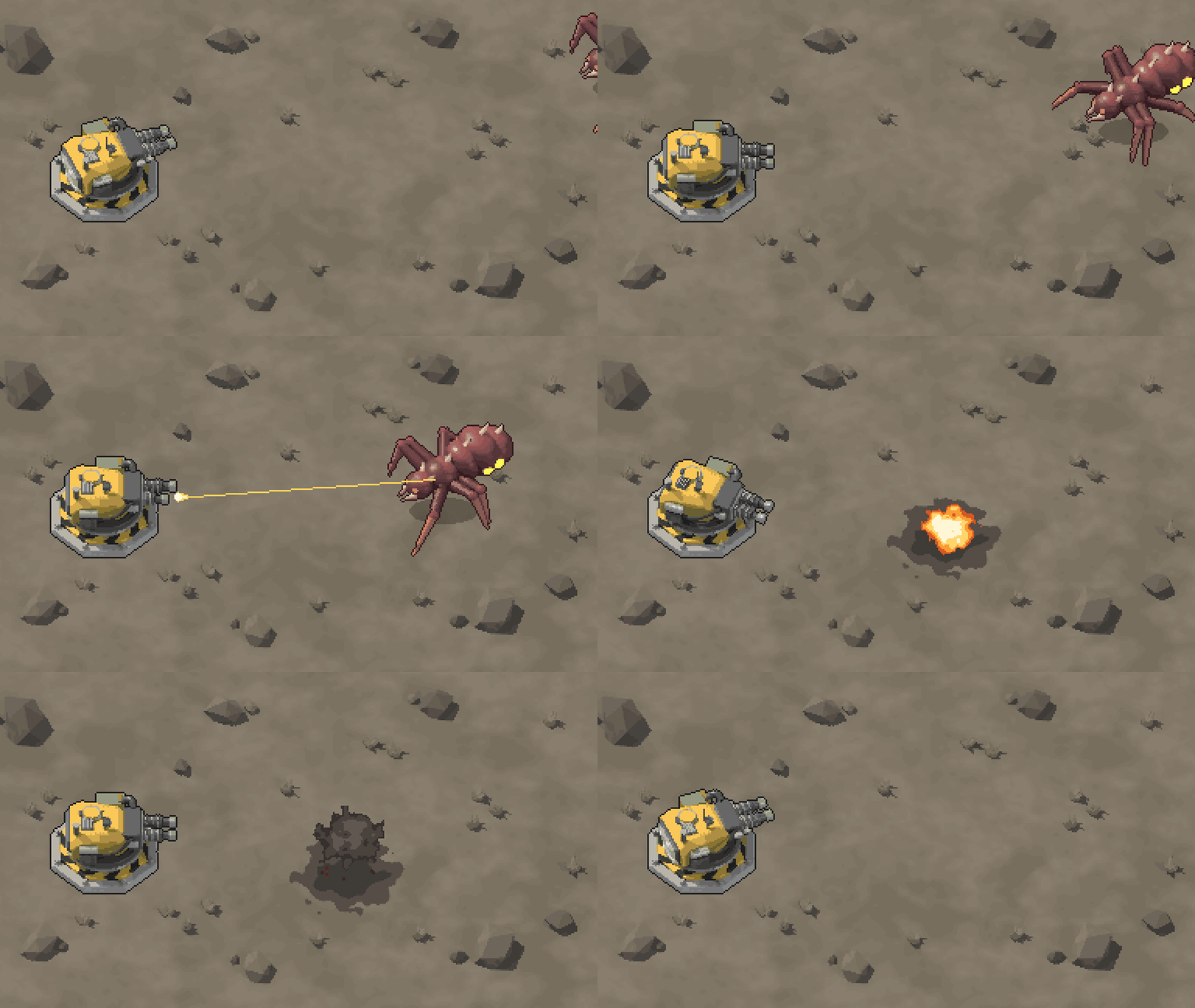
Ditherdragon FAQ and Usage Guide Hello there! This is your go-to guide for questions and answers around Ditherdragon. I’ll update this guide as Ditherdragon e...
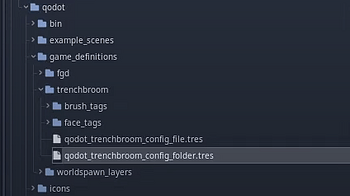
Best way to 3D level design in Godot? We are going to use 2 tools to make our levels in Godot: TrenchBroom + Qodot TrenchBroom (or TrenchBroom 2, or TB) is a fr...
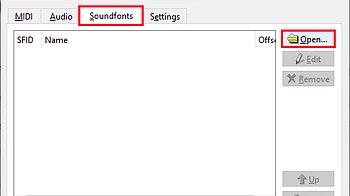
Note: Connecting to Qsynth requires a virtual MIDI port for Angel Beats and Qsynth to communicate. See this tutorial on how to create one. How to Connect Qsynth...
1 file
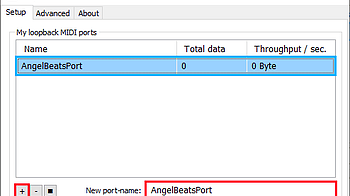
How to Create a Virtual MIDI Device using loopMIDI: 1. Download loopMIDI , then install and open it. 2. Once loopMIDI is open, enter a name for the new virtual...

OPERATIONS OF TREE FILE ● Tree Link To create a tree node, follow these steps: 1.Right-click on any node using your mouse. 2.Click on the plus (+) icon to ope...
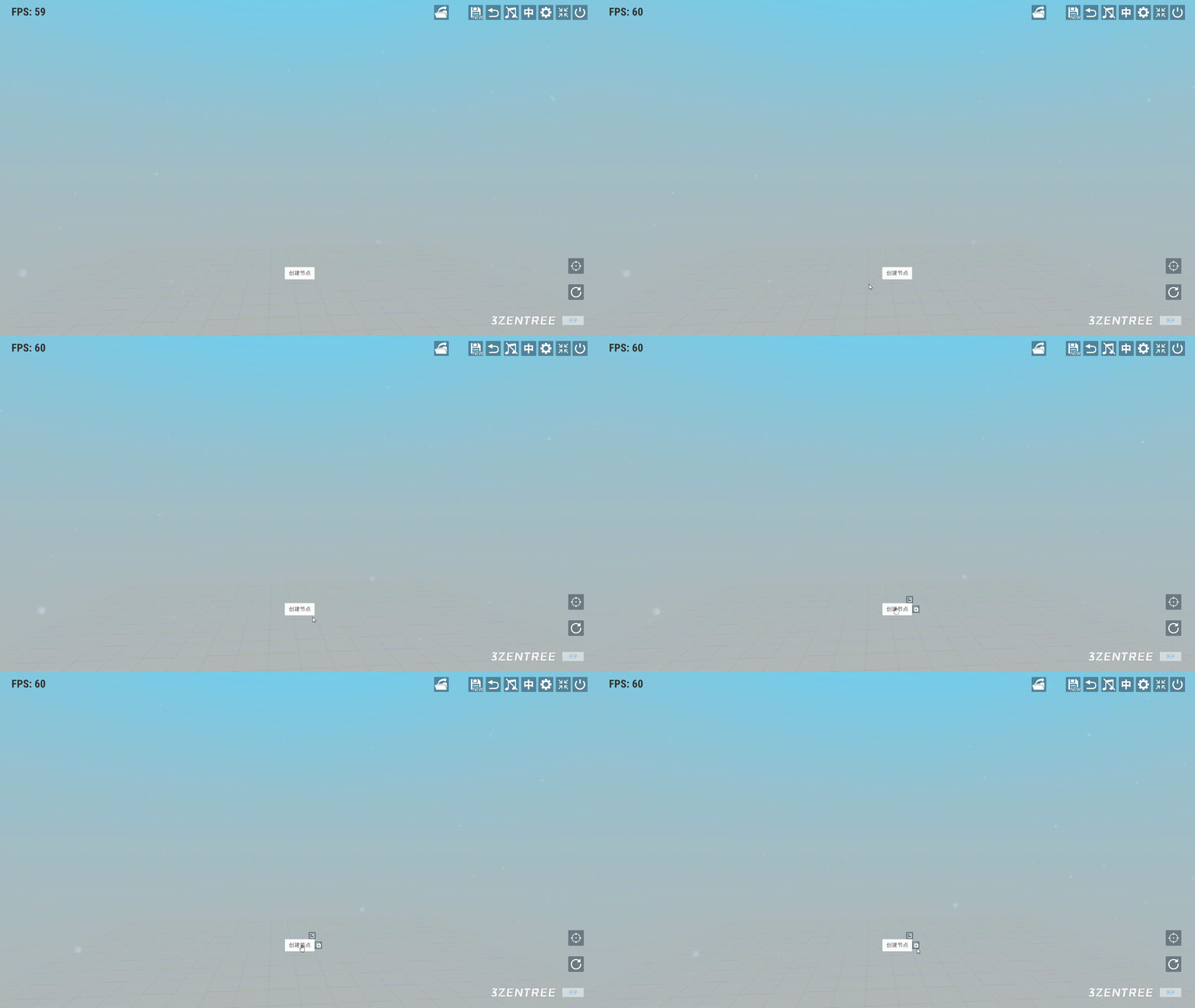
NODE CREATION Select any node and right-click to open the context menu, then click on the "+" icon. ● Text Node In the node selection box, choose the "Article...
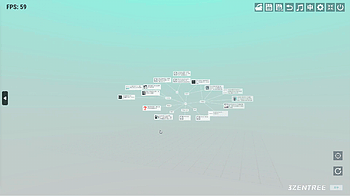
GLOBAL OPERATION ● The Rotation of Tree When continuously holding down the left mouse button and controlling horizontal left-right movements, the tree will ro...
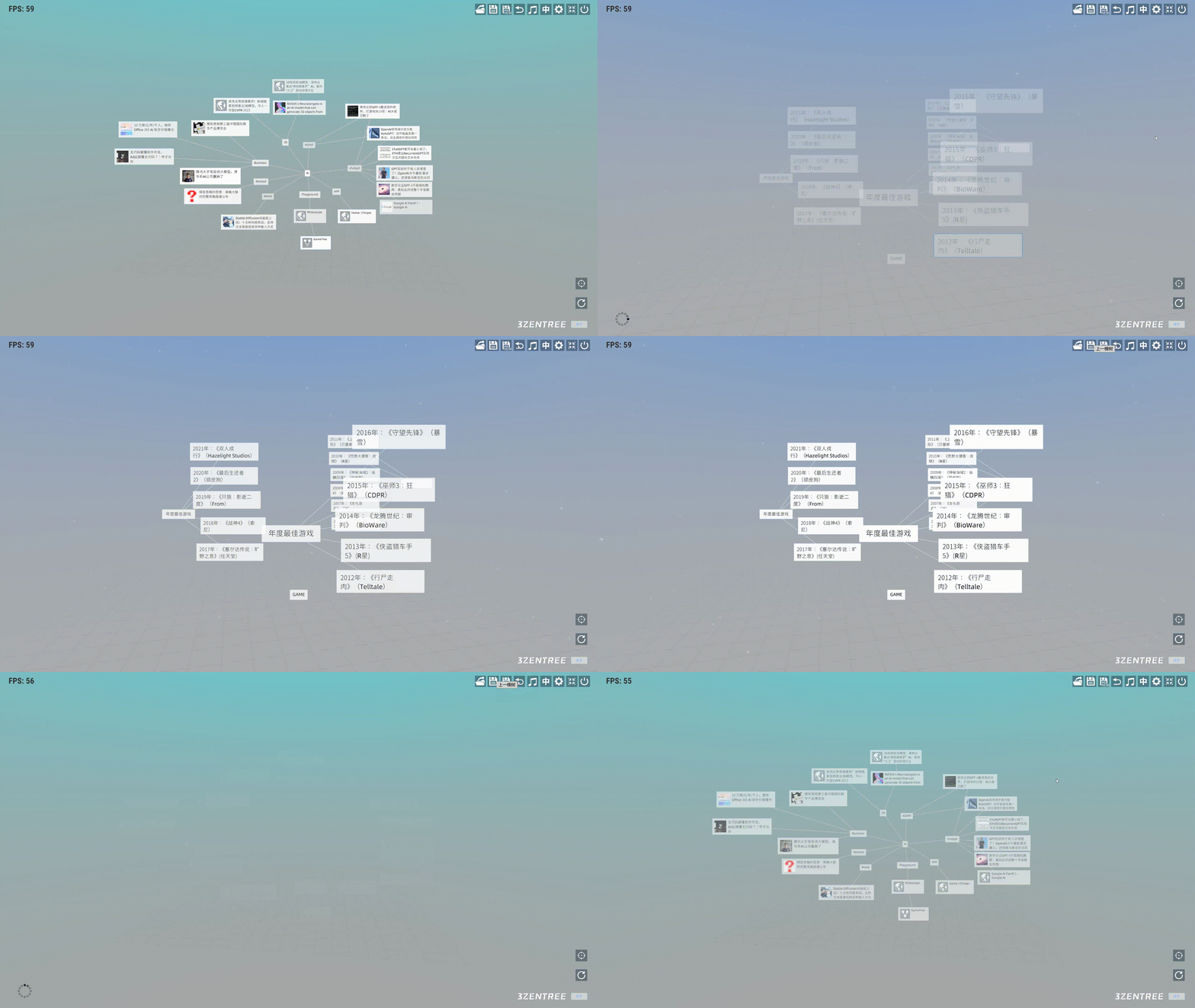
NAVIGATION BAR In the user interface, the navigation bar is located at the top right corner and includes several functions. From left to right, their functions...
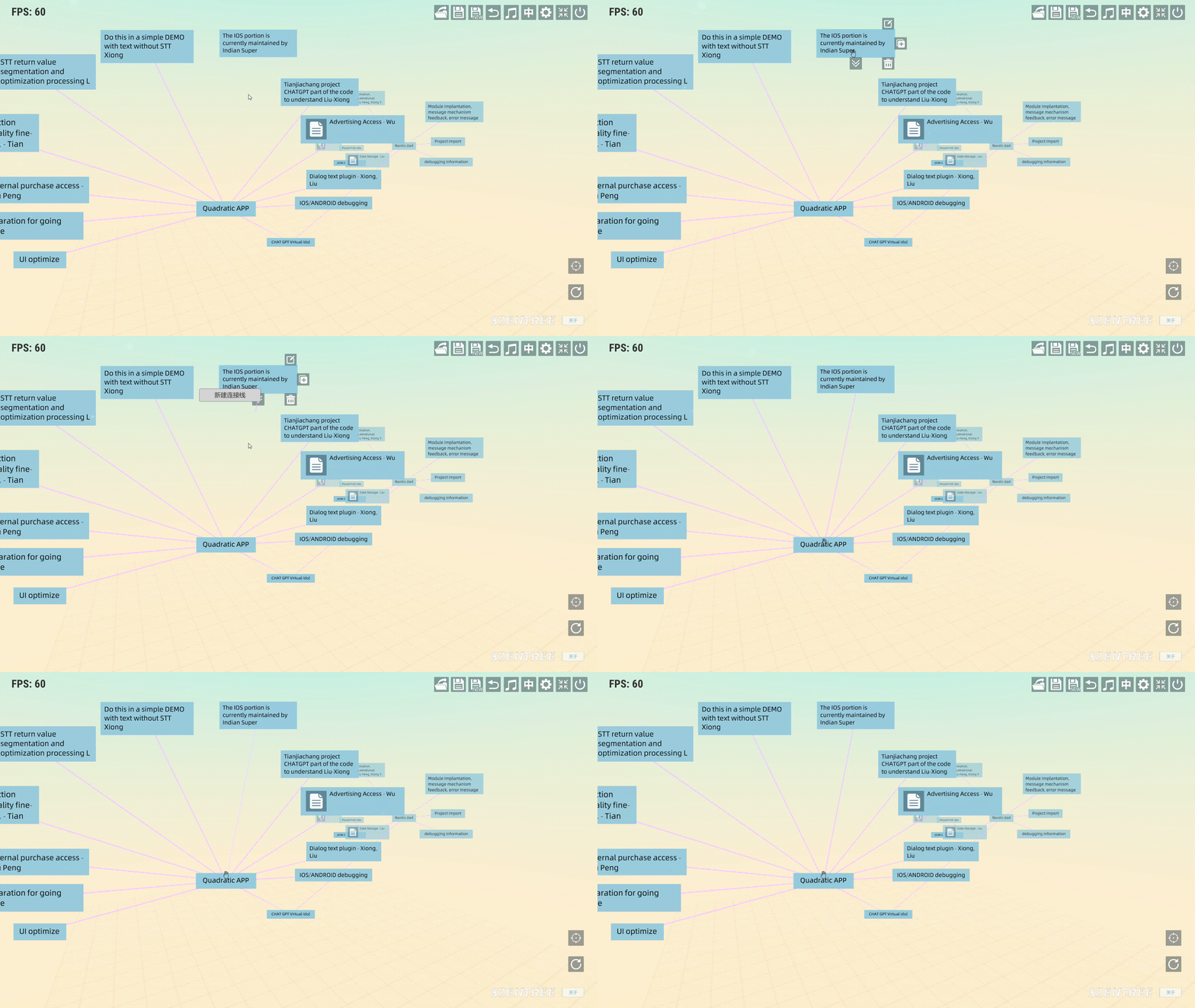
CONNECTION ● Establishing a connection between a child node and a parent node Click the right mouse button to open the submenu for this node. Then, click on t...

CONFIGURATION MENU ● Theme Select the desired UI theme in the configuration menu ● The Thickness of the Arrow Line Change the Thickness of an Arrow Line usi...
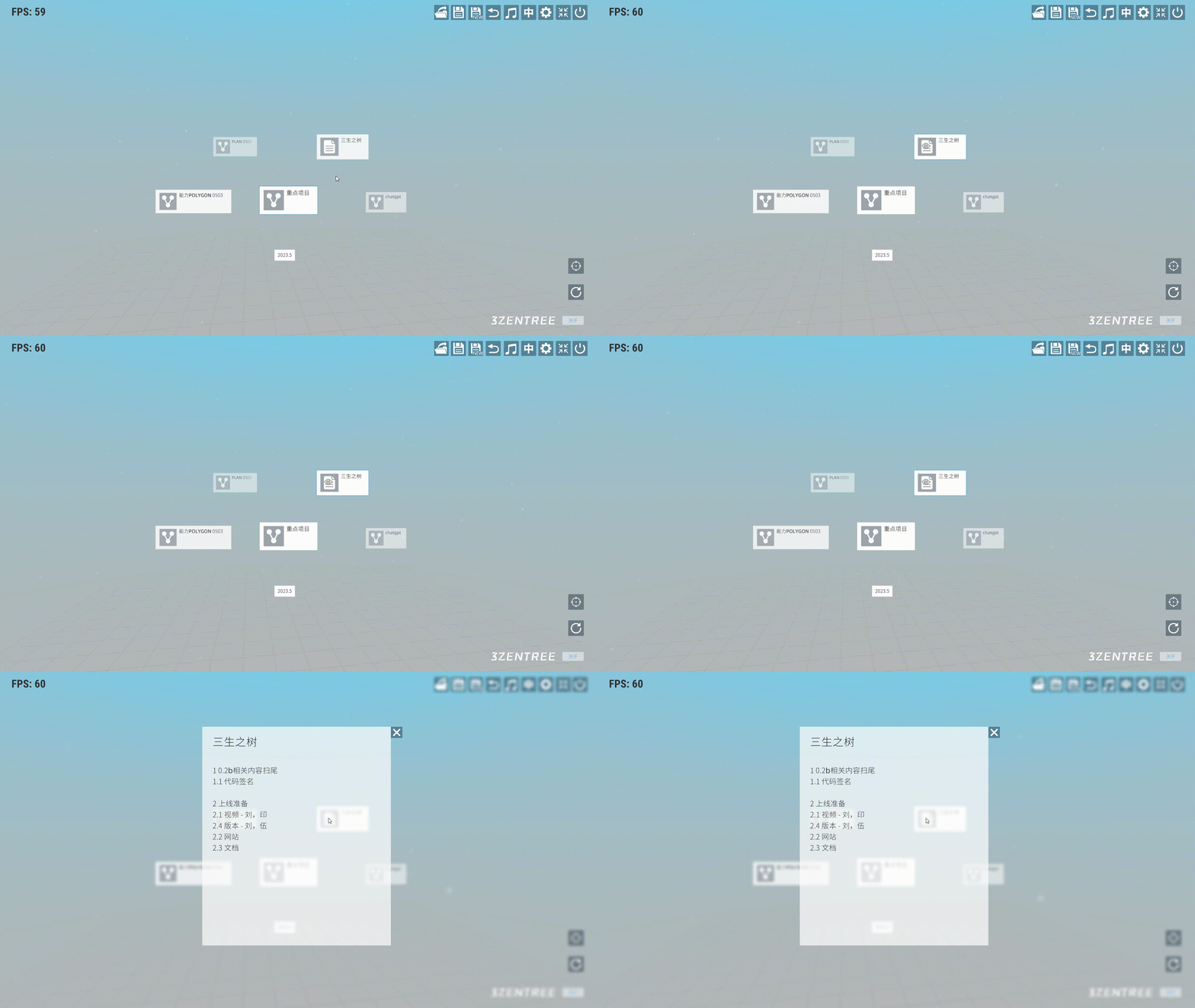
NODE INTERACTION Operation of right mouse button ● Clicking the submenu of the node After placing the mouse cursor on a node, the cursor will change from an a...
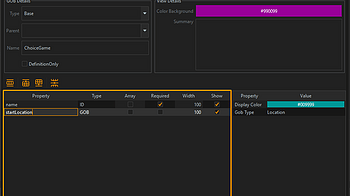
Infomancer Forge’s goals is to give any game developer an easy and informative place to design game data. So if you need monsters, dialog, cards, spells, loot...
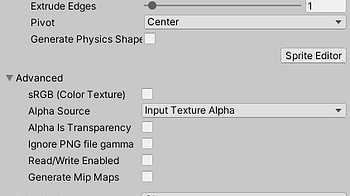
Hi Everyone, I've received a few questions about how to use the new drawing animations in Unity, so I want to get this tutorial out even though the Unity compan...
2 files
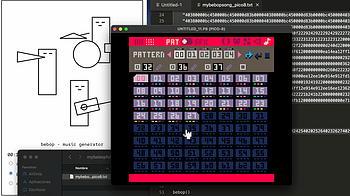
In this video you can see all the steps for saving a bebop song into your Pico-8 cartridge. The steps are really simple: Open bebop, Pico-8, and a text editor...
Hello! I'm Stumpy the Squirrel. Let's make a game with RPG in a Box! In this tutorial, we'll make our map a bit more interesting by creating a functional door t...
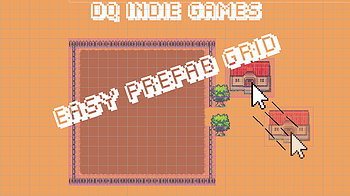
User Manual Summary EasyPrefabGrid is a user-friendly 2D prefab generation toolset that features visual grid drawing in Sceneview, prefab generation, and cursor...
1 file
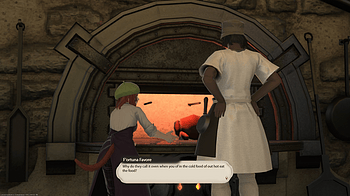
Here's a quick video guide on how to use FFXIV Dialogue Overlay Maker with Tiktok!...

If you want the dialogue marker to be animated for things like videos and GIFs, you can overlay this GIF over the marker on the exported dialogue box in your vi...
Loading more posts...